
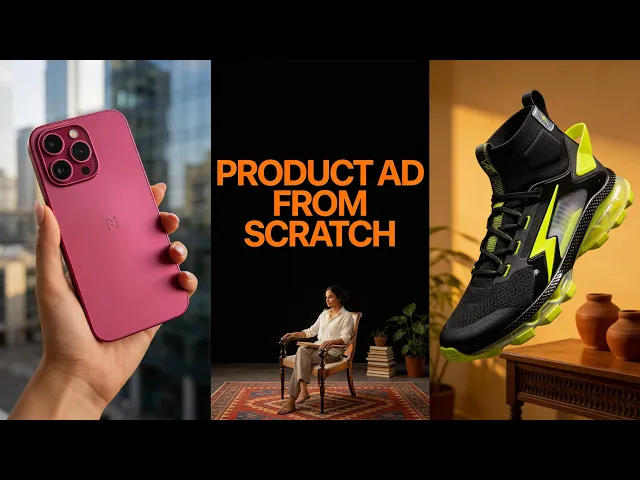
You promote your Atlabs affiliate link by posting short AI video clips and pointing viewers to your link the way each platform allows. On Pinterest you attach the link directly to a standard pin. On Instagram you send people to your bio link or hand it out through comments. This guide is the hands on version: how to make the clip, where exactly the link goes on each platform, and the comment for link trick that gets your posts shown to more people.
The 60 Second Setup: Get Your Link Free
Everything here runs on one link. The Atlabs affiliate program is free to join and pays 20% of monthly recurring revenue for every customer you refer, for as long as they stay subscribed. Apply through the affiliate portal, and once you are approved your dashboard hands you a personal link that tracks every signup. Copy it and keep it somewhere you can reach in a second, because the rest of this guide is about putting that link in front of the right people. For commission details and how payouts work, see our guide to the Atlabs affiliate program.
Make a Scroll Stopping Clip Without Animation Skills
A link only earns when a clip makes someone stop scrolling, and you can build that clip in a few minutes without filming or animating anything. Open the Atlabs app, pick a workflow like Music Video or Story to AI Video, add a song, a script, an image, or a plain idea, set the aspect ratio to 9:16 so it fits Pinterest, Reels, and Stories, choose a visual style, then generate and download.
For social, the first second decides everything. Lead with your most striking shot, keep the clip between five and fifteen seconds so it loops, and add a short text overlay that names the payoff, such as made with AI, no camera. A looping clip with a clear hook is what buys the click that follows it.
How to Add Your Affiliate Link to a Pinterest Pin Step-by-Step
Pinterest is the best home for an affiliate link, because a standard pin carries a clickable destination link that keeps working for months, and people search Pinterest while they are still deciding what to try. Here is how to link a pin to your Atlabs URL.
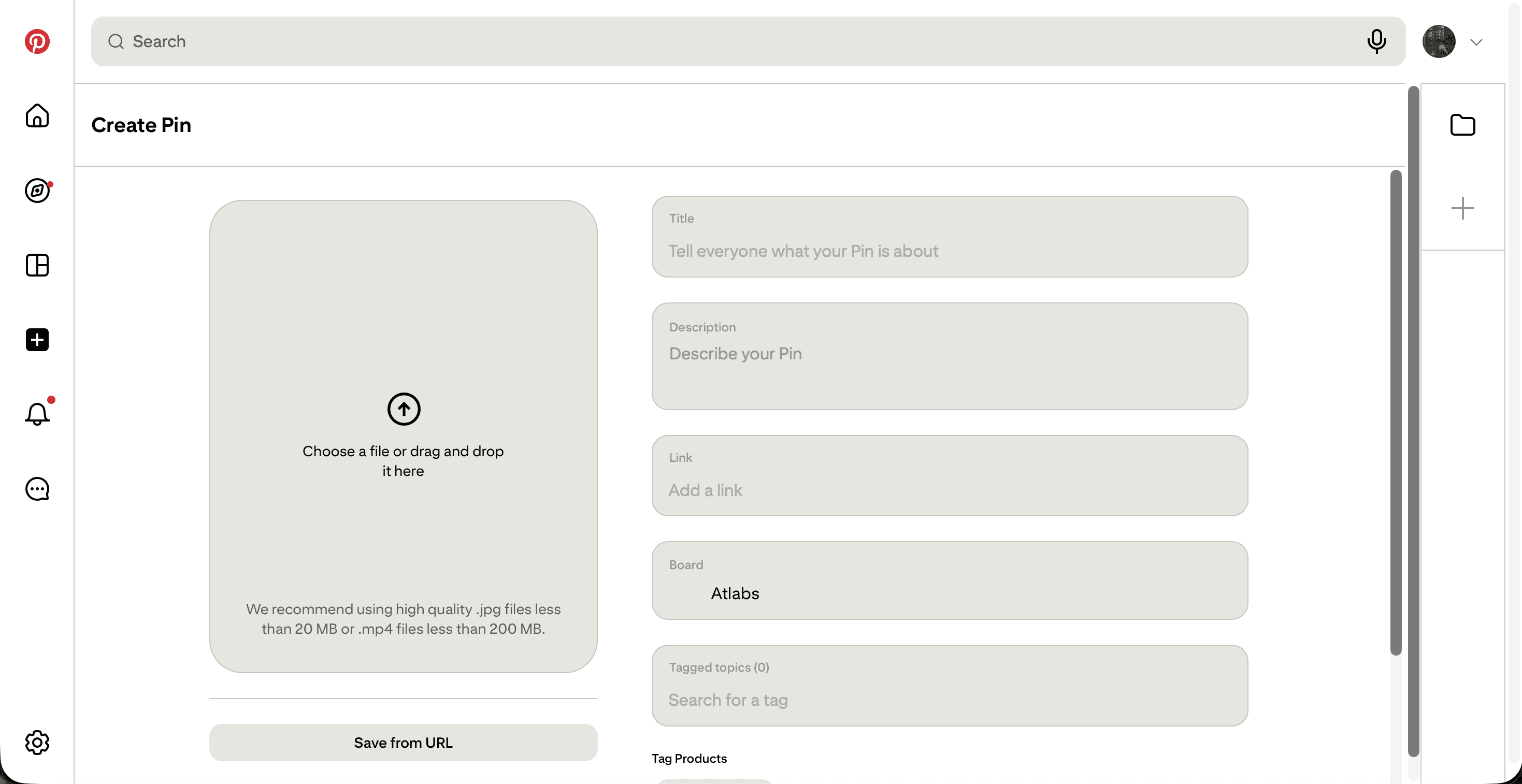
Click Create, choose Create Pin, and upload your Atlabs clip or a clean thumbnail as the pin media.
Write a title that matches what people search, for example make an AI music video from a song.
Paste your affiliate link into the Add a destination link field, which is what makes the pin clickable through to Atlabs.
Write a description filled with the words your audience types, and add a line telling them the link is on the pin.
Choose a board that fits the topic, or create one like AI Video Tools, then click Publish.
Two habits multiply the results. Post several pins for the same clip with different titles and descriptions so more searches can reach it, and spread them across boards by theme instead of dumping them in one place. Fresh pins on a steady schedule get shown more often, so a daily trickle beats one big batch. Because every pin keeps its own link, one afternoon of pinning can send clicks long after you close the tab.
How to Post Atlabs Clips on Instagram in 10 Minutes
Instagram gives you reach through Reels but blocks clickable links inside captions, so the plan is to post the clip, then send people to a link they can actually tap. Here is the fast version.
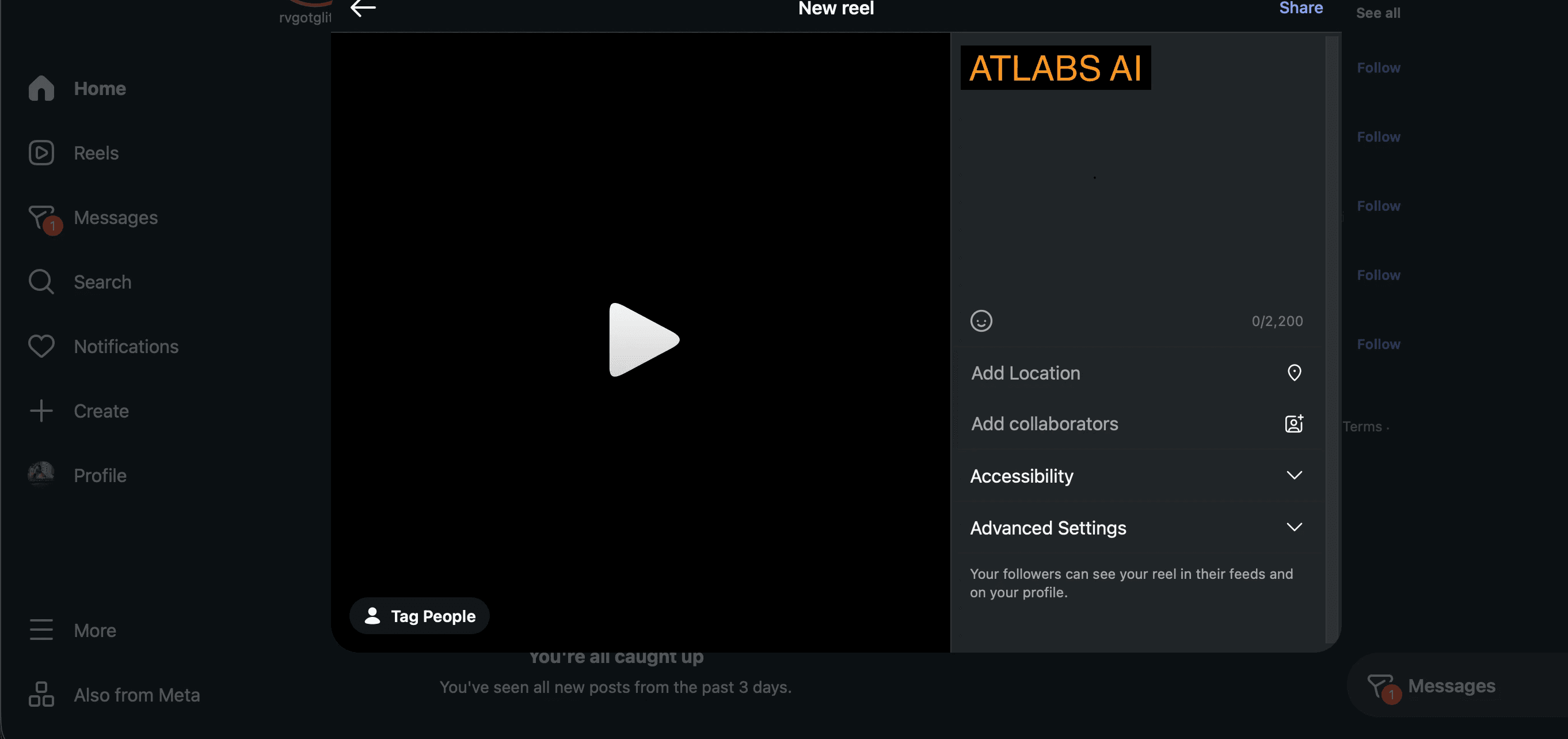
Tap to create a new Reel and upload the vertical clip you made in Atlabs.
Write a caption that hooks in the first line and ends with one clear instruction.
Put your Atlabs affiliate link in your bio, since the bio link is tappable, and use a free link in bio page if you want to list more than one.
Add a link sticker to a Story so followers can swipe straight to Atlabs.
Post the Reel, then pin your own comment repeating where to get the link.
Your caption has one job, which is to point people to the tappable link, so write tap the link in my bio or comment for the link and stop there. Keep a highlight on your profile that shows your best Atlabs clips, because a visitor who likes one Reel often checks your profile before deciding to click.
The Comment for Link Trick: A Beginner Guide to More Reach
The comment for link trick turns a platform that hides links into one that spreads them. Instead of asking people to hunt for your bio, you ask them to comment a single word, then you deliver the link to each of them.
Post the clip with a caption that says comment a word like LINK to get it.
Reply to each comment with your affiliate link, or send it by direct message.
Pin your own comment with the link so people who arrive later still find it.
The bonus is reach. Every comment tells the platform your clip is worth showing to more people, so a clip that invites comments usually travels further than one that does not. On a busy post, a direct message tool can send the link automatically, which saves you from replying by hand while the comments climb.
Avoid These Mistakes: An Ultimate Guide to More Clicks
A few quiet habits drain your clicks. Posting an Idea Pin instead of a standard pin removes the clickable link, so use a standard pin for anything you want people to click through. Dropping a raw affiliate link into an Instagram caption wastes the space, since it will not be tappable. Burying the call to action at the bottom of a long caption loses readers who never scroll that far, so put the instruction up top. Posting a pin once and moving on leaves reach on the table, while a steady schedule keeps you visible. And skipping the affiliate disclosure puts your account at risk, because platforms and regulators both require it. Fix these five, and the same clips start earning more.
Watch the Atlabs Tutorial to Start Free
If you would rather watch the whole process on screen, the video tutorial walks through grabbing your link, making a clip, and posting it on Pinterest and Instagram with the link in the right place. Watch it once, then follow along with your own account.
Pinterest and Instagram Affiliate FAQ, Answered Step-by-Step
Can I put my affiliate link directly on a Pinterest pin?
Yes. Use a standard image or video pin and paste your link into the Add a destination link field. That makes the pin clickable straight through to Atlabs, and it keeps sending clicks for months. Idea Pins do not carry an outbound link, so avoid them for this.
Why will my link not work inside an Instagram caption?
Instagram captions are not clickable, so a link there is just plain text. Put the link in your bio and tell people to tap the link in bio, add a link sticker to a Story, or use the comment for link trick and reply to commenters with the link.
Do I need editing or animation skills to make the clips?
No. Atlabs generates the video for you from a prompt, song, script, or image. You pick a visual style and a 9:16 aspect ratio, then download a finished vertical clip you can post right away.
How many pins or Reels should I post?
Consistency beats volume. A few pins per clip with different keyword titles, posted on a steady schedule, will out earn one big batch dropped all at once. On Instagram, a few strong Reels a week keeps your profile active and your bio link in front of new viewers.
Do I need to disclose that it is an affiliate link?
Yes. Platforms and regulators such as the FTC require a clear disclosure. Add a short line like contains affiliate link to your pin description or Instagram caption. It costs you nothing and protects the account you are building on.
Post Your First Clip Free Today
Promoting your Atlabs link comes down to a simple loop. Make a short clip that stops the scroll, put it where people can click, whether that is a linked Pinterest pin, your Instagram bio, or a reply in the comments, then repeat with a fresh clip. The same loop works on TikTok, YouTube Shorts, and anywhere else you have attention. Do it once to learn the steps, then keep going, because every clip you post is one more link working for you, earning 20% recurring for life on the signups that stick.








