
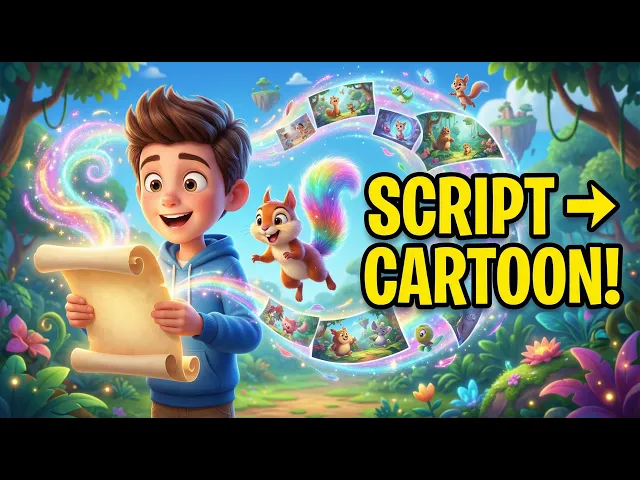
Kids absorb numbers fastest when they see them brought to life through bright characters, repetition, and short animated stories. Producing that kind of content by hand means hiring an animator, booking a voiceover artist, and waiting weeks for delivery. Atlabs compresses the entire production into three steps inside the Animated Video workflow. A parent running a kids YouTube channel, a nursery teacher building classroom resources, or a toddler content creator building a series can go from a blank script to a fully narrated, animated number learning video in under 15 minutes, with no animation software, no recording studio, and no design background required.
What you will need
An Atlabs account, a short script describing the number concept you want to teach (counting 1 to 5, number shapes, quantity matching), and 10 to 15 minutes. The Animated Video workflow handles scene generation, character design, narration, and video rendering inside one continuous pipeline. You choose the aesthetic and the concept; Atlabs builds the animated output. Ideal script length for a toddler number learning clip is 60 to 90 words, which produces a video of 30 to 45 seconds: the sweet spot for preschool audience retention on YouTube Shorts and Instagram Reels.
Watch the full video on YouTube
Step-by-step: making a number learning video with Atlabs
Step 1: Open the Script step and write your number learning content
Open the Animated Video workflow from the Atlabs dashboard. The progress bar at the top reads SCRIPT. Two tabs appear: Add your script and Add your screenplay. For number learning content, choose Add your script and write directly in the editor. Keep the script short and repetitive. Number learning videos for toddlers perform best when each number gets one short sentence tied to a character action. One yellow lion roars at the sun. Two blue elephants splash in the river. Three green frogs leap from a log. That structure gives the AI a clear pattern to animate and gives young viewers a clear visual anchor for each number.
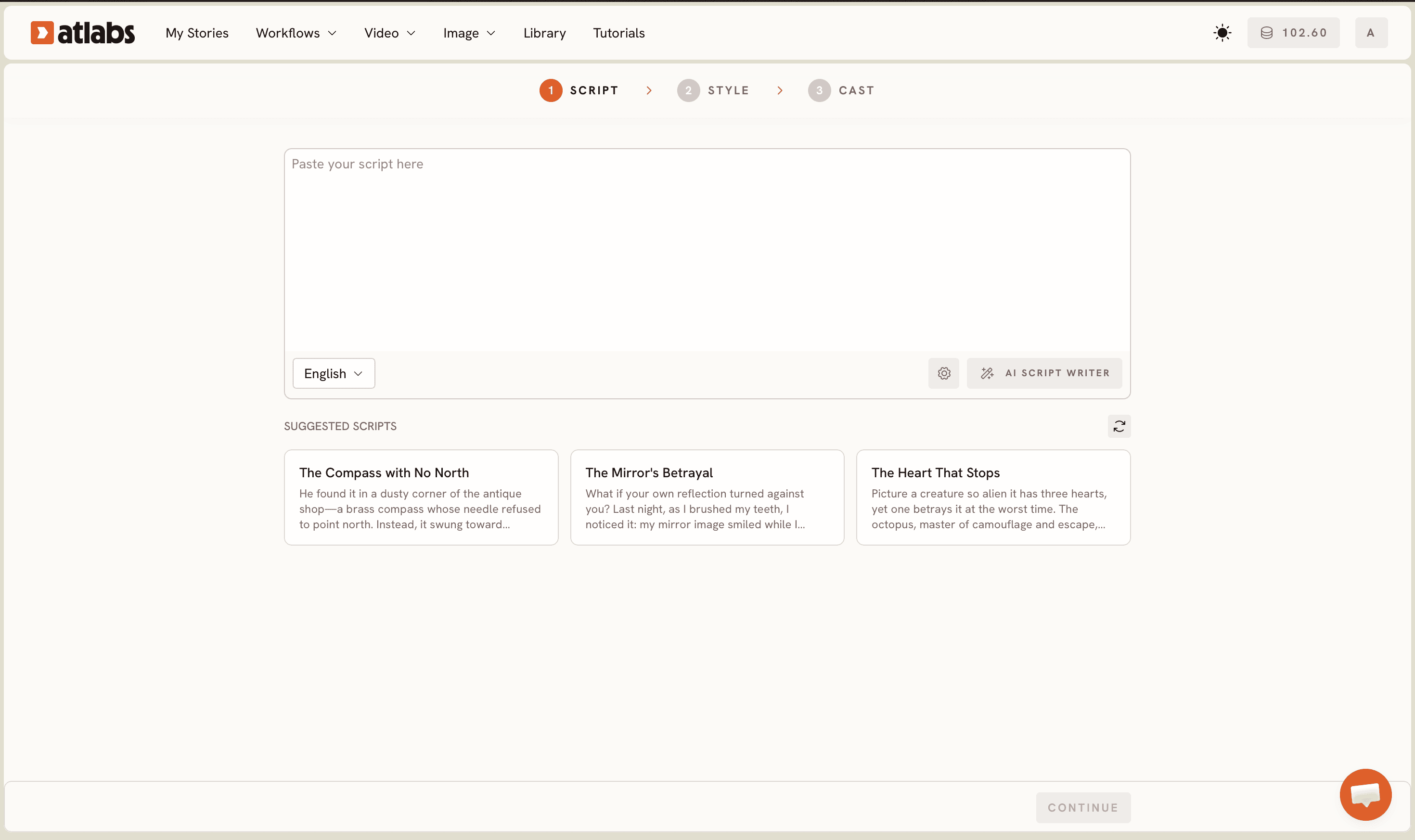
If you have no starting point, click the AI Script Writer button at the bottom right of the editor. Type your number concept into the prompt field: for example, write a 60-word counting script for toddlers, numbers 1 to 5, using jungle animals. The AI Script Writer generates a structured script you can edit directly before moving on. At the bottom left of the screen, the Language selector defaults to English. Atlabs supports multiple languages, so if your number learning channel targets a regional audience in Hindi, Spanish, or another language, switch the language setting before generating.
Step 2: Set Style for your number learning video
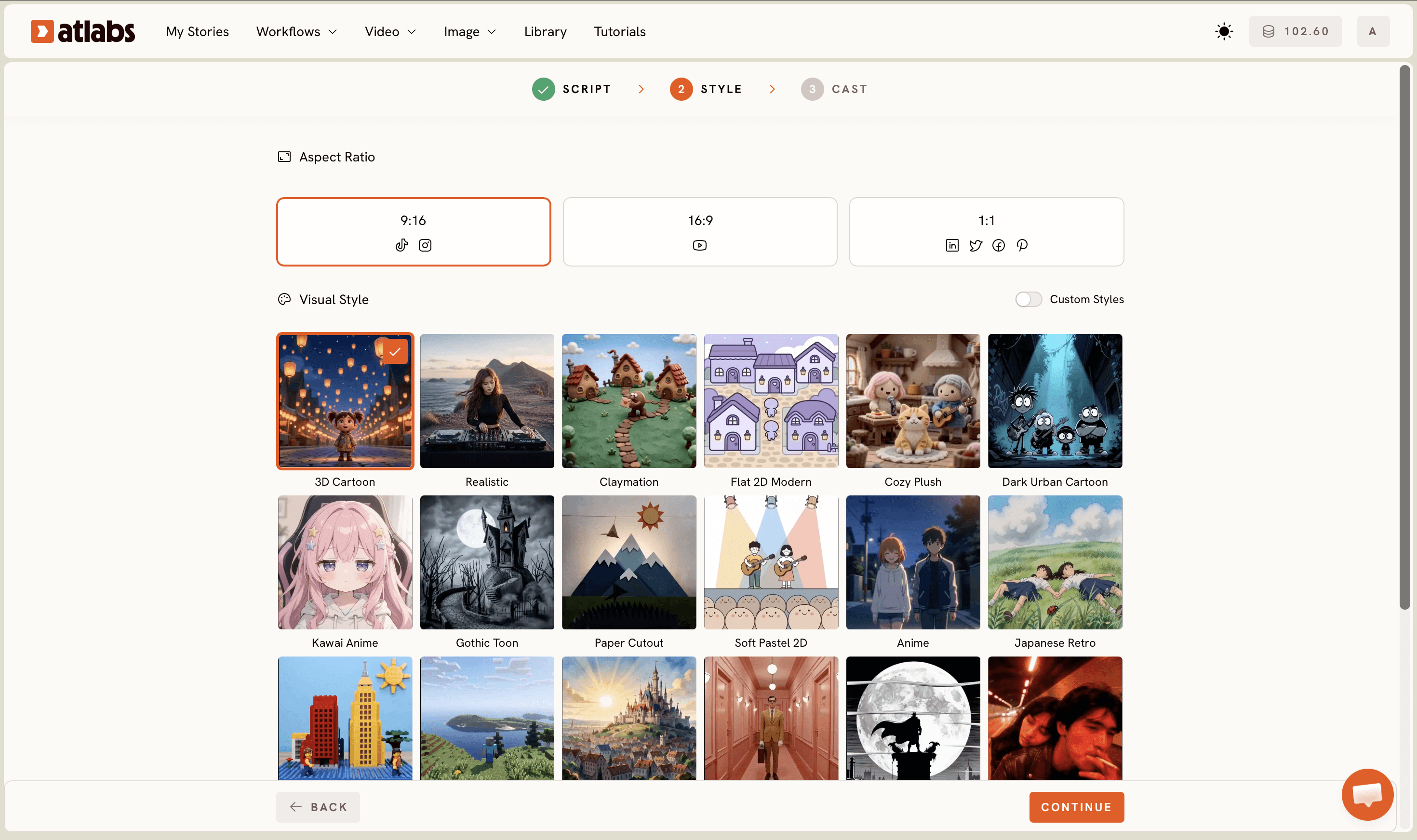
Click NEXT. The Set Style screen opens with three choices that determine how your number learning video looks and where it will live. Under Aspect Ratio, choose 9:16 for YouTube Shorts, Instagram Reels, or TikTok, where most short-form kids educational content reaches the highest audience for new channels. Choose 16:9 if the video is for a full-length YouTube upload or a classroom projector screen. Under Video Style, select AI Video, the recommended option. AI Video generates unique animated scenes for each moment in the script rather than applying motion effects to static images. Under Visual Style, open the library and select 3D Cartoon. For number learning content targeting toddlers and early learners, 3D Cartoon produces bright, rounded characters and soft environments that match the aesthetic parents expect from kids educational content. Cozy Plush is a strong second choice if the channel has a softer, toy-adjacent brand identity.
Step 3: Cast your characters and narrator
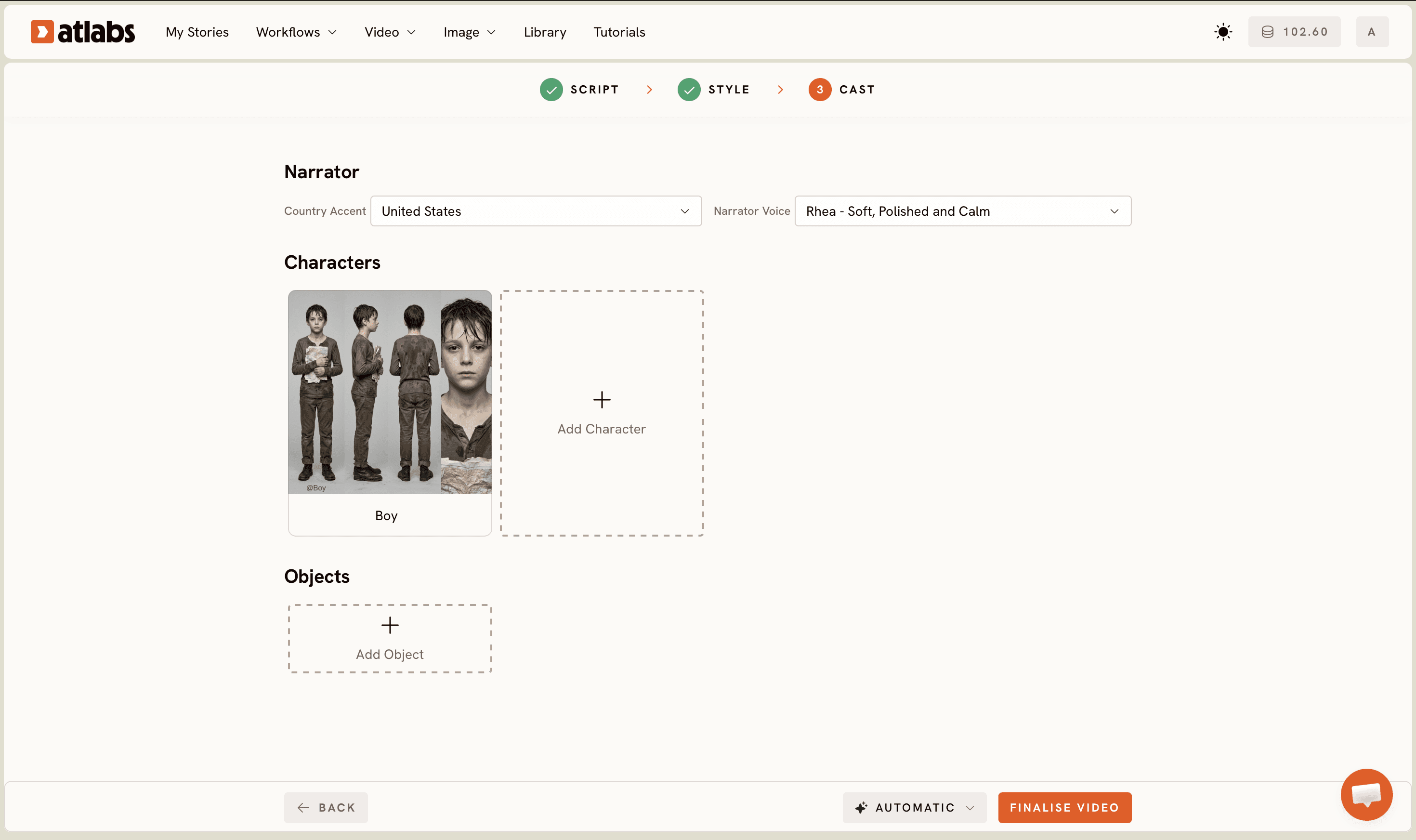
Click NEXT. The Cast screen opens with two sections: Narrator at the top and Characters below. In the Narrator section, open the Country Accent dropdown and select the accent that fits your audience. Open the Narrator Voice dropdown and pick a voice. For number learning content for young children, choose a narrator voice that sounds warm, clear, and friendly. Preview each option before committing. In the Characters section, Atlabs generates character cards based on the script. Each card shows a reference sheet with multiple angles and a portrait view. Click any empty slot to Add Character and open the character editor if you want to adjust a character's appearance. For number learning content, characters work best when they are bright, distinct, and tied to the number in the script: one lion, two elephants, three frogs. Scroll down to the Objects section to add number props if the script calls for them, such as number blocks or counting beads. Click Generate. Atlabs renders the full animated number learning video and delivers it inside the platform for download and publishing.
Tips for better number learning videos
Three choices inside the workflow have a disproportionate effect on the quality of number learning videos for kids. Keep scripts under 100 words. A 30 to 45 second clip covering five numbers outperforms a 3-minute video for toddler audience retention on YouTube Shorts and Instagram Reels. Use character names in the script. When the script names a character specifically, Leo the Lion holds up one paw, the Cast step generates a more consistent character design across the entire video and across future episodes in the series. Match the visual style to the publishing platform. If the channel is YouTube Shorts-first, 9:16 with 3D Cartoon produces the clearest results on mobile screens. If the content is for classroom use on a projector or display board, 16:9 with Cozy Plush works well with lower screen brightness and wider viewing angles.
Example scripts to try
These two script examples can be pasted directly into the Script step as starting points. Each is under 90 words and follows the one-number, one-character-action structure that produces clear, consistent animated scenes.
One red ladybug lands on a green leaf. Two yellow ducks swim in a shimmering pond. Three orange tigers stretch in the afternoon sun. Four purple butterflies land on a bright flower. Five white rabbits hop across the soft green grass. Each number glows on screen as the narrator counts aloud.
Try this in Atlabs Animated Video
A curious young owl named Pip discovers number shapes in a forest clearing. Pip traces the number 1 on a tall tree trunk. Then the number 2 on a winding river. Then the number 3 on three rounded stones. Pip counts each shape aloud and claps as the number glows bright on the screen.
Try this in Atlabs Animated Video
FAQ
Do I need animation skills to make number learning videos for kids with AI?
No animation skills are required. The Animated Video workflow in Atlabs handles scene generation, character design, and narration automatically. You provide the script and style choices; the platform produces the animated output. Most number learning videos are ready to download in 10 to 15 minutes.
What video format works best for number learning content on YouTube?
YouTube Shorts and Instagram Reels perform best in 9:16 aspect ratio for new kids content channels, since short-form vertical content reaches the widest audience for educational material. For traditional YouTube uploads or classroom projector use, 16:9 is the right choice. Both formats are selectable in the Set Style step of the Animated Video workflow.
How long does it take to make a number learning video for kids with Atlabs?
Most number learning videos take 10 to 15 minutes from opening the Script step to downloading the finished video. Scripts under 100 words render faster than longer ones. A five-number clip in 3D Cartoon style at 9:16 is typically the fastest to generate.
Can I build a series of number learning videos with consistent characters?
Yes. The Cast step generates character reference sheets for each named character in the script. Using the same character name across multiple episodes, for example Leo the Lion across videos covering numbers 1 to 5 and then 6 to 10, helps Atlabs maintain a consistent visual identity throughout the series.
Get started
The Animated Video workflow in Atlabs gives kids content creators a complete path from script to animated number learning video, with no animation skills, no studio, and no waiting on a production team. Start your first number learning video at Open Atlabs








