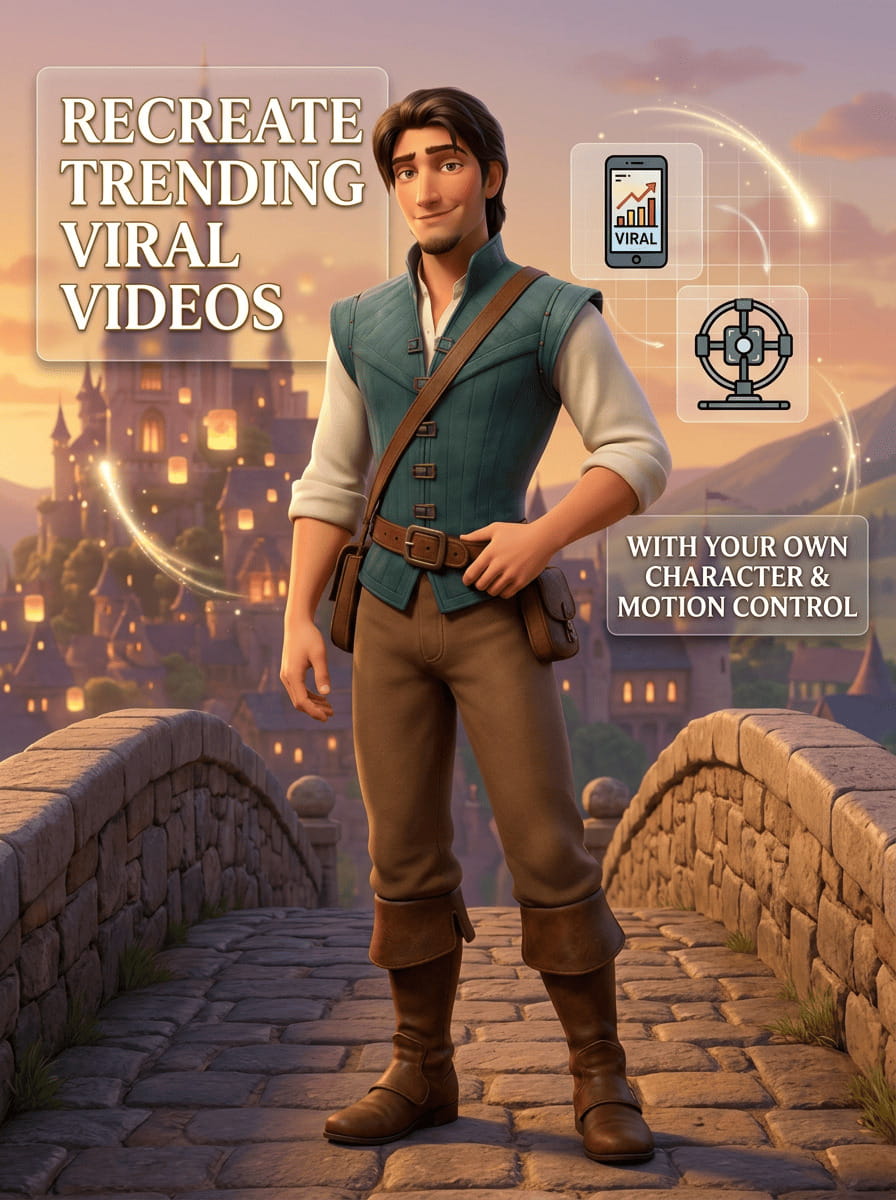
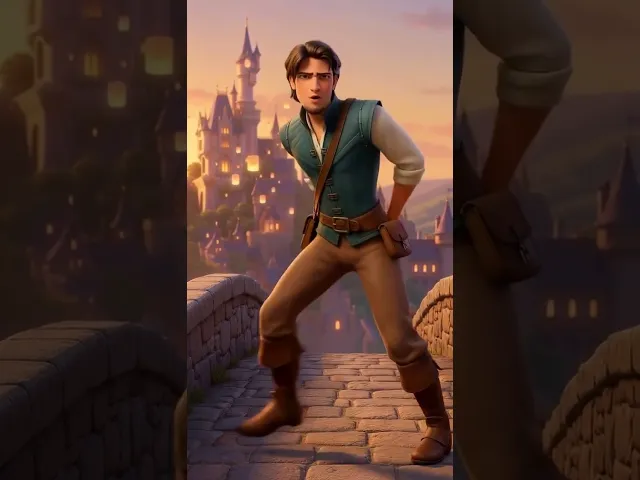
Motion Control is an AI technique that maps the movement from a reference video onto another character or image.
Instead of describing motion with prompts, the AI learns directly from the source video.
The system usually works with two inputs:
Character Reference
The image or character you want to animate.Motion Reference Video
The clip containing the movement (dance, walk, acting, etc.).
The AI analyzes body movement, gestures, and expressions, then applies them to the new character to generate a realistic animation.
How Atlabs AI Motion Control Works
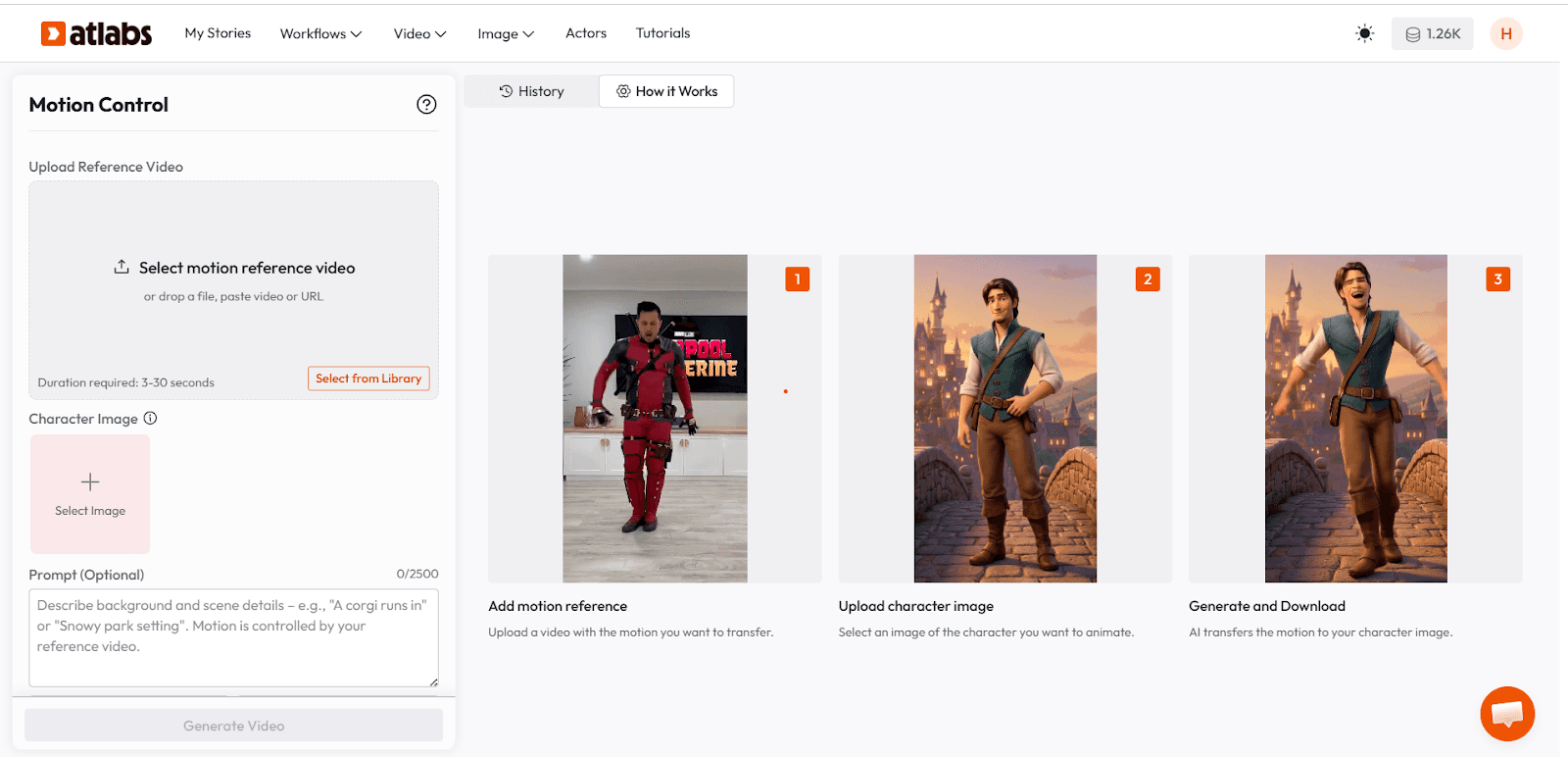
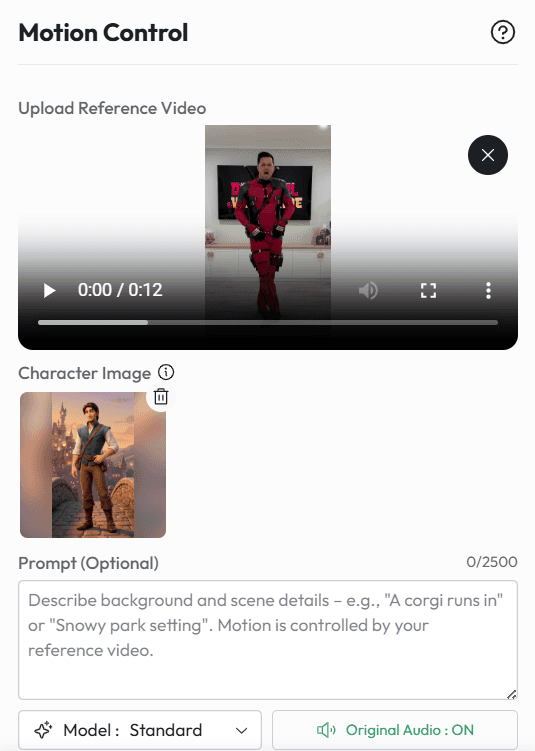
Atlabs simplifies this workflow through its Motion Control feature inside the dashboard.
Creators can open the Motion Control tab and generate videos by combining a character image with a motion reference.
Typical workflow:
Upload your character image
Upload a reference motion video
Adjust style or camera settings
Generate the final AI video
The AI then recreates the same motion with your character.
Step-by-Step: Recreating a Viral Video
Step 1: Find a Viral Reference Clip
Start with a short viral clip such as:
trending TikTok dance
cinematic walk shot
meme reaction
aesthetic slow-motion scene
This clip becomes your motion reference.
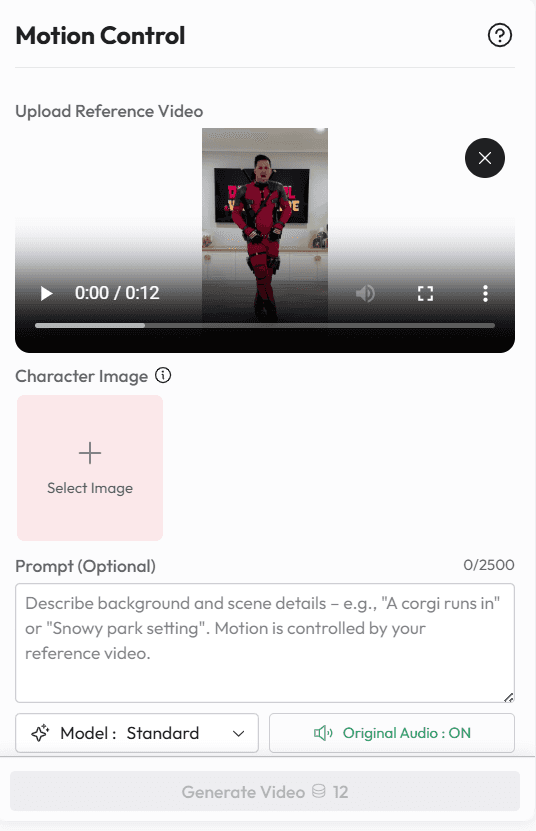
Step 2: Create or Upload Your Character
Instead of the original person in the viral video, you can use:
a mascot
anime character
3D avatar
AI influencer
brand character
Upload this as the character reference.
Step 3: Customize the Scene
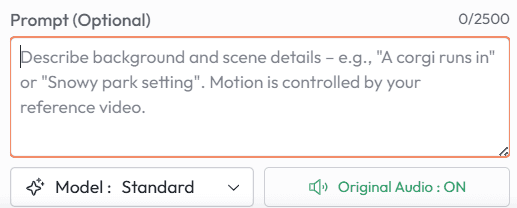
After motion is applied, you can change the entire visual style:
Examples:
anime
cinematic film
3D animation
cartoon
fantasy world
This lets creators turn the same viral motion into completely different content.
Step 4: Export the Video for Social Media
Once generated, export the clip for platforms like:
TikTok
Instagram Reels
YouTube Shorts
Because the motion comes from an already viral format, these videos often perform well.
Creative Use Cases
Recreate Viral Dances
Got a trending TikTok dance stuck in your head? Instead of recording it yourself, you can animate your own character doing it. Think mascots, anime characters, or even a random potato mascot hitting the latest dance trend.
Meme Recreation
Take a viral meme clip and swap the original character with your own. Same movement, same vibe, but now it’s your character reacting, dancing, or doing something chaotic.
AI Influencers
If you’re building a virtual influencer, motion control makes it easy to keep up with trends. Your AI character can jump on viral challenges, reactions, or aesthetic shots without you needing to film anything.
Brand Marketing
Brands can also have fun with this. Instead of people doing trends, imagine a brand mascot recreating viral moments. It’s a simple way to join trends while keeping the brand identity intact.








