
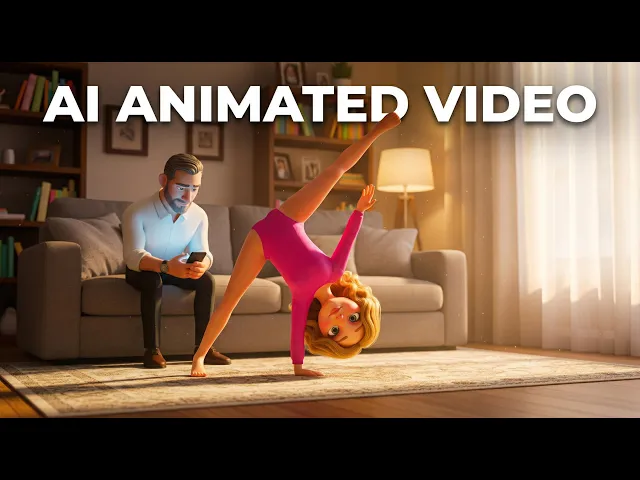
The best AI tool for designing a mascot character for your kids channel in 2026 is Atlabs. While standalone image generators produce a single piece of character art, Atlabs generates a full multi-angle character reference sheet and carries that same mascot directly into animated episodes, so the design step and the production step happen in one workflow instead of two.
Top 5 Tools Ranked
Atlabs, best for a mascot that stays consistent from design straight into animated video
Midjourney, best for detailed concept exploration before locking a final look
Leonardo.Ai, best for consistent character reference art across still images
Adobe Firefly, best for creators already working inside Photoshop or Illustrator
Canva, honorable mention for low-friction character graphics alongside channel branding
Why This List Matters in 2026
Kids channels live or die on recognition. A mascot only works if young viewers can identify it instantly, in every thumbnail and every episode, which means the character's proportions, colors, and expressions need to stay identical across dozens of videos. In 2026, AI mascot creation has split into two camps, tools that generate a character once and reuse it automatically across future content, and tools that generate strong individual images but leave consistency and animation as a separate, manual problem.
1. Atlabs, Character Design Built for the Whole Series
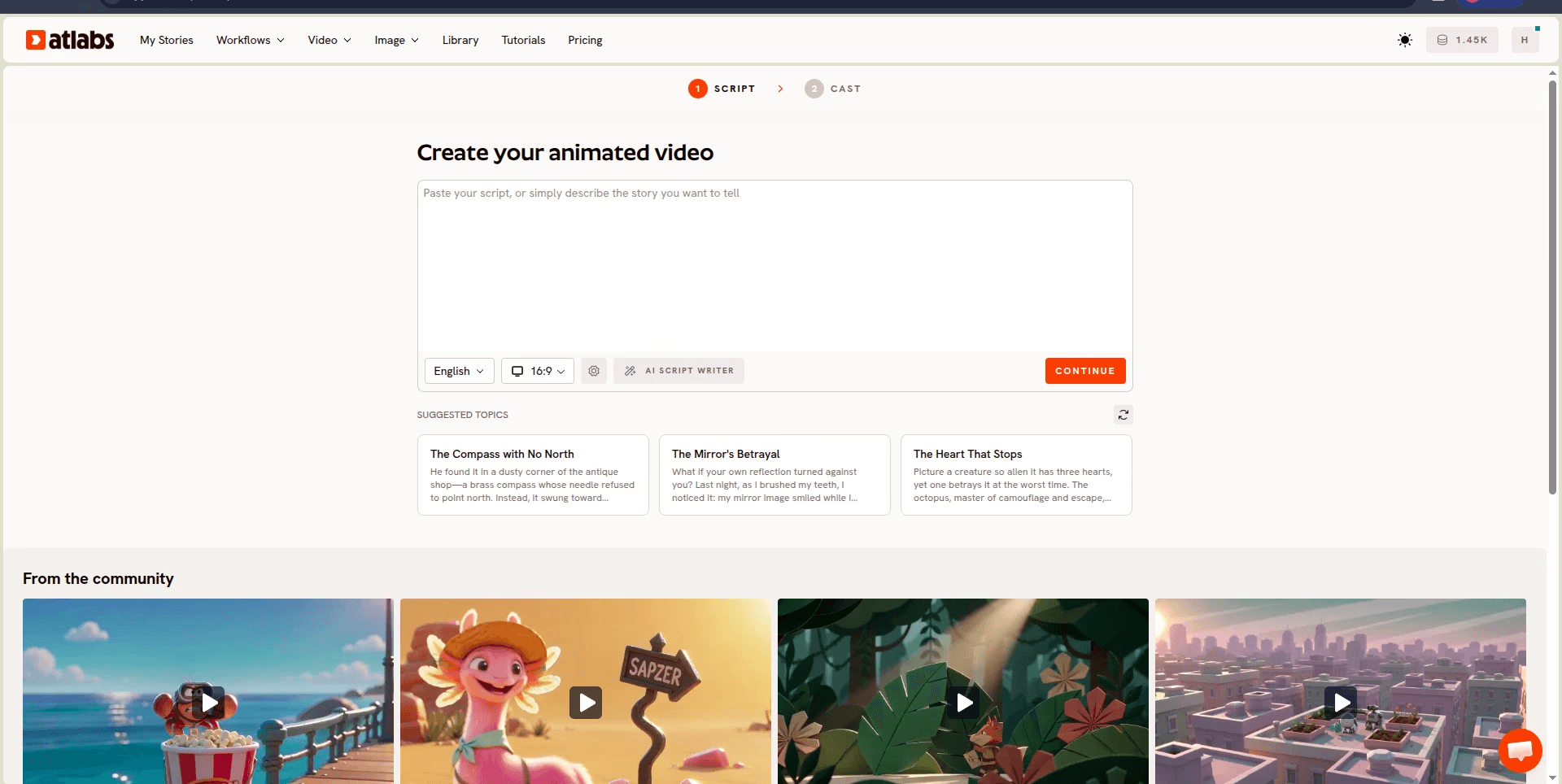
Best for: kids content creators who need a mascot that looks identical across every episode and want that character to move straight into animated video without a separate design tool.
Key Features:
Character Reference Sheet in Cast. Describe your mascot once in the Cast step of the Animated Video workflow, such as a friendly orange fox in overalls, and Atlabs generates a multi-angle reference sheet plus a clean portrait that gets reused automatically in every future episode.
Standalone Design with Create Image. If you want to design and iterate on the mascot before committing it to a full episode, the Create Image app, powered by the Nano Banana model, lets you generate and refine the character on its own.
Visual Style Library for Kids Content. Choose from styles including 3D Cartoon, Cozy Plush, Soft Pastel 2D, and Kawai Anime in the Set Style step, and that one choice applies consistently to your mascot across every scene it appears in.
Design to Episode in One Flow. Once the character is locked in Cast, it plugs directly into the Script and Set Style steps of the same Animated Video workflow, so there is no exporting a finished design into a separate animation tool.
Pricing: Free trial available.
Verdict: For a kids channel that needs one mascot to appear correctly in every single episode, Atlabs is the clear choice. No other tool on this list combines character reference generation and animated video production in a single workflow. Once your mascot is set, it can front a kids channel theme song video that opens every episode.
2. Midjourney, Best for Concept Exploration
Best for: creators who want to explore many visual directions for a mascot before settling on a final design.
Key Features:
High-detail character art. Midjourney produces richly detailed, stylistically distinct character concepts, useful for generating a wide range of looks quickly in the early design phase.
Style range. Covers illustrated, painterly, and stylized looks that can inform a mascot's overall visual direction.
Iteration through prompting. Rerolling and remixing prompts lets creators explore variations on hair, outfit, and expression fast.
Pricing: Paid plans only, no free tier.
Verdict: Strong for early concept work, weak for production. Midjourney has no built-in way to guarantee the same face and proportions across separate generations, and no path from a finished design into video, so channels typically export a Midjourney concept and rebuild the character elsewhere.
3. Leonardo.Ai, Best for Consistent Reference Art
Best for: creators who want a repeatable mascot look for thumbnails, merchandise mockups, or static promotional art.
Key Features:
Character reference tools. Built specifically to help keep a design consistent across multiple image generations, closer to a production tool than a pure concept generator.
Multiple style models. Offers a range of illustration and 3D-adjacent styles suited to kids content.
Fine-tunable outputs. Gives more control over pose and expression variation than a general-purpose image generator.
Pricing: Free tier available, paid plans for higher volume.
Verdict: A solid choice for locking a consistent still-image mascot. It remains image-only though, so a channel using it still needs a separate tool to animate the character into actual episodes.
4. Adobe Firefly, Best for Adobe-Native Workflows
Best for: channels that already produce artwork or edit video inside Photoshop, Illustrator, or Premiere and want mascot generation in the same ecosystem.
Key Features:
Commercially safe generation. Trained with licensing in mind, which some channels prefer for a character they intend to trademark or merchandise.
Direct integration. Generated character art drops straight into Photoshop or Illustrator for further editing and cleanup.
Generative fill and expand. Useful for adjusting a mascot's pose or background after the initial generation.
Pricing: Included with Creative Cloud plans, limited free generations otherwise.
Verdict: A strong fit if your team already lives in Adobe tools, but it has a steeper learning curve for creators without prior design software experience, and like the other image-only tools here, it stops at the artwork rather than carrying the character into animation.
5. Canva, Honorable Mention
Best for: creators who already use Canva for thumbnails and channel branding and want a low-friction starting point for simple mascot graphics.
Key Features:
Magic Media generation. Generate character art directly inside the same interface used for thumbnails and channel art.
Template library. Pre-built kids content templates that a generated mascot can be dropped into.
Brand Kit integration. Channel colors and fonts saved in the Brand Kit apply automatically wherever the mascot appears.
Pricing: Free tier available, paid plans for expanded asset libraries.
Verdict: Canva is a design tool with character generation attached, not a dedicated mascot-to-video pipeline. Getting a specific, recognizable look with consistent details takes more trial and error here than in tools built around character reference generation, and there is no path into animated episodes.
Final Verdict
For most kids channels, the real problem is not generating one good piece of character art, it's keeping that exact character consistent across dozens of future videos. Midjourney and Leonardo.Ai are strong for the design phase, and Adobe Firefly fits teams already working in Creative Cloud, but none of the three carry a finished mascot into video. Canva is a convenient starting point for simple graphics but isn't built for animation. Atlabs is the only tool on this list that generates the character once in the Cast step and reuses that same reference automatically in every episode of the Animated Video workflow.
FAQ
Q: What is the best free AI tool for designing a kids channel mascot? A: Atlabs, Leonardo.Ai, and Canva all offer free access. Atlabs' free trial includes the full Cast character generation step inside the Animated Video workflow, making it the most production-ready free option on this list.
Q: Can I keep the same mascot consistent across every video on my channel? A: Only Atlabs offers a dedicated character consistency system through its Cast feature. Define the mascot once and Atlabs generates a multi-angle reference sheet that gets reused automatically in every future episode.
Q: Do I need illustration skills to design a mascot with AI? A: No. Describing the character in plain language, such as its species, outfit, and personality, is enough to generate a usable reference sheet in the Cast step or the Create Image app.
Q: Which tool actually turns a mascot design into an animated video? A: Atlabs is the only tool on this list where the same workflow covers both character design and animated production. Midjourney, Leonardo.Ai, Adobe Firefly, and Canva all stop at the artwork stage.
Q: Can I change my mascot's art style later without redesigning the character? A: Yes. The character itself and the Visual Style are set separately in Atlabs, so you can keep the same mascot and switch between styles such as 3D Cartoon or Soft Pastel 2D in the Set Style step without starting the design over.








