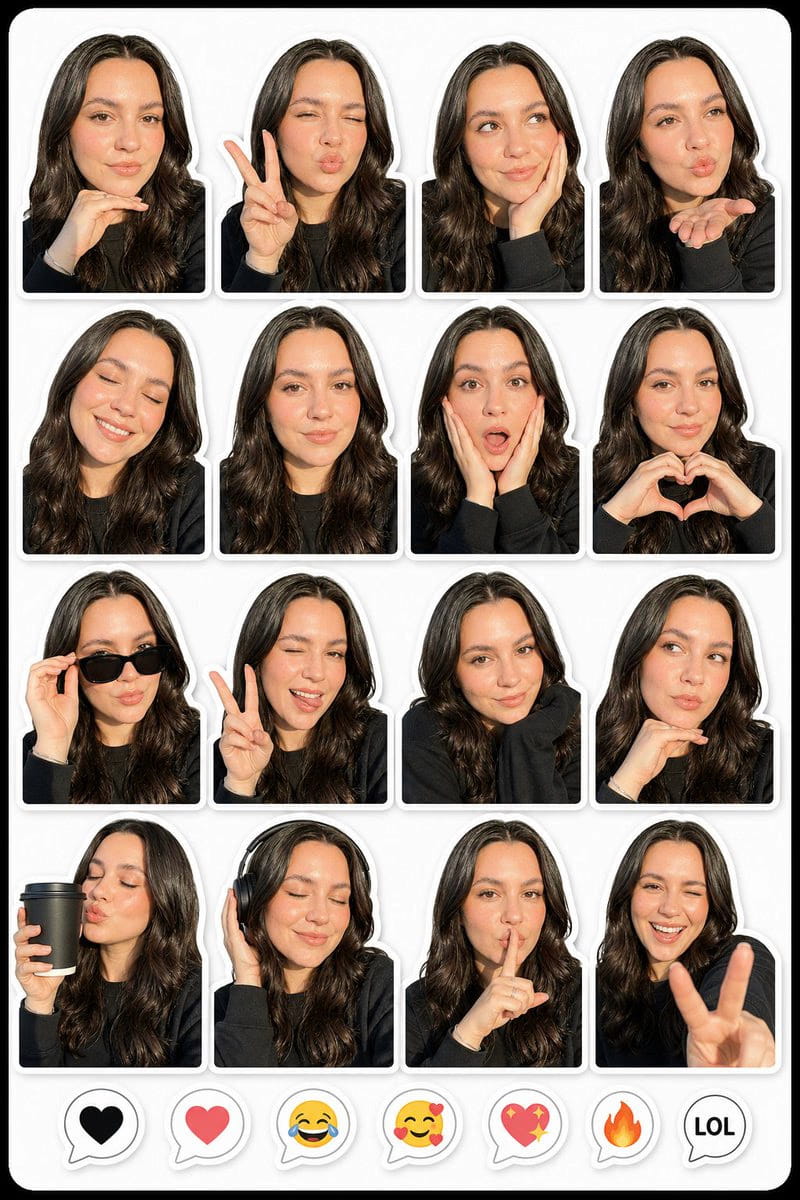
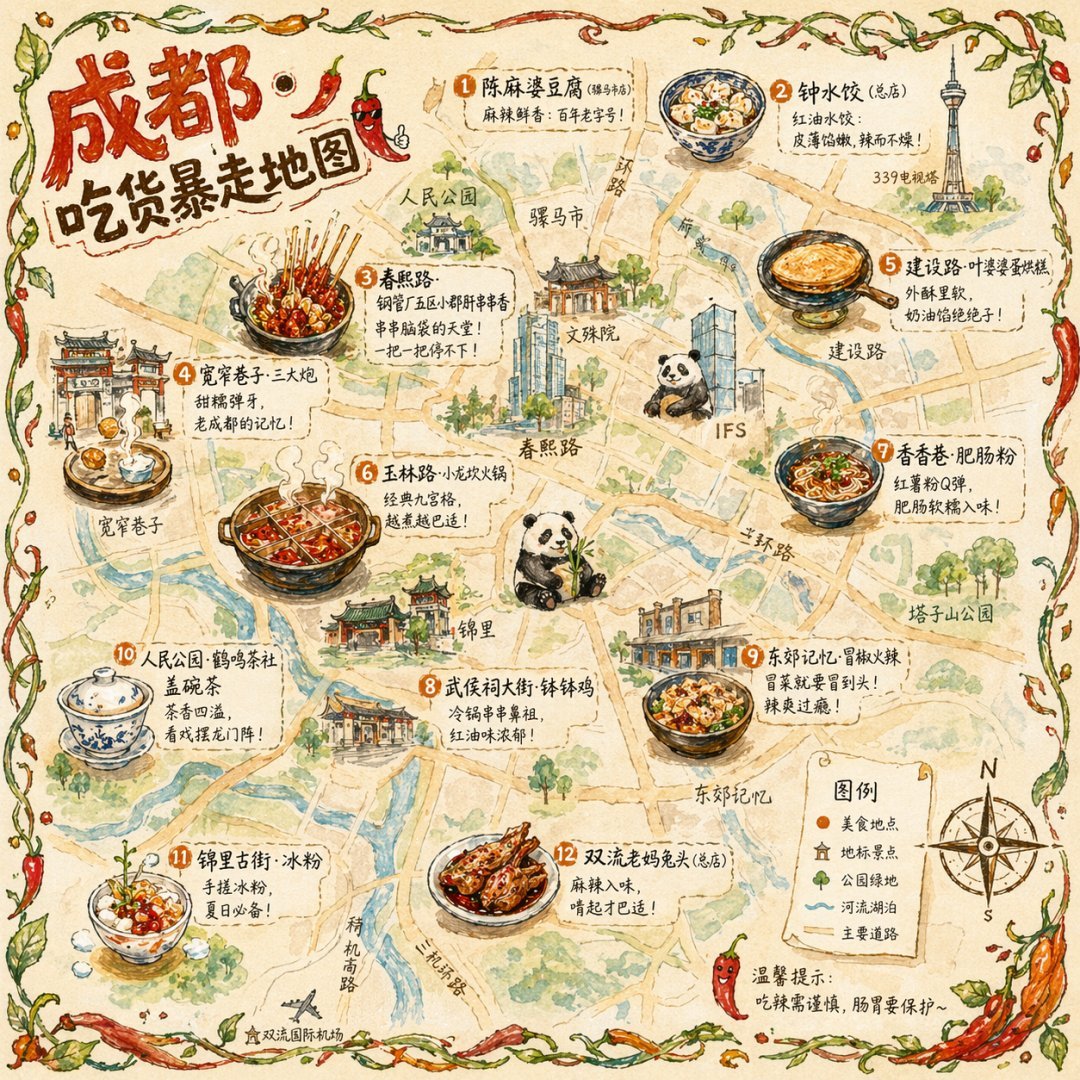
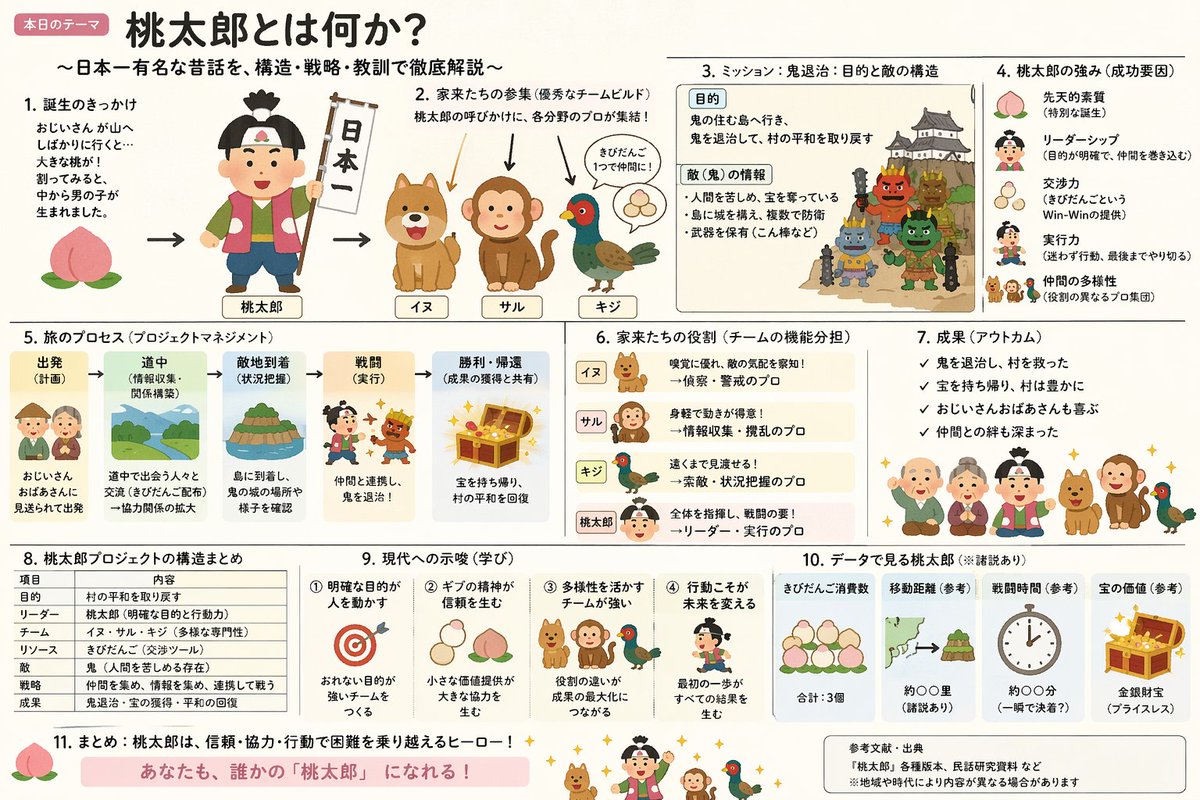
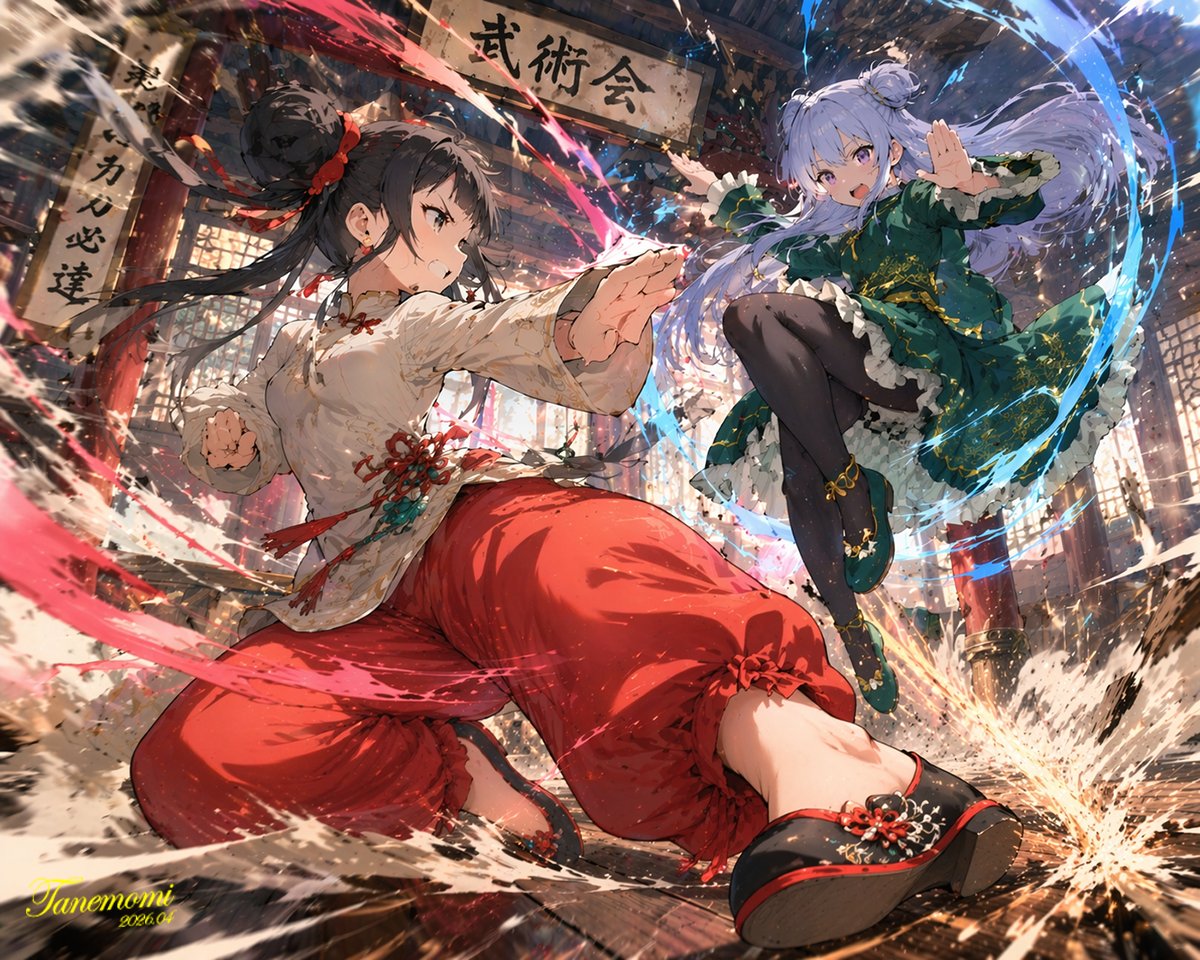
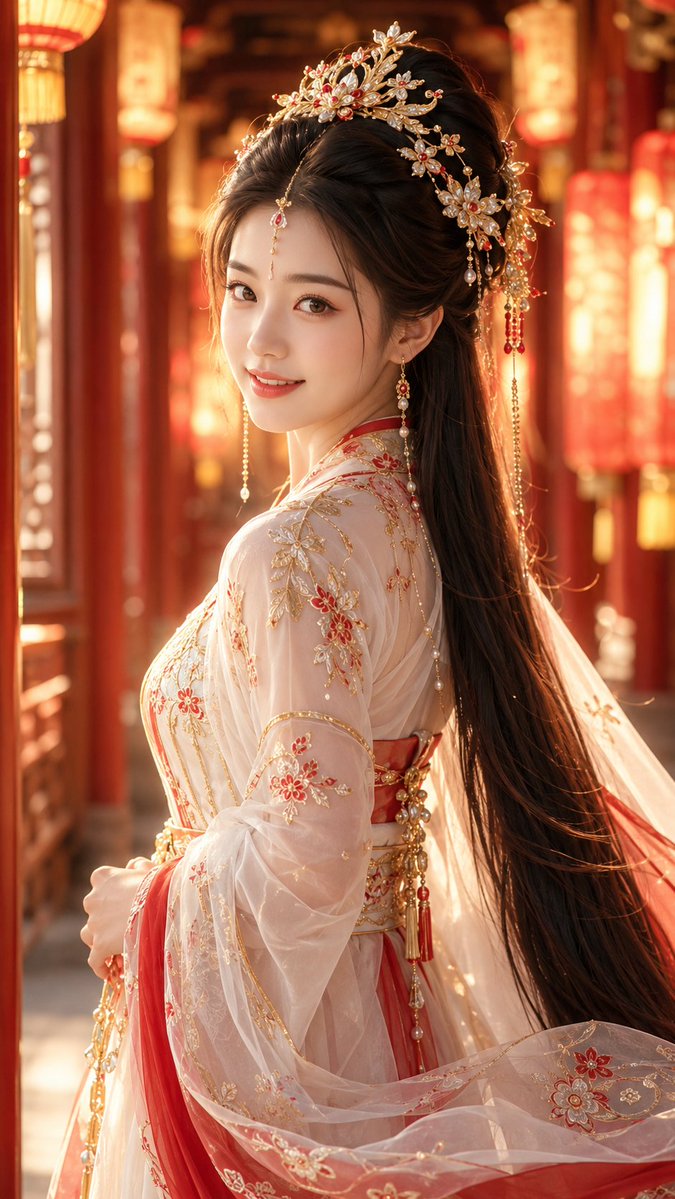
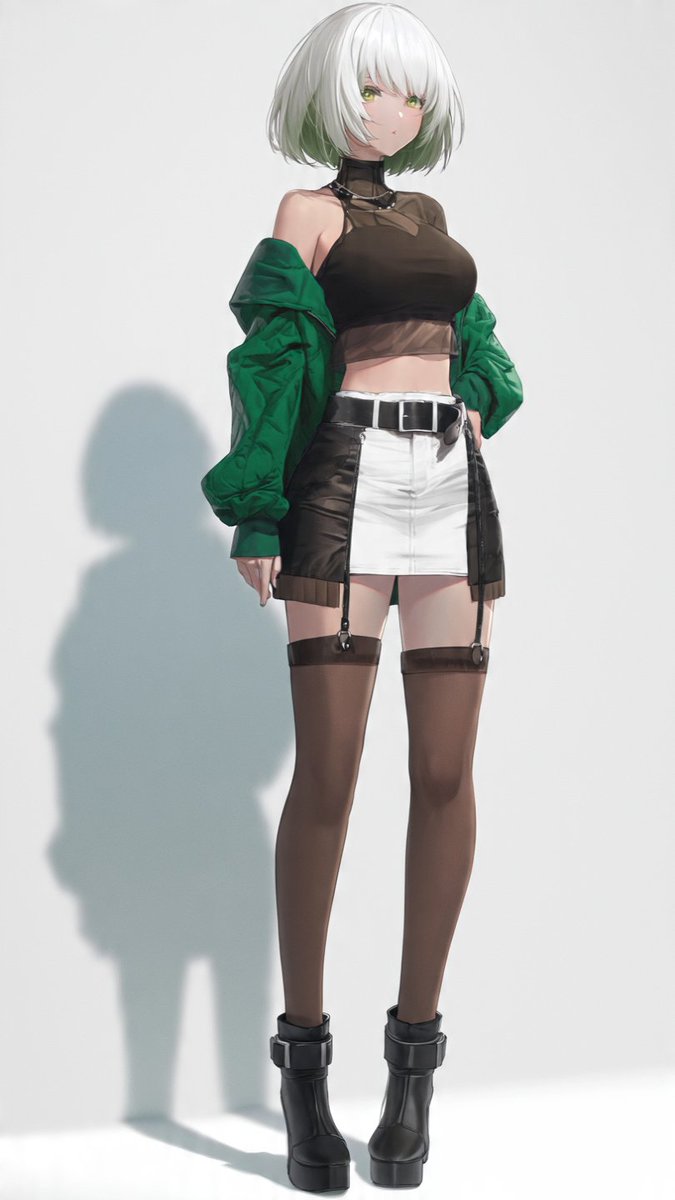
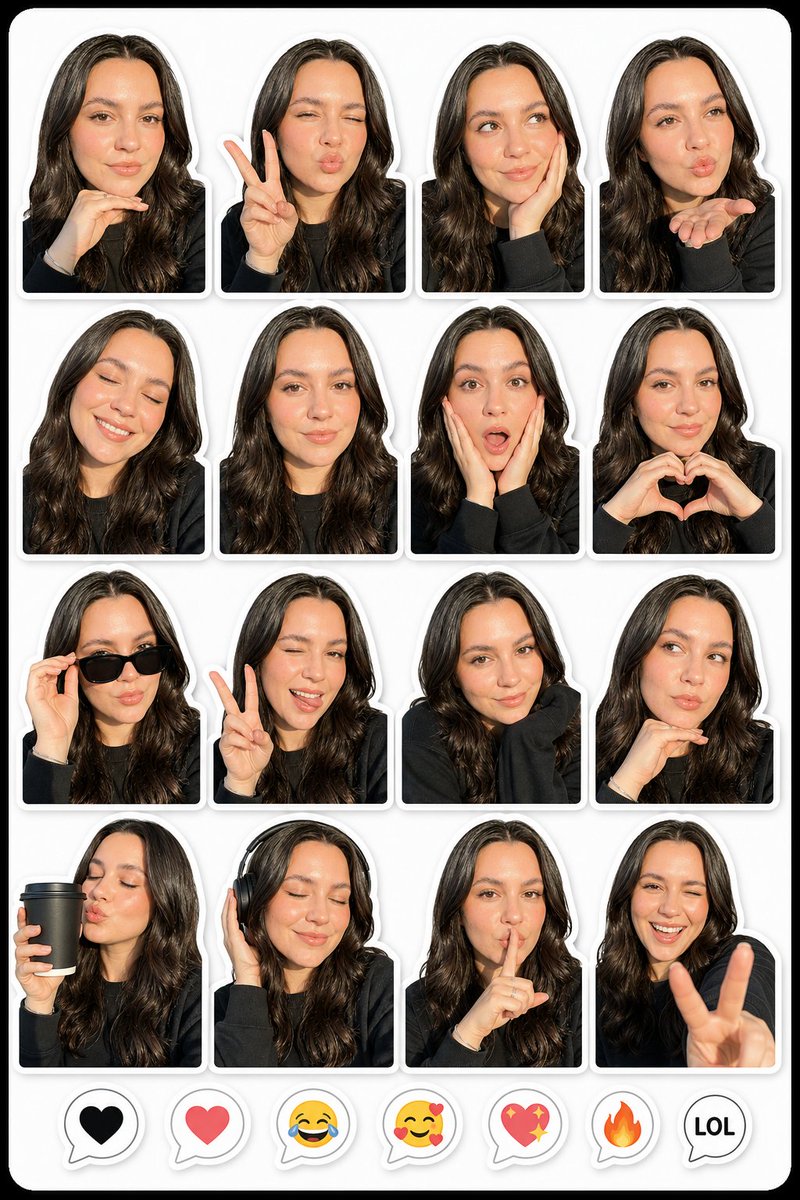
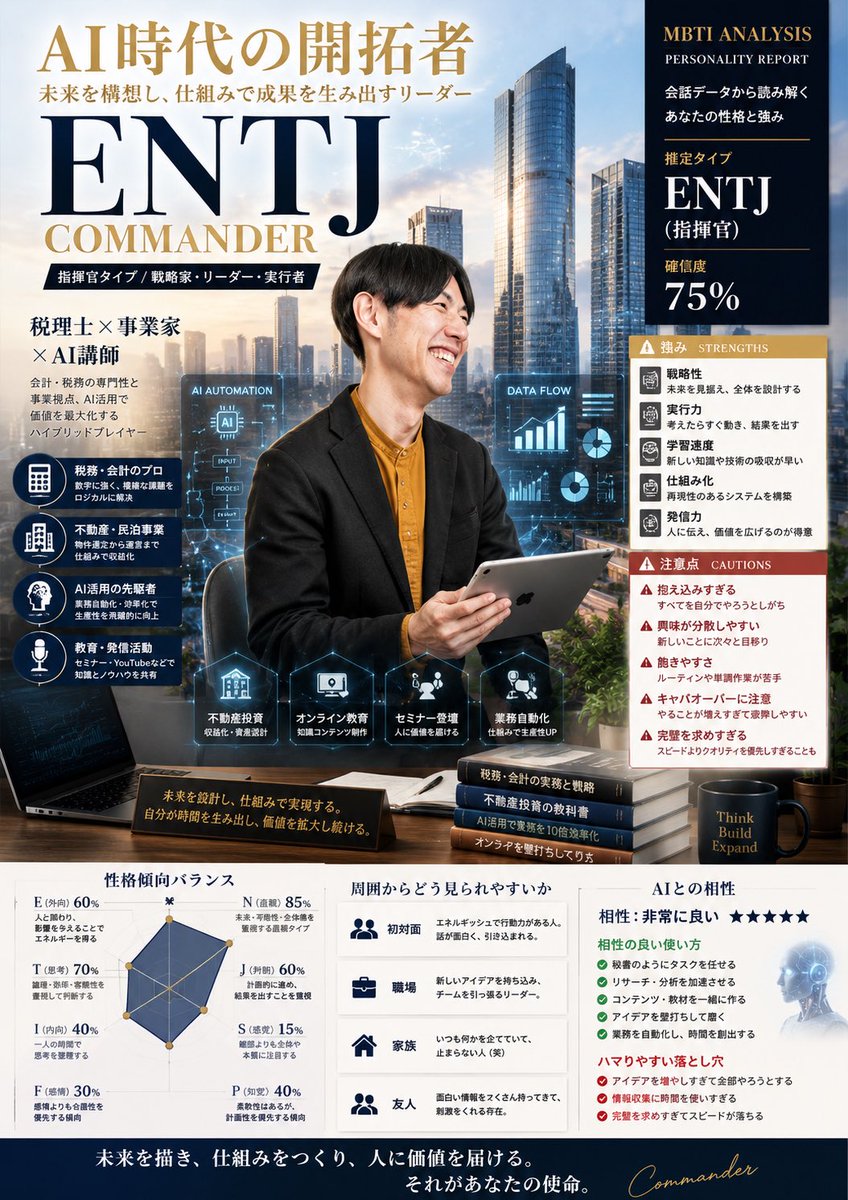
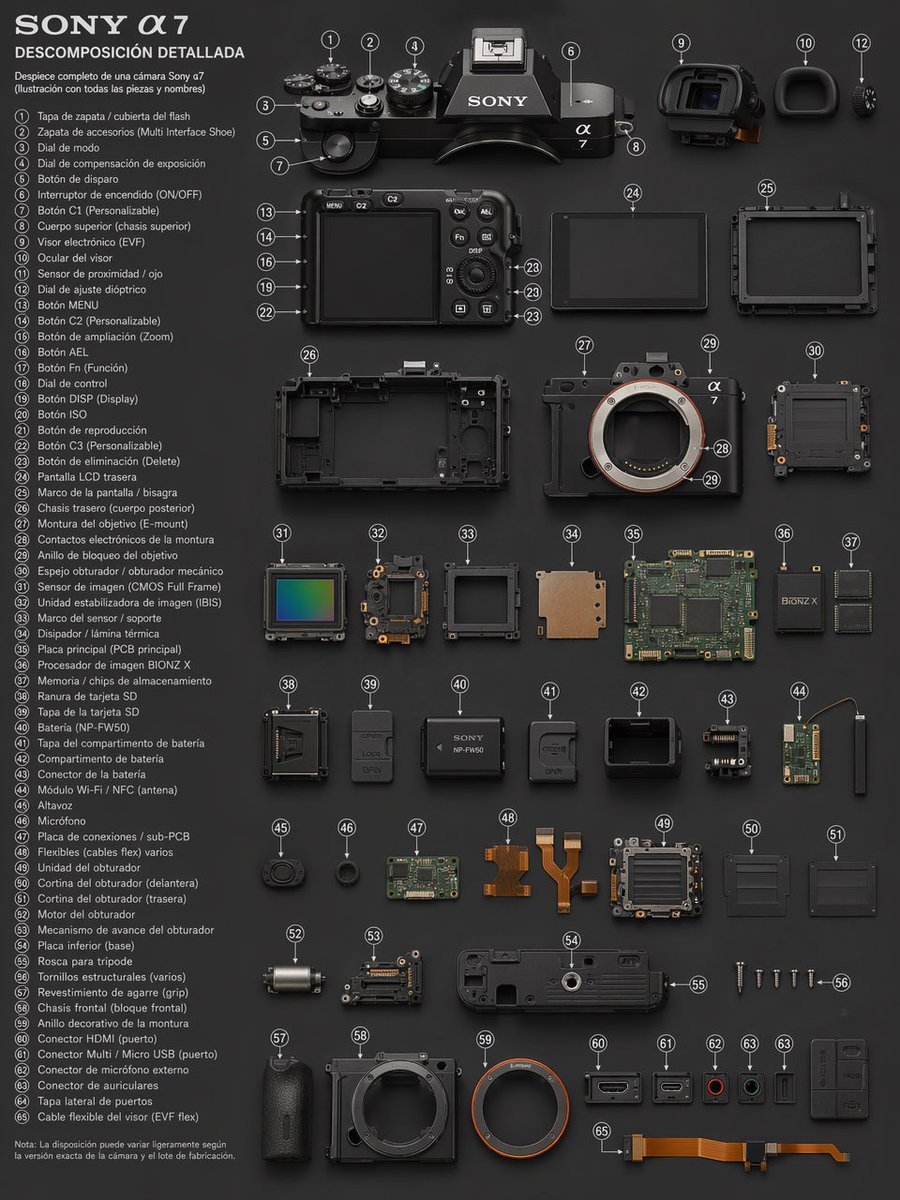
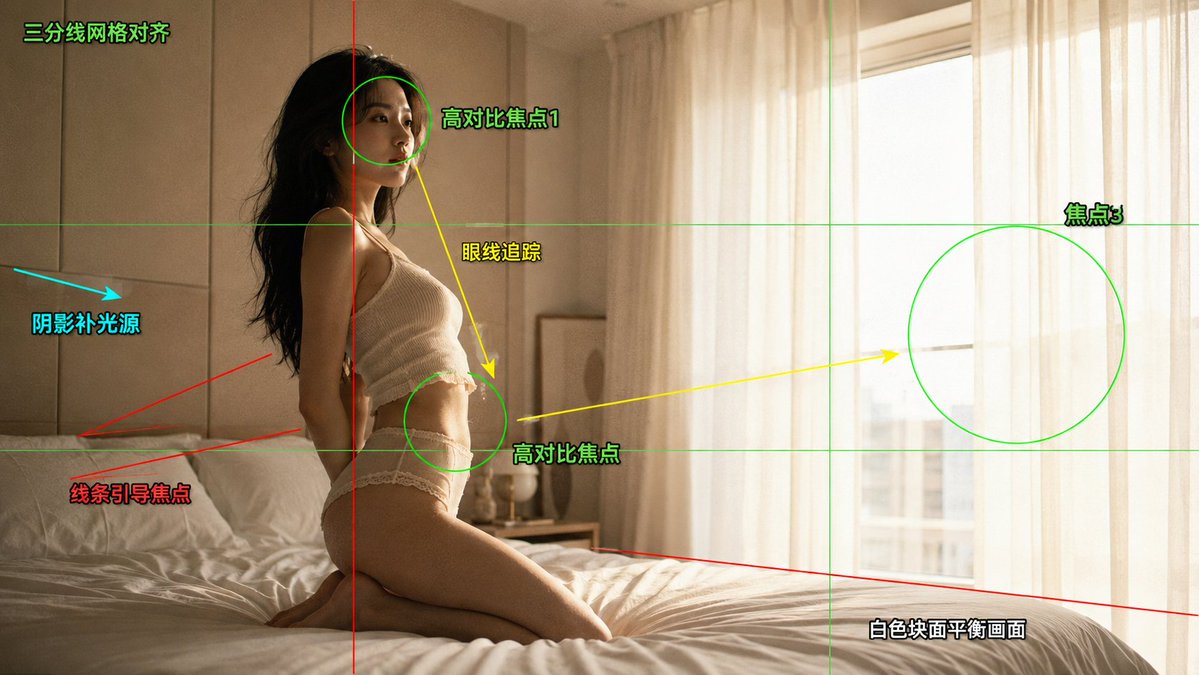
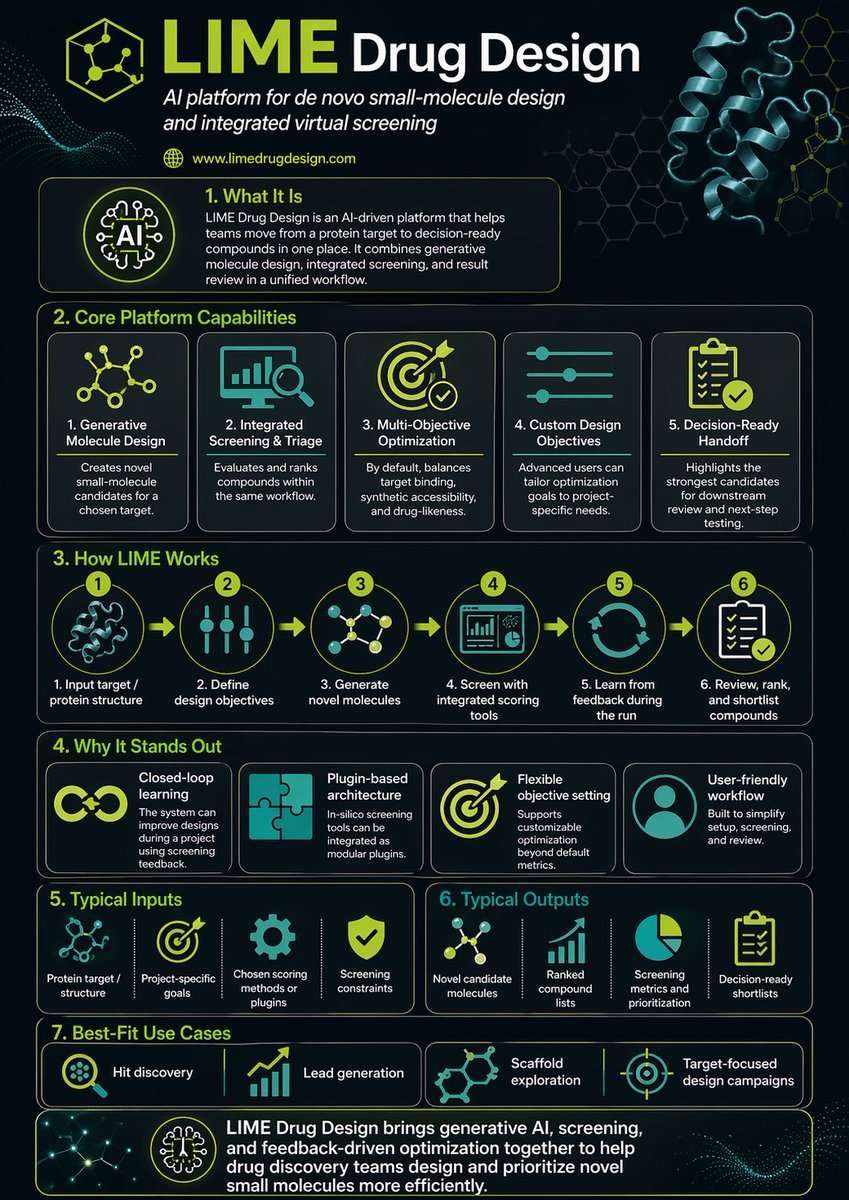
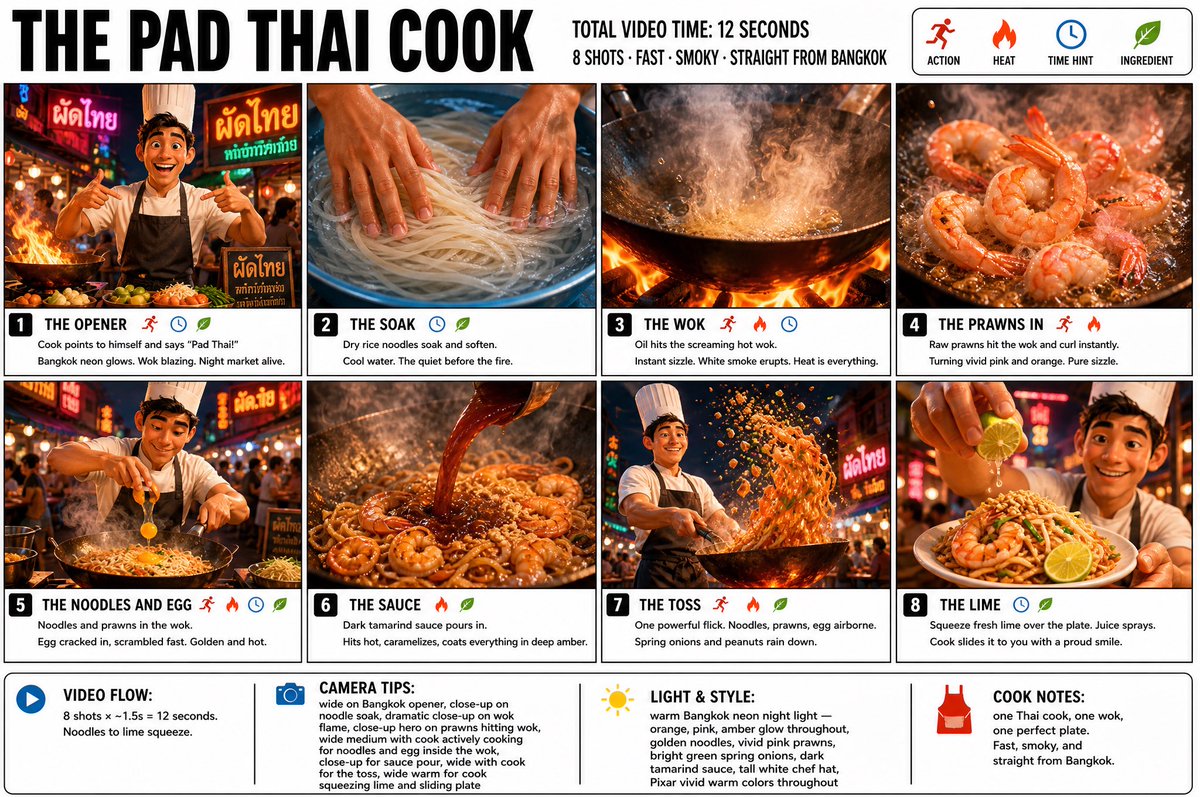
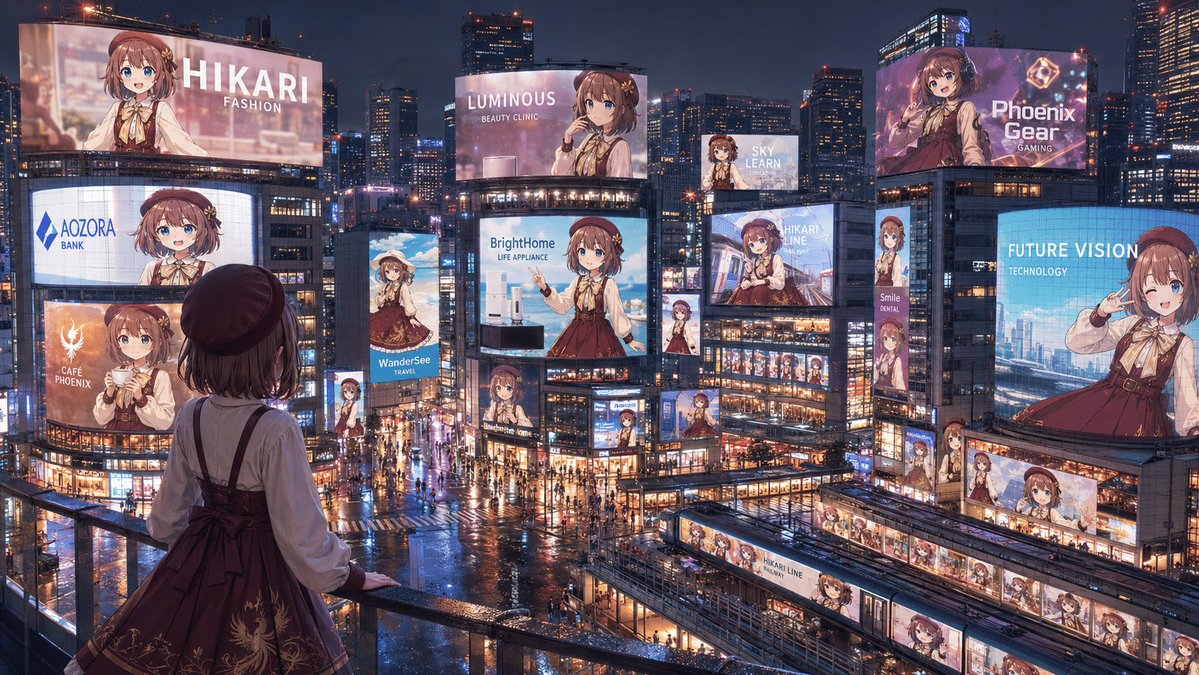
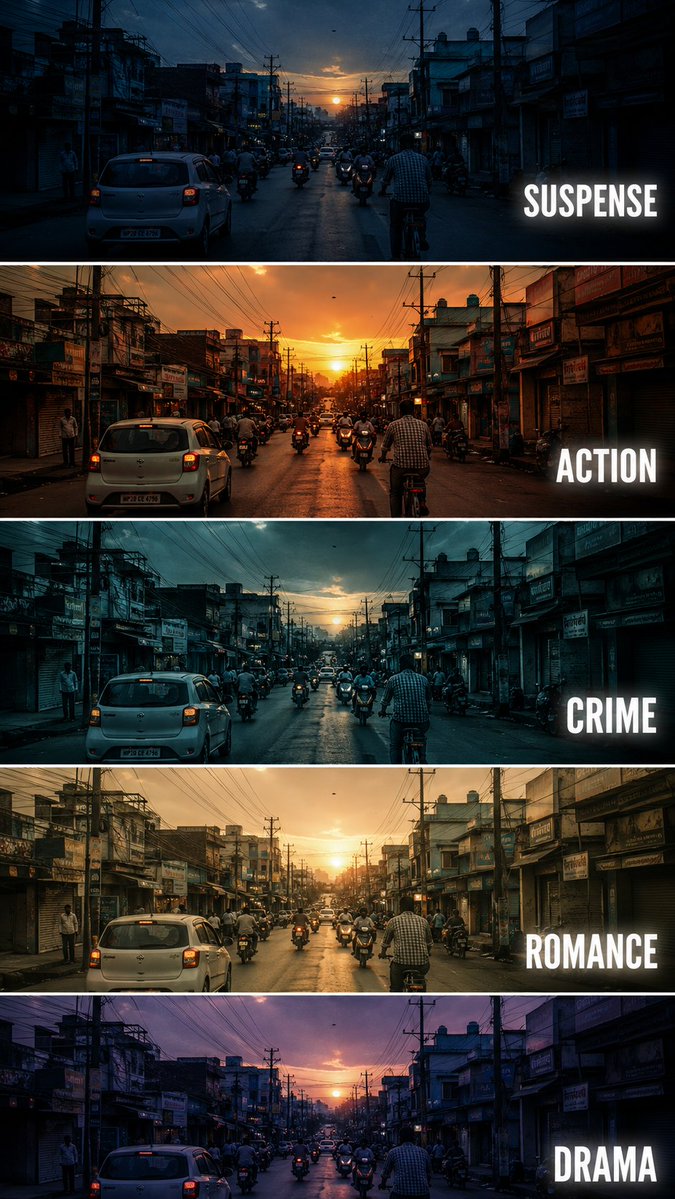
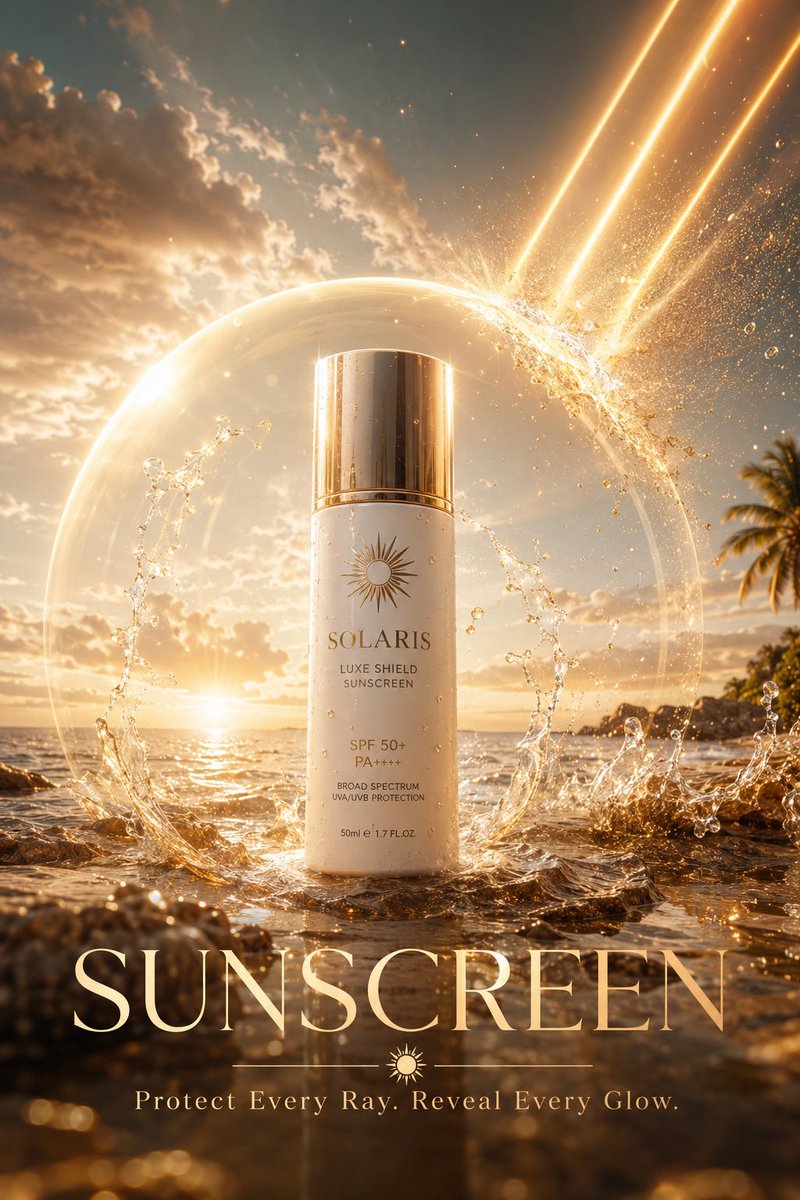
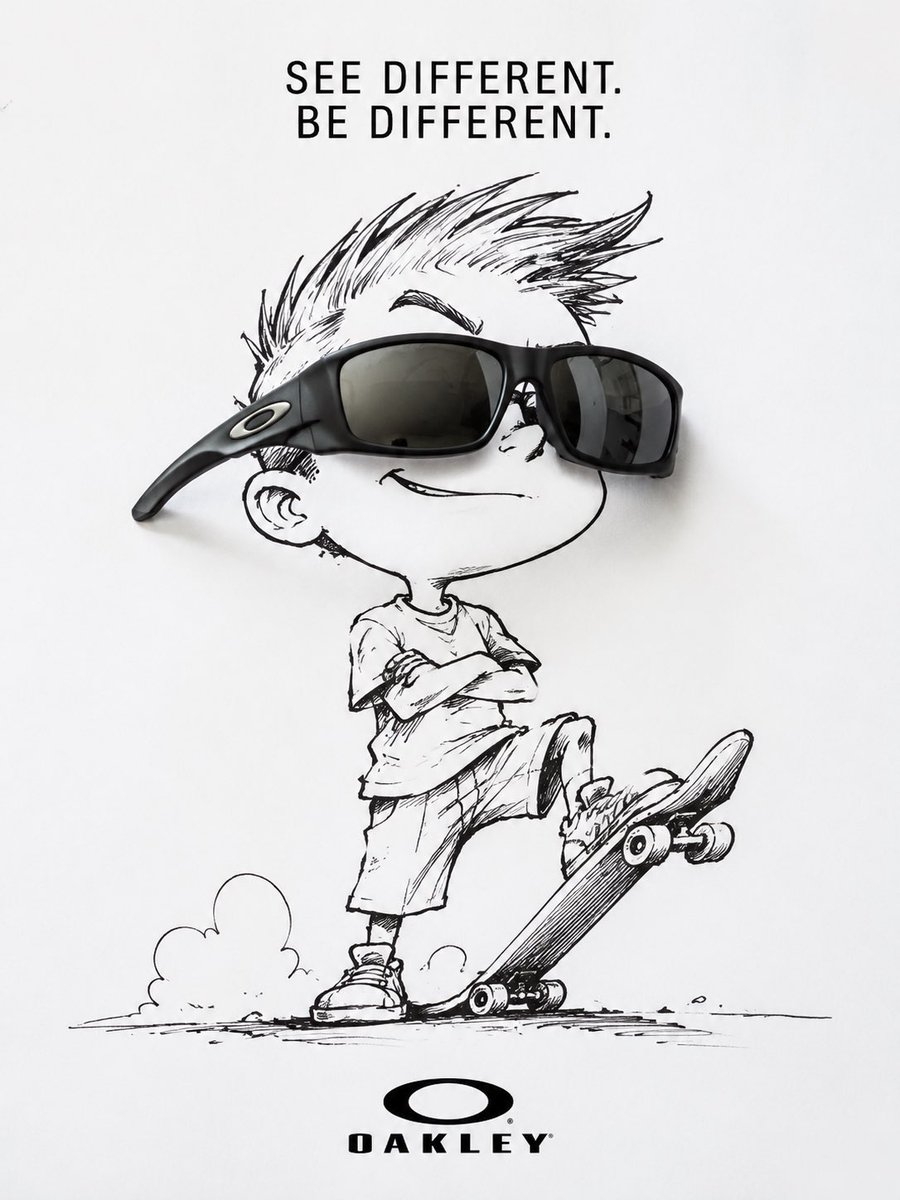
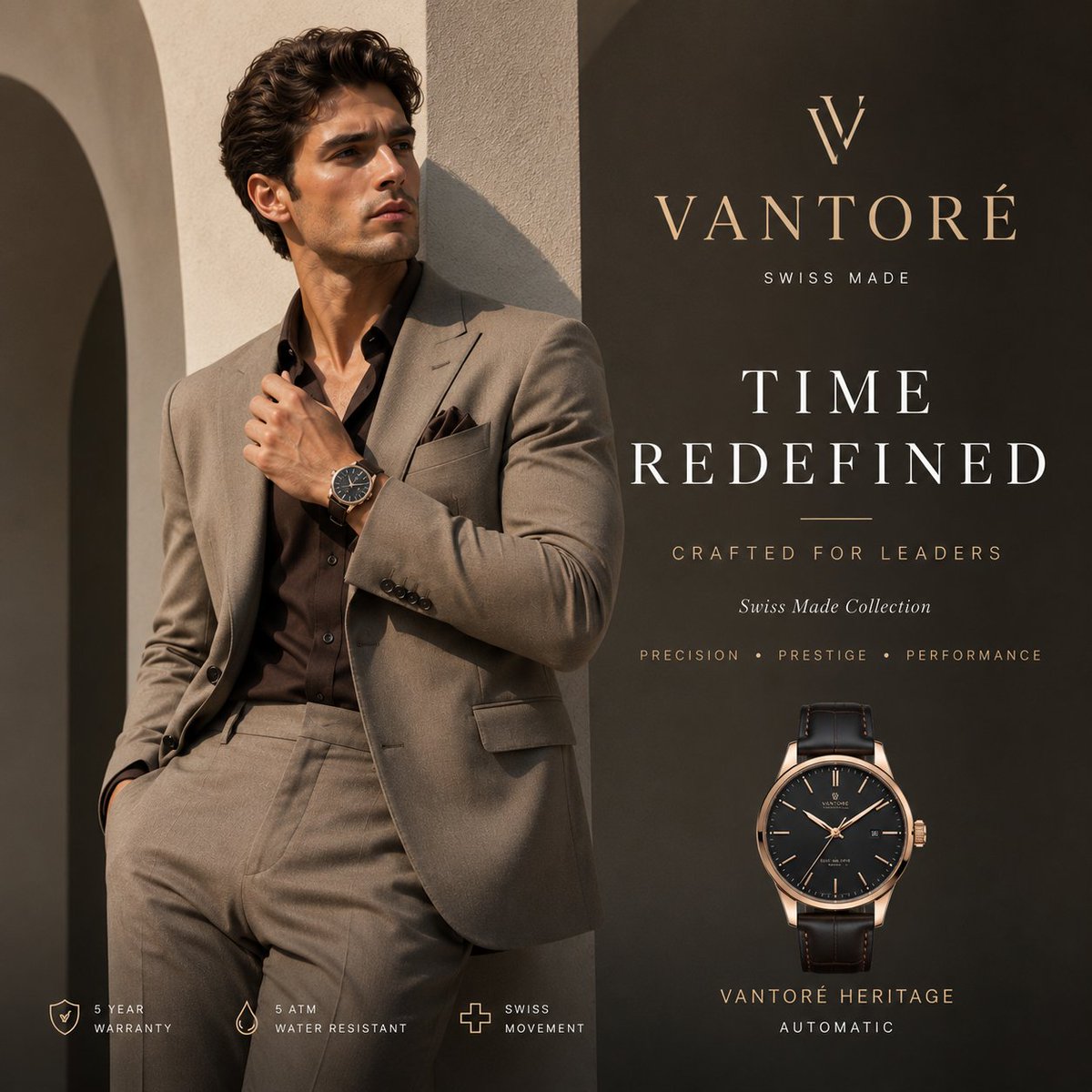
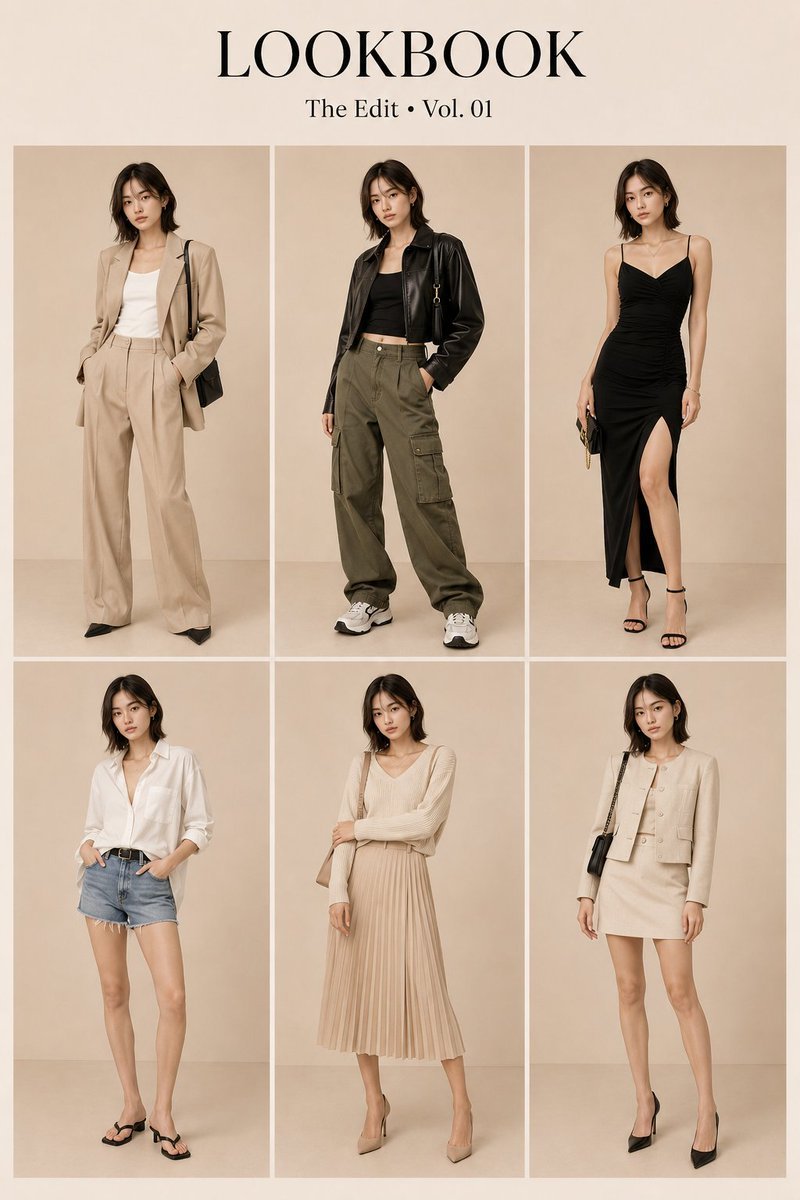
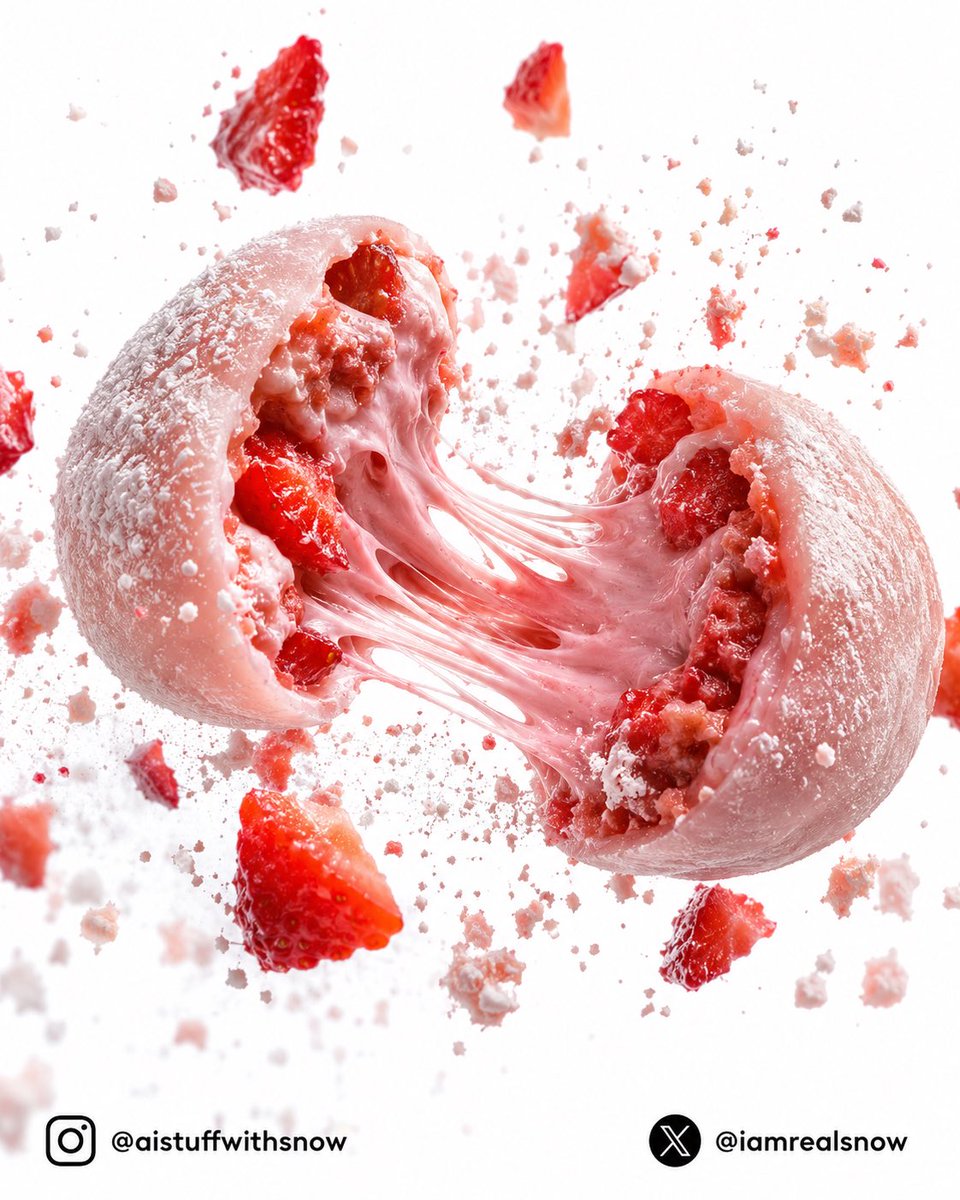
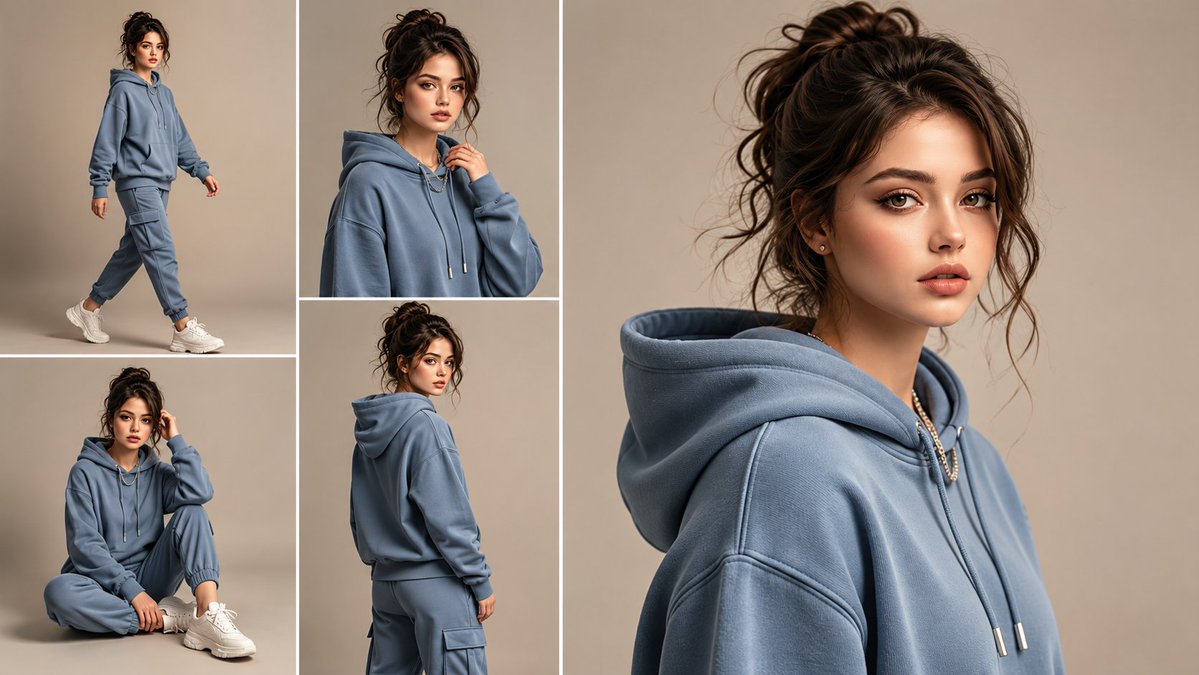
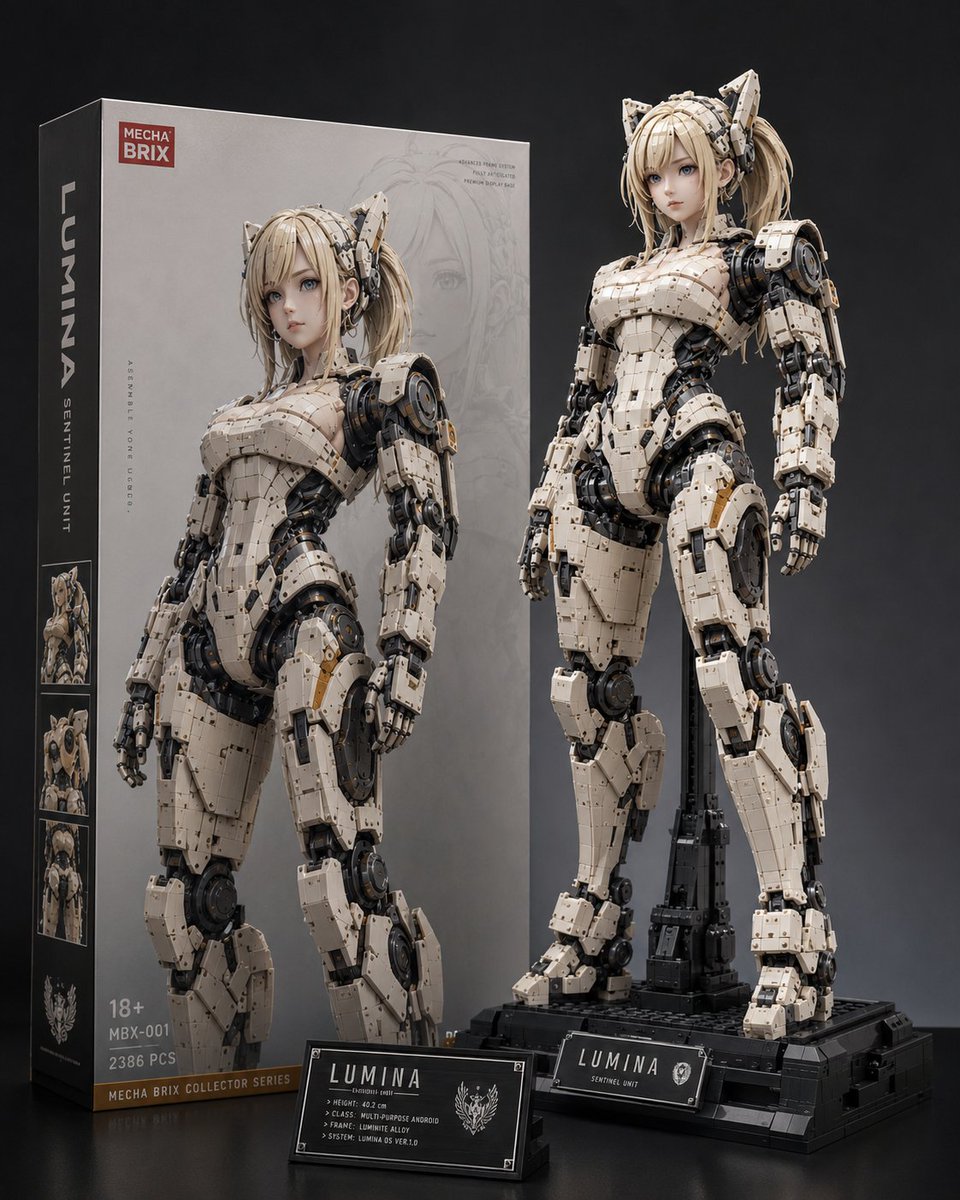
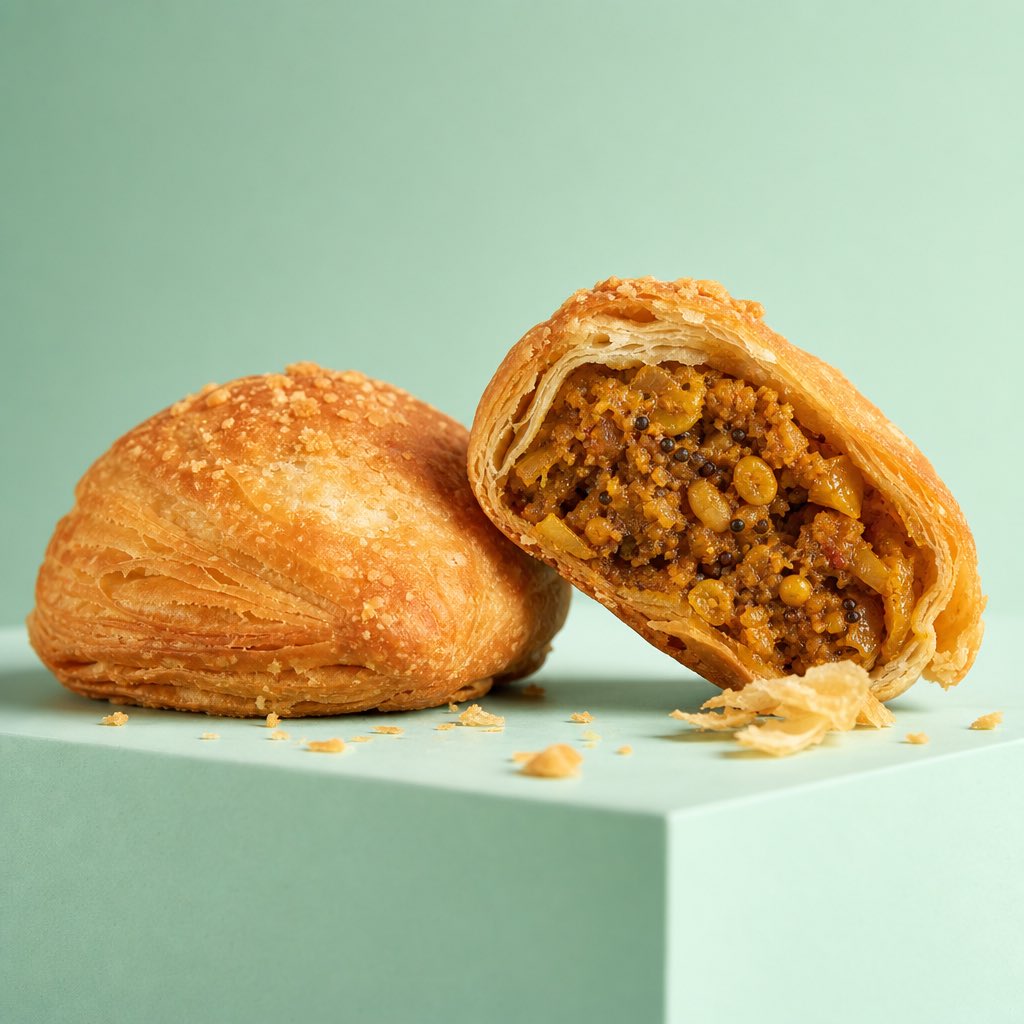
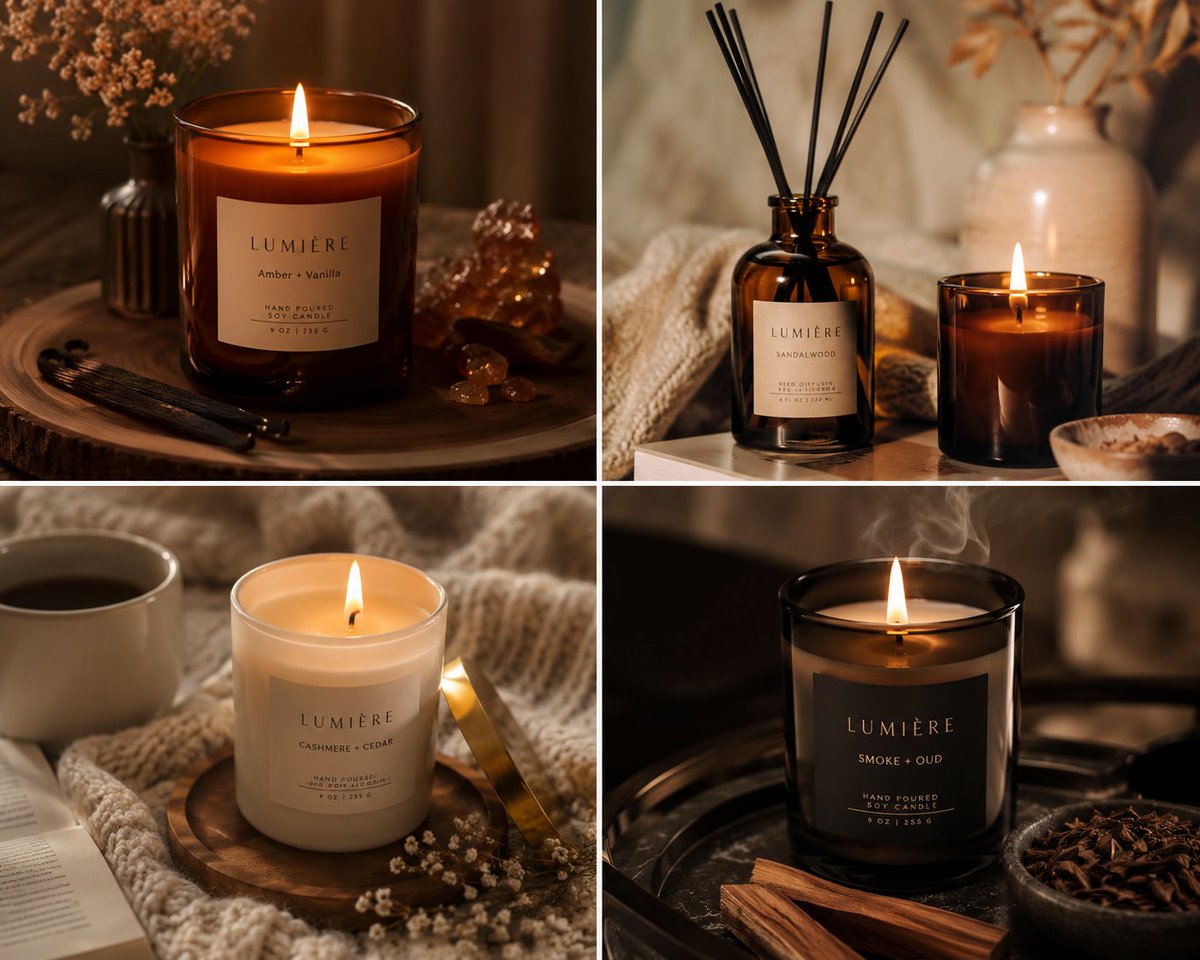
Master OpenAI's flagship image model with 45 production-ready prompts across 8 categories, the perfect prompt formula, and pro techniques distilled from 10,000+ community-tested generations.
What is GPT Image 2?
GPT Image 2 (codename "duct-tape") is OpenAI's next-generation image generation model - a successor to GPT Image 1 with substantial leaps in text rendering, character consistency, and design-grade output. Where most image models still treat text as "fancy noise," GPT Image 2 handles full paragraphs of multilingual typography pixel-perfectly. Where they treat each generation as independent, GPT Image 2 keeps a character or product visually identical across dozens of frames.
Key capabilities:
🎯 Pixel-Perfect Text Rendering — Native-quality text in English, Chinese, Japanese, Korean, and more. No typos, no warped glyphs, no "AI text gibberish."
🎨 Cross-Image Consistency — The same character, IP, or product stays identical across an entire series, down to the pixel.
⚡ Commercial-Grade Illustration — Output is ready to ship without manual cleanup — perfect for marketing, e-commerce, and editorial use.
🌈 True Art Style Induction — Captures the feeling of an art style rather than just visually approximating reference images.
🔧 Storyboards & Multi-Panel Layouts — Storyboards, IP character sheets, and multi-panel product visuals in a single generation.
📐 Multi-Language Design — Social cards, banners, infographics, and posters with accurate multilingual typography — in one shot.
Most image prompting advice tells you to write a paragraph. With GPT Image 2, the prompts that consistently win look more like product specs than prose — structured, hierarchical, often written as JSON. Looking at the 10,000+ best community prompts, a clear pattern emerges.
The Formula:
{
  "type": [poster | infographic | profile | thumbnail | ad | lookbook],
  "subject": [main visual subject],
  "style": [art style + lighting + medium],
  "composition": [layout, framing, focal point],
  "text_elements": {
    "headline": [exact text in quotes],
    "body": [exact text in quotes],
    "language": [en | ja | zh | ko]
  },
  "details": [specific colors, props, atmosphere, brand tokens]
{
  "type": [poster | infographic | profile | thumbnail | ad | lookbook],
  "subject": [main visual subject],
  "style": [art style + lighting + medium],
  "composition": [layout, framing, focal point],
  "text_elements": {
    "headline": [exact text in quotes],
    "body": [exact text in quotes],
    "language": [en | ja | zh | ko]
  },
  "details": [specific colors, props, atmosphere, brand tokens]
{
  "type": [poster | infographic | profile | thumbnail | ad | lookbook],
  "subject": [main visual subject],
  "style": [art style + lighting + medium],
  "composition": [layout, framing, focal point],
  "text_elements": {
    "headline": [exact text in quotes],
    "body": [exact text in quotes],
    "language": [en | ja | zh | ko]
  },
  "details": [specific colors, props, atmosphere, brand tokens]
You don't have to use literal JSON - natural prose works too. But the thinking should be structured: GPT Image 2 rewards prompts that treat the image as a layout with named parts, not a free-form description.
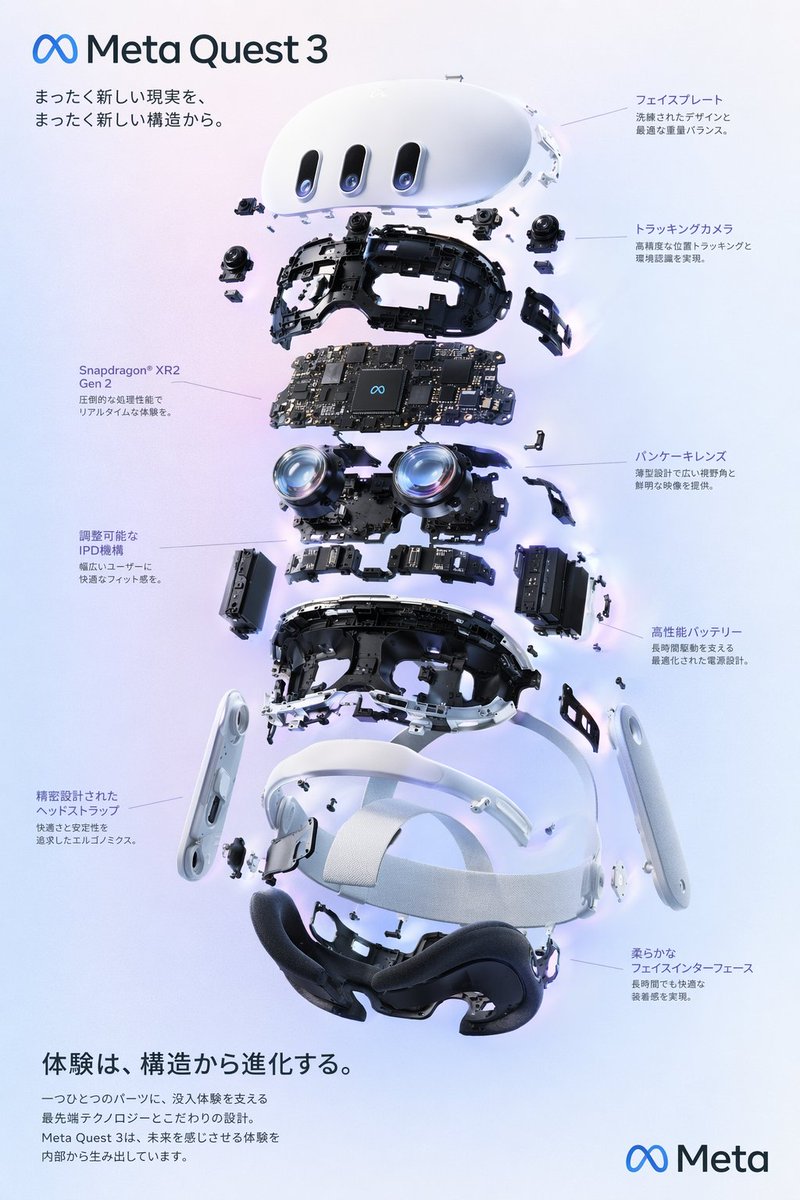
Example Breakdown: "VR Headset Exploded View Poster"
Here's how community prompt expert @wory37303852's featured prompt maps onto the formula:
Type: Exploded view product diagram poster
Subject: VR headset with 9 distinct internal component layers
Style: Clean high-tech 3D render, studio lighting, glowing accents
Text elements: Multilingual Japanese headlines + body copy, brand logo, product name
Details: Soft purple-blue gradient background, ∞ Meta branding
💡 Pro tip: Treat the image as a layout, not a description. GPT Image 2's biggest leap over earlier models is its ability to render structured layouts (posters, infographics, UIs) where each region has its own content. Naming those regions in your prompt — "header," "centerpiece," "left_callouts," "footer" — is the single highest-leverage move for design-quality output.
Advanced Techniques
1. Write Prompts as JSON (Even When You Don't Have To)
GPT Image 2 was clearly trained on structured prompts. Even when you don't literally use JSON syntax, organizing your prompt with named sections (type, subject, style, text_elements) produces dramatically better results than flowing prose. Most featured community prompts use this pattern.
2. Embed Exact Text in Quotes
When you want specific text in the image — a headline, a quote, a brand name — put it in quotes inside your prompt. GPT Image 2's text renderer handles full paragraphs of multilingual typography reliably, but only if you tell it the exact string to render. Don't write "a motivational quote about courage" — write "headline": "Stay foolish, stay hungry.".
3. Specify Language for Multilingual Output
Adding "language": "ja" or "language": "zh" to your prompt produces dramatically better non-English typography than letting the model guess. GPT Image 2 reaches native-quality rendering in English, Japanese, Chinese, and Korean — but only when you specify it.
4. Reference a Style by Era + Medium
Vague style references ("anime style," "watercolor") produce average output. Specific era + medium combinations ("1990s Studio Ghibli watercolor," "early 2010s shoujo manga ink wash") tap into deep style memory in the model. The more specific the reference, the more distinctive the output.
🎨 Style tip: Naming a specific artist, magazine, or studio (where IP rules allow) gives even sharper results — "Wired magazine editorial," "Pixar concept art," "Akira Toriyama character design."
5. Use Raycast-Style Arguments for Reusable Templates
Many of the community's best prompts use Raycast Snippets syntax — {argument name="product_name" default="iPhone 16"} — to create reusable templates. Even outside Raycast, this pattern shows you which parts of your prompt are meant to be swapped. Keep your reusable templates parametric.
6. Use Image-to-Image for Character Consistency
GPT Image 2's image-to-image mode is built for series work. Upload a reference image of your character, product, or brand asset, then describe new scenes. The model maintains pixel-level visual identity across generations — making it the first AI image model truly suitable for IP and brand work.
45 Production-Ready Prompts by Category
Hand-picked masterclass prompts from the community - each shows off GPT Image 2 at the edge of what's possible. Exploded views, hybrid art styles, full UI mockups, multilingual typography, all in a single generation.
A prompt that combines the simple, warm aesthetic of Irasutoya illustrations with the high-information density characteristic of Japanese government slides.
Generates a realistic social media live stream interface overlaying a portrait, featuring customizable chat messages, gift popups, and a product purchase card.
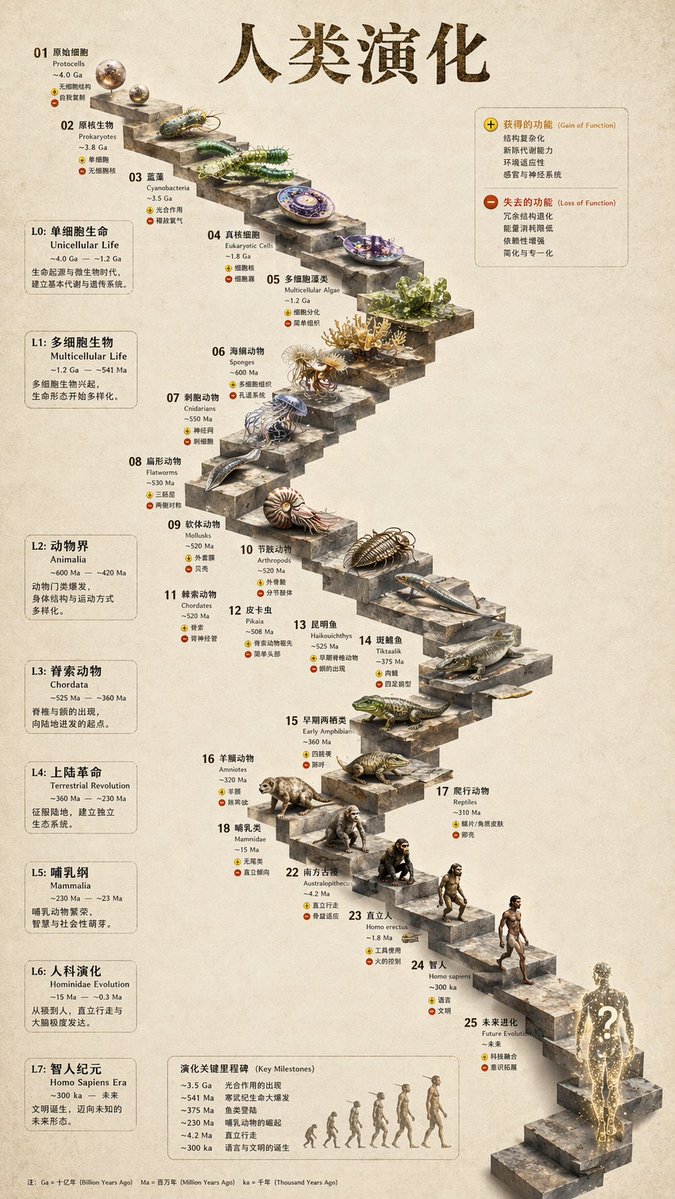
{
  "type": "evolutionary timeline infographic",
  "instruction": "Using REFERENCE_0 as a structural base, transform the flat vector design into a highly realistic 3D infographic. Replace the smooth ramps with distinct stone steps and upgrade all organisms to photorealistic 3D models.",
  "style": {
    "background": "{argument name=\"background style\" default=\"vintage textured parchment paper\"}",
    "staircase": "{argument name=\"staircase material\" default=\"realistic textured stone blocks\"}",
    "subjects": "{argument name=\"organism style\" default=\"highly detailed photorealistic 3D renders\"}"
  },
  "layout": {
    "main_title": "{argument name=\"main title\" default=\"人类演化\"}",
    "sections": [
      {
        "position": "left sidebar",
        "count": 8,
        "labels": ["L0: 单细胞生命", "L1: 多细胞生物", "L2: 动物界", "L3: 脊索动物", "L4: 上陆革命", "L5: 哺乳纲", "L6: 人科演化", "L7: 智人纪元"]
      },
      {
        "position": "top right",
        "title": "获得的功能 / 失去的功能",
        "description": "Legend with plus and minus icons"
      },
      {
        "position": "bottom center",
        "title": "演化关键里程碑",
        "count": 6,
        "description": "Timeline with a silhouette graphic of 6 figures showing ape-to-human evolution"
      }
    ],
    "centerpiece": {
      "description": "Winding stone staircase with 25 numbered steps featuring specific organisms.",
      "count": 25,
      "notable_elements": [
        "Step 07: Jellyfish",
        "Step 09: Ammonite",
        "Step 10: Trilobite",
        "Step 24: Walking human",
        "Step 25: {argument name=\"future evolution concept\" default=\"glowing cosmic silhouette with a question mark\"}"
      ]
{
  "type": "evolutionary timeline infographic",
  "instruction": "Using REFERENCE_0 as a structural base, transform the flat vector design into a highly realistic 3D infographic. Replace the smooth ramps with distinct stone steps and upgrade all organisms to photorealistic 3D models.",
  "style": {
    "background": "{argument name=\"background style\" default=\"vintage textured parchment paper\"}",
    "staircase": "{argument name=\"staircase material\" default=\"realistic textured stone blocks\"}",
    "subjects": "{argument name=\"organism style\" default=\"highly detailed photorealistic 3D renders\"}"
  },
  "layout": {
    "main_title": "{argument name=\"main title\" default=\"人类演化\"}",
    "sections": [
      {
        "position": "left sidebar",
        "count": 8,
        "labels": ["L0: 单细胞生命", "L1: 多细胞生物", "L2: 动物界", "L3: 脊索动物", "L4: 上陆革命", "L5: 哺乳纲", "L6: 人科演化", "L7: 智人纪元"]
      },
      {
        "position": "top right",
        "title": "获得的功能 / 失去的功能",
        "description": "Legend with plus and minus icons"
      },
      {
        "position": "bottom center",
        "title": "演化关键里程碑",
        "count": 6,
        "description": "Timeline with a silhouette graphic of 6 figures showing ape-to-human evolution"
      }
    ],
    "centerpiece": {
      "description": "Winding stone staircase with 25 numbered steps featuring specific organisms.",
      "count": 25,
      "notable_elements": [
        "Step 07: Jellyfish",
        "Step 09: Ammonite",
        "Step 10: Trilobite",
        "Step 24: Walking human",
        "Step 25: {argument name=\"future evolution concept\" default=\"glowing cosmic silhouette with a question mark\"}"
      ]
{
  "type": "evolutionary timeline infographic",
  "instruction": "Using REFERENCE_0 as a structural base, transform the flat vector design into a highly realistic 3D infographic. Replace the smooth ramps with distinct stone steps and upgrade all organisms to photorealistic 3D models.",
  "style": {
    "background": "{argument name=\"background style\" default=\"vintage textured parchment paper\"}",
    "staircase": "{argument name=\"staircase material\" default=\"realistic textured stone blocks\"}",
    "subjects": "{argument name=\"organism style\" default=\"highly detailed photorealistic 3D renders\"}"
  },
  "layout": {
    "main_title": "{argument name=\"main title\" default=\"人类演化\"}",
    "sections": [
      {
        "position": "left sidebar",
        "count": 8,
        "labels": ["L0: 单细胞生命", "L1: 多细胞生物", "L2: 动物界", "L3: 脊索动物", "L4: 上陆革命", "L5: 哺乳纲", "L6: 人科演化", "L7: 智人纪元"]
      },
      {
        "position": "top right",
        "title": "获得的功能 / 失去的功能",
        "description": "Legend with plus and minus icons"
      },
      {
        "position": "bottom center",
        "title": "演化关键里程碑",
        "count": 6,
        "description": "Timeline with a silhouette graphic of 6 figures showing ape-to-human evolution"
      }
    ],
    "centerpiece": {
      "description": "Winding stone staircase with 25 numbered steps featuring specific organisms.",
      "count": 25,
      "notable_elements": [
        "Step 07: Jellyfish",
        "Step 09: Ammonite",
        "Step 10: Trilobite",
        "Step 24: Walking human",
        "Step 25: {argument name=\"future evolution concept\" default=\"glowing cosmic silhouette with a question mark\"}"
      ]
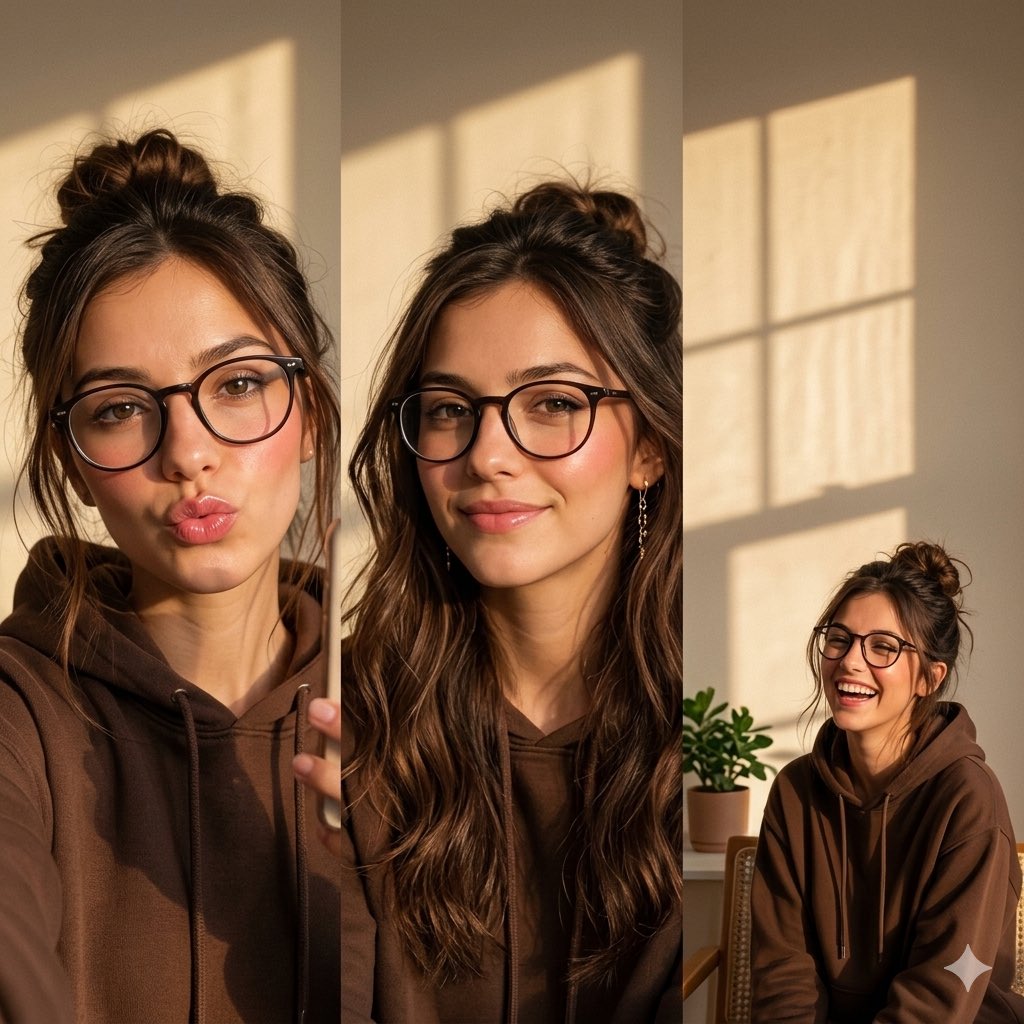
Profile Pictures & Avatars
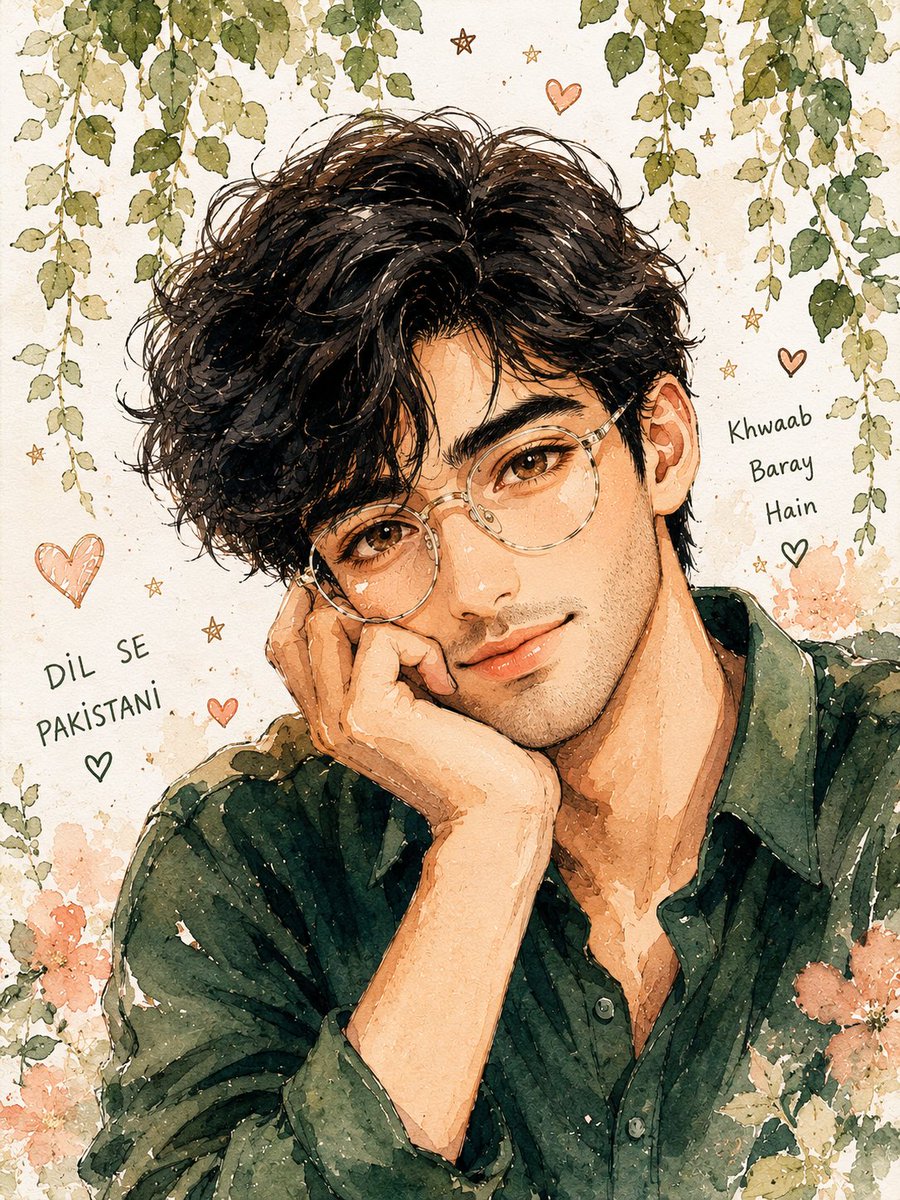
From photoreal selfies to anime fantasy characters. GPT Image 2's pixel-level character consistency is unmatched here — perfect for personal branding, gaming avatars, and series content.
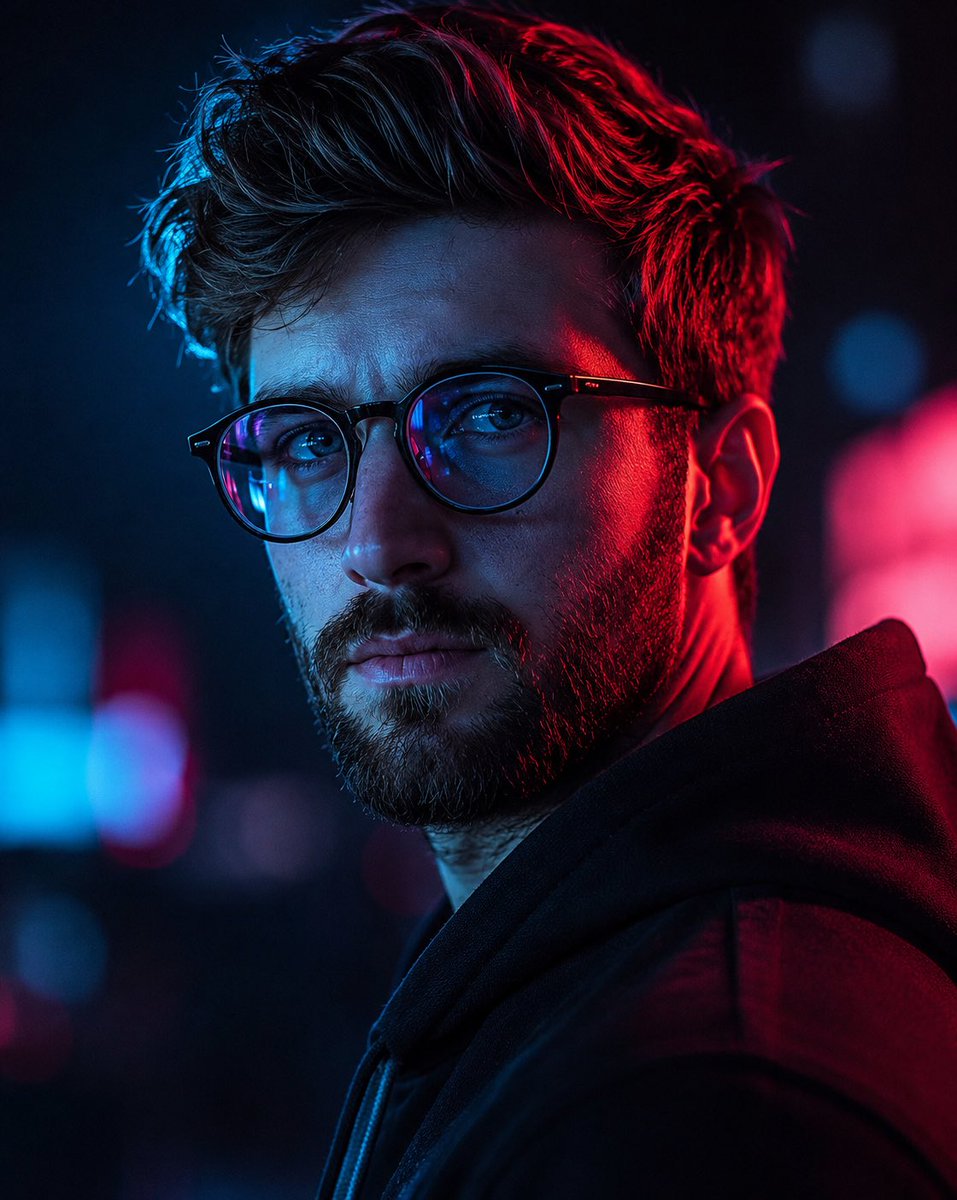
A high-contrast cinematic prompt for a cyberpunk-style male portrait featuring dramatic neon lighting, shallow depth of field, and magazine-quality photography.
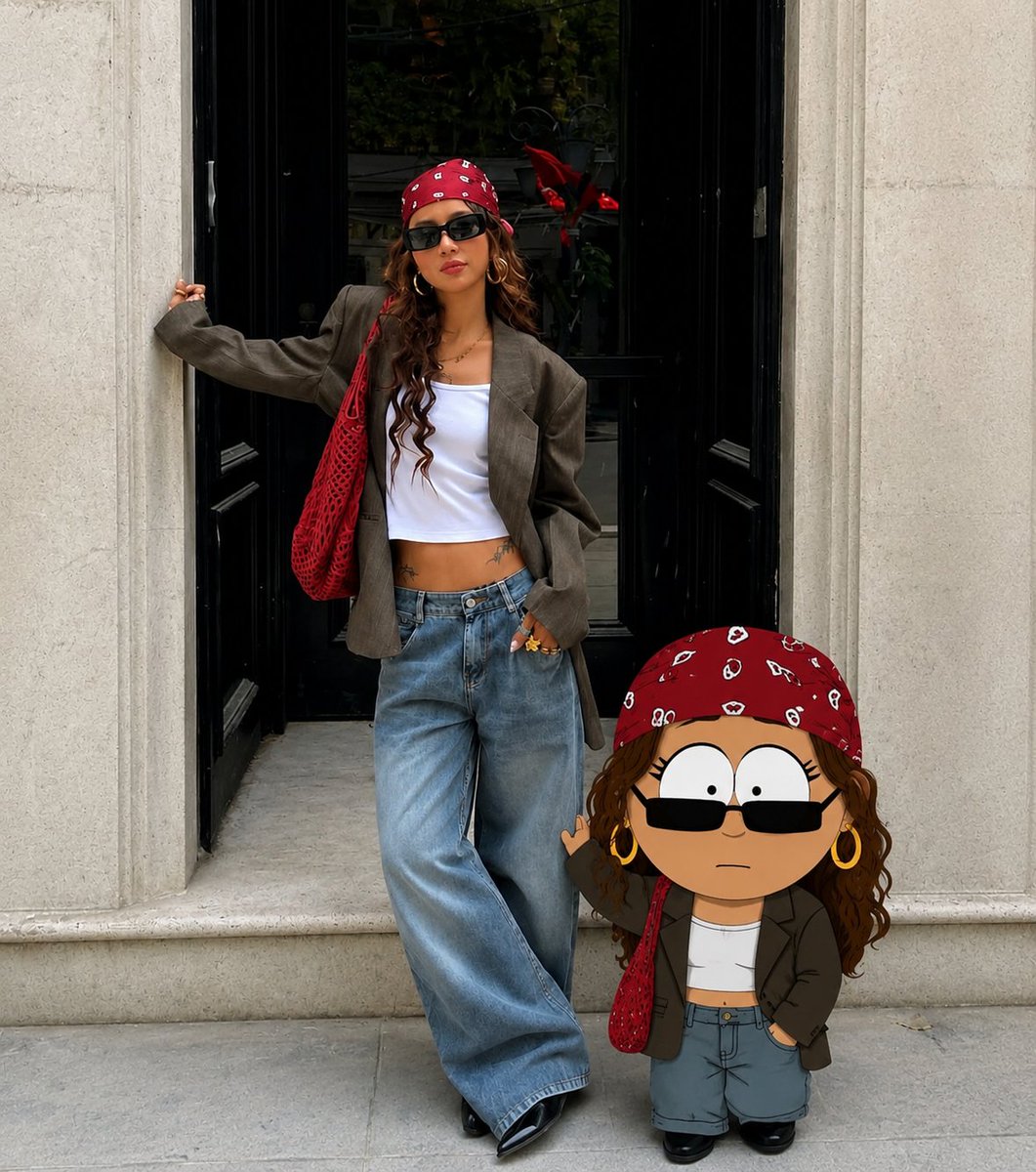
Editorial-quality posts ready for Instagram, X, and TikTok. GPT Image 2 handles complex compositions (collages, multi-frame layouts) in one shot — no Figma needed.
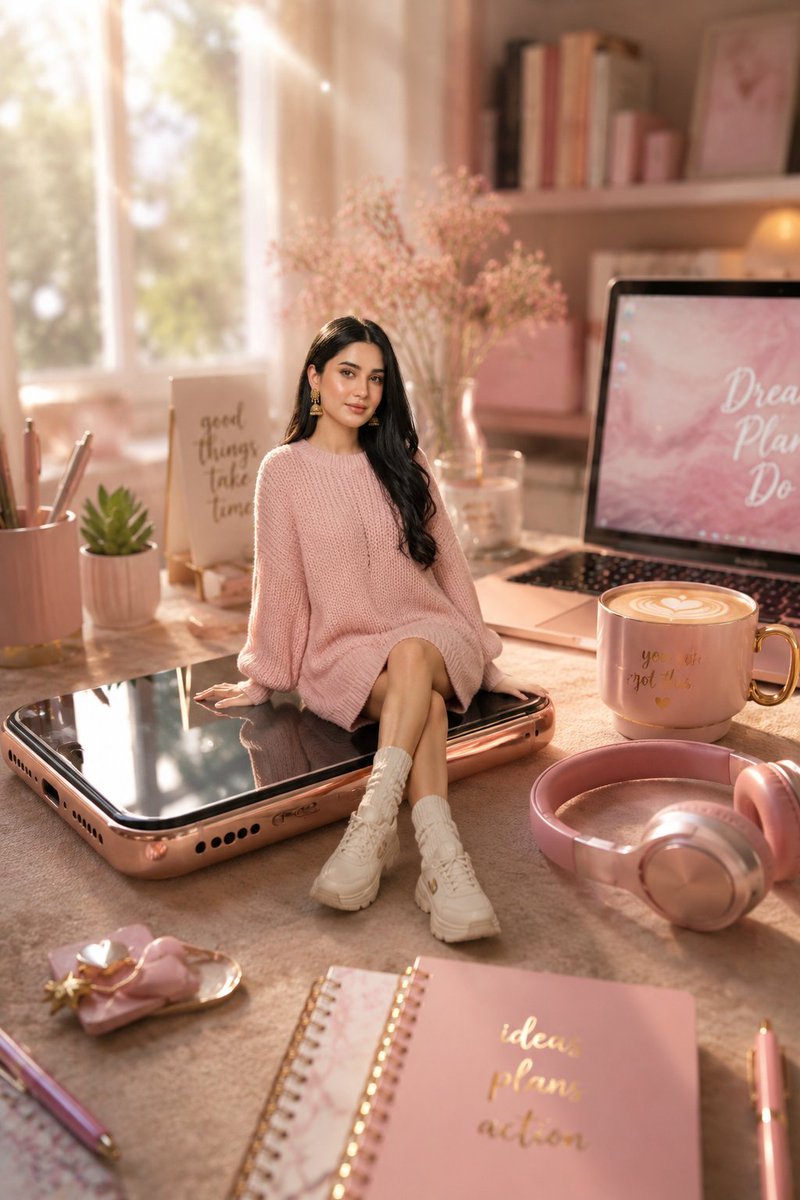
A cozy pastel miniature workspace scene featuring a tiny stylish girl sitting on a giant smartphone, useful for whimsical lifestyle and social media visuals.
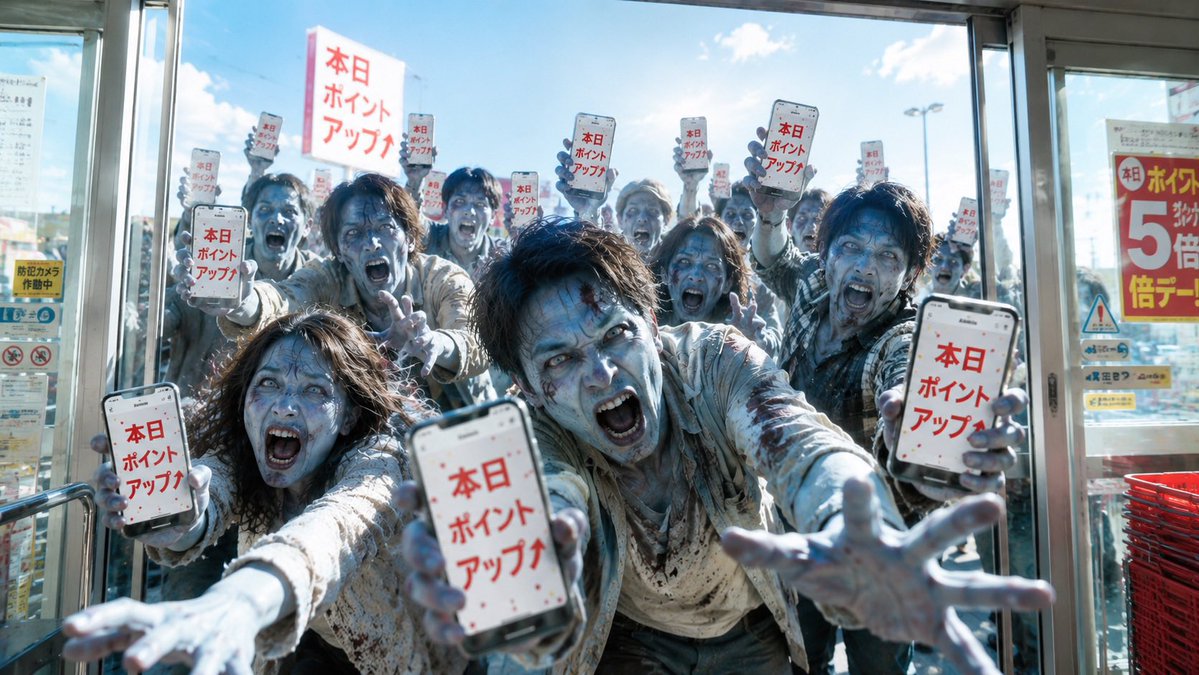
Where GPT Image 2 truly leaves the competition behind. Diagrams, scientific posters, and storyboards with pixel-perfect multilingual text — no warped glyphs, no typos, no manual fixes.
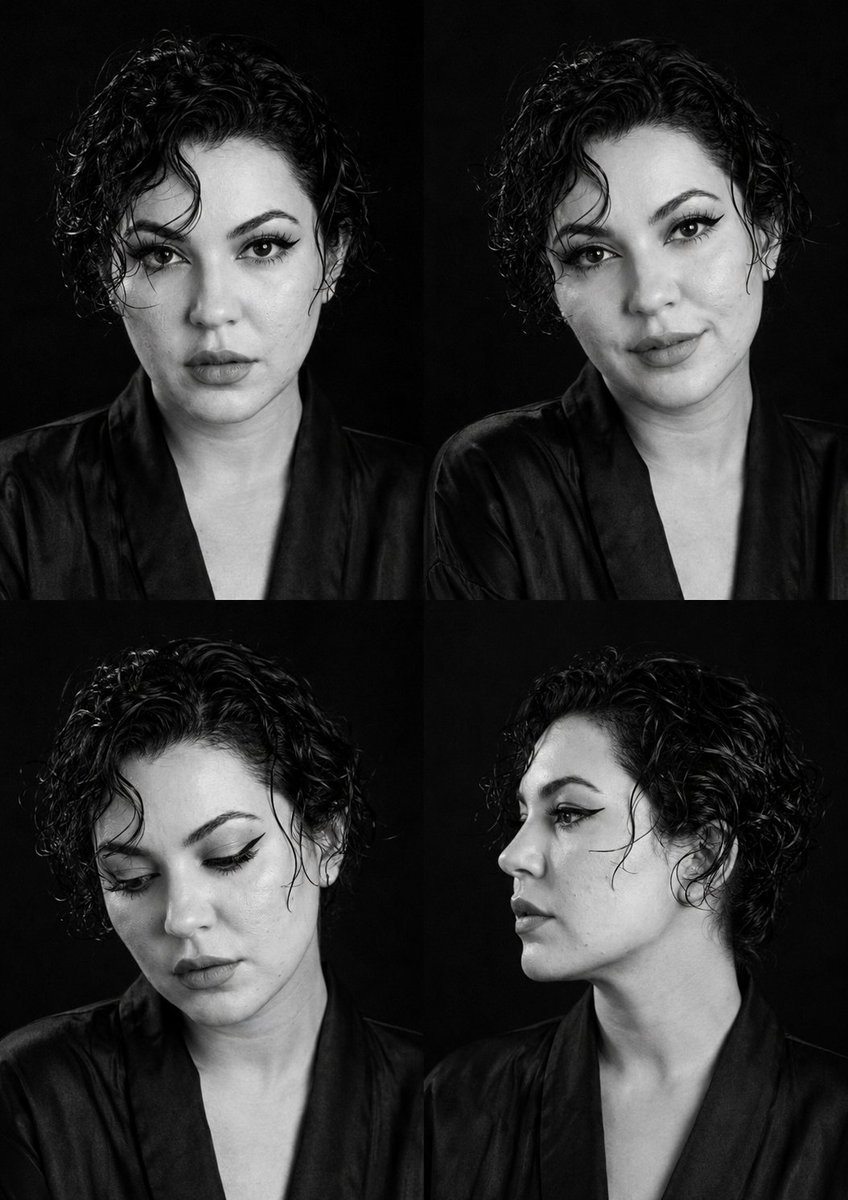
A detailed prompt for creating professional fashion editorial shots with an overlay of cinematic composition analysis, including grid lines and focus markers.
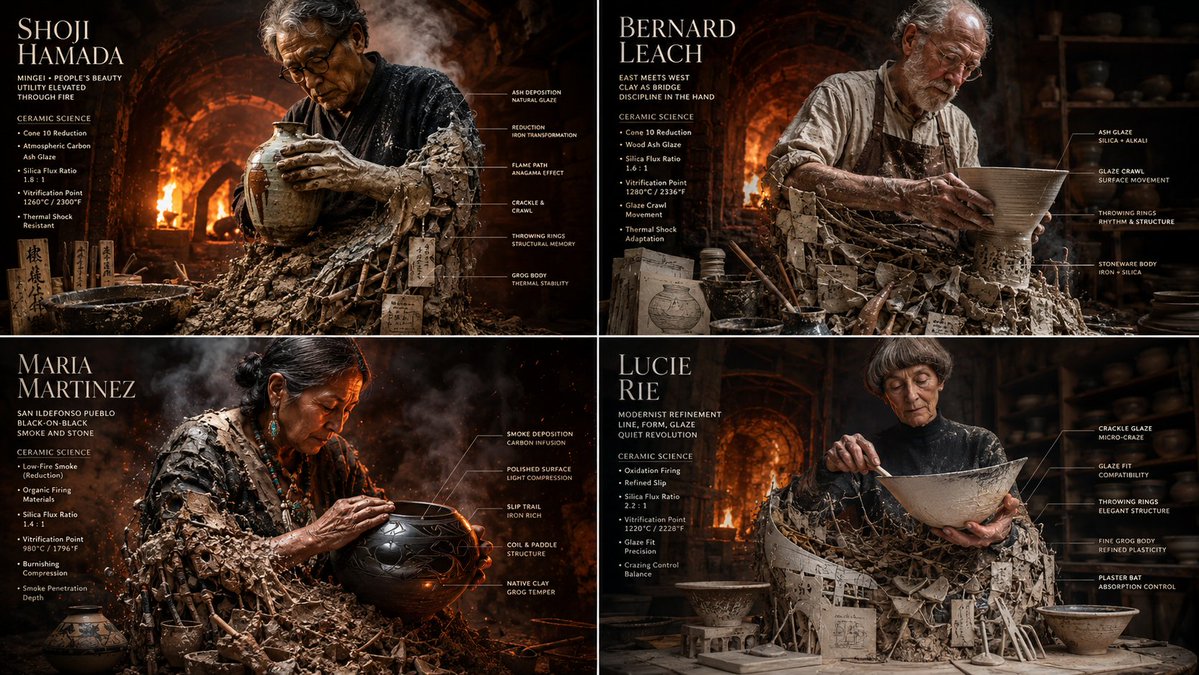
2x2 grid, 16:9 do this for {argument name="number of potters" default="4"} famous master potters input: [{argument name="potter data" default="four master potters & their glaze chemistry charts"}]
2x2 grid, 16:9 do this for {argument name="number of potters" default="4"} famous master potters input: [{argument name="potter data" default="four master potters & their glaze chemistry charts"}]
2x2 grid, 16:9 do this for {argument name="number of potters" default="4"} famous master potters input: [{argument name="potter data" default="four master potters & their glaze chemistry charts"}]
YouTube Thumbnails
Bold, scroll-stopping thumbnails with embedded text, accurate face rendering, and the kind of visual punch that wins on a crowded watch page.
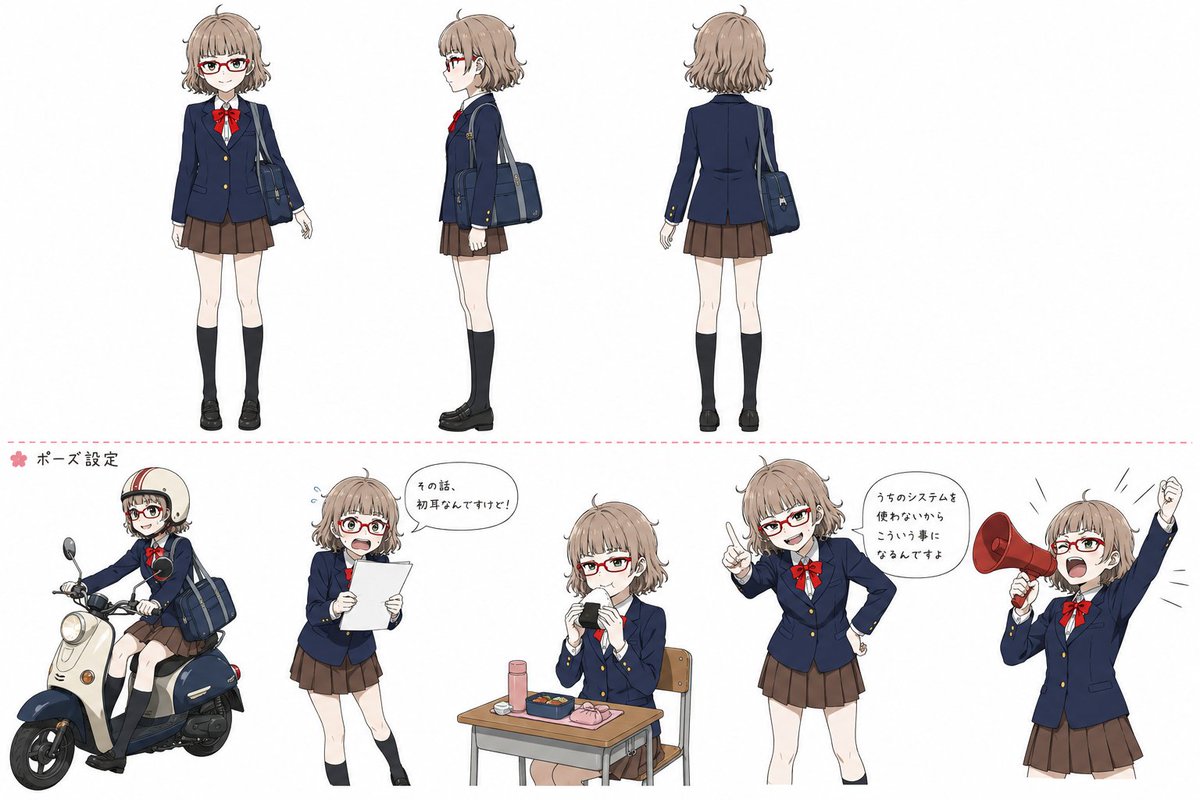
Character sheets, manga panels, and storyboard frames with cross-image consistency. Build entire universes with the same character across dozens of generations.
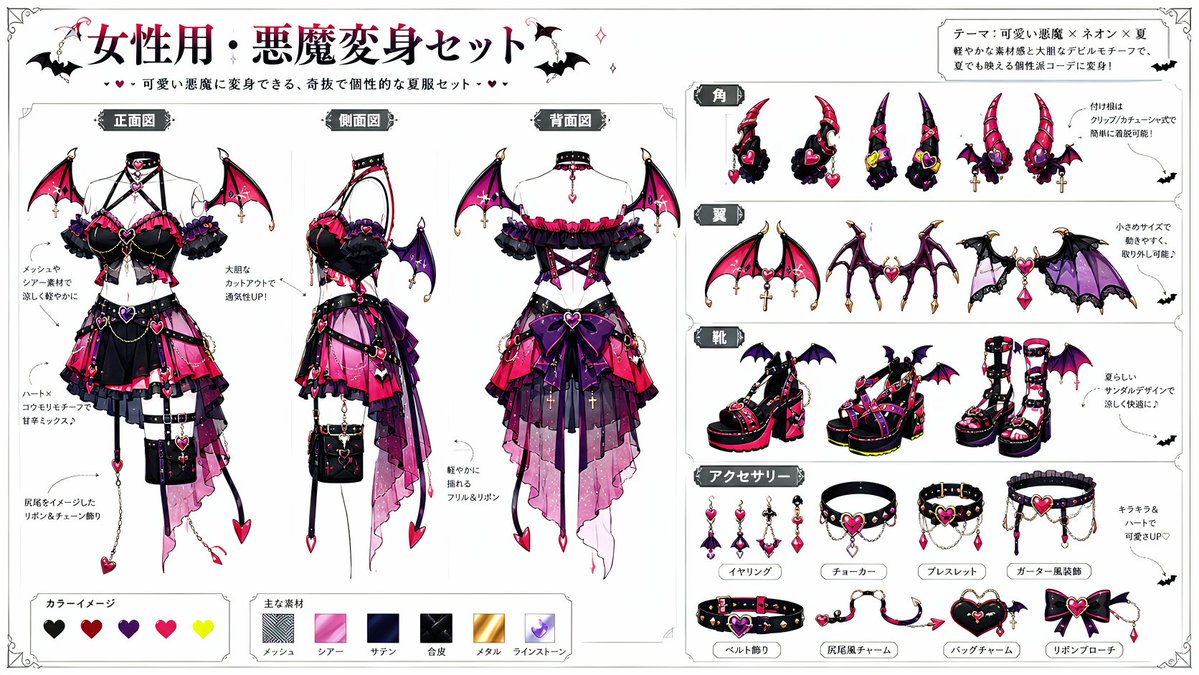
A sophisticated prompt for transforming an existing character into a dark fantasy devil version, preserving the original character's traits while adding wings, horns, and thematic outfits.
[Information Input Field]

Character Name: [{argument name="character name" default=" "}] (Required)

Additional Notes: [{argument name="additional notes" default="optional"}] (Enter if there is anything you want to tell the AI)

-----------------

[Image Generation Instructions]

Based on the character in attached image 1, dress them using the devil transformation set in attached image 2.

Read the character's appearance, atmosphere, age, expression, equipment, and personality traits from the input character name and attached image 1. Automatically devise a background, situation, posing, expression, composition, lighting, and a short phrase within the image.

Maintain the original character's hairstyle, hair color, eye color, physique, facial features, age, atmosphere, and character personality.

Reflect the design elements of the devil transformation set so they blend naturally with the original character. It should not just be layering a costume, but an integrated design showing the original character transformed into a devil.

Pay particular attention to the placement of horns and tails, depicting them to look anatomically and visually natural. Horns should sprout naturally from the head and not look like they are roughly placed on top of the hair. The base of the horns should be at the top of the head, near the forehead, or around the temples in a reasonable position, with balanced symmetry, orientation, length, thickness, and a proper sense of connection. The tail should sprout naturally from the lower back as an extension of the tailbone, and not from unnatural positions like the abdomen, chest, legs, or arms. Adjust the horns and tail to look natural according to the pose and costume, ensuring no awkward connections, floating bases, nonsensical numbers, unnatural curves, or strange growth patterns.

Construct a new background and situation as a scene that strongly conveys the character's charm, without relying on standard compositions. Make the character's expression, costume, pose, gaze, and gestures the main focus, rather than just flashy backgrounds.

Treat the expression as a high-priority item. Do not use expressionless, straight, flatly calm, or standard 'cool' faces. Create an impressive expression that looks like multiple emotions are layered, rather than a single simple emotion.

Add variety to the expression using eyebrows, eye direction, pupil highlights, corners of the mouth, cheeks, face angle, and neck tilt. Make it a natural expression that is slightly broken rather than perfectly symmetrical. Create an expression that makes viewers want to imagine the character's inner thoughts.

For posing, prioritize showing the entire costume while creating a dynamic composition that conveys the character's personality and the atmosphere after transformation. Do not use a pose where the character is just standing. Emphasize character traits using weapons, wings, horns, tails, chains, accessories, hand gestures, and gaze direction.

Utilize the eccentricity of the devil transformation set but do not crush the original character's individuality. Ensure the original character does not look like a different person.

In the top-left or bottom-right of the screen, automatically generate a title with decorations, with the first line being the '[Character Name]
[Information Input Field]

Character Name: [{argument name="character name" default=" "}] (Required)

Additional Notes: [{argument name="additional notes" default="optional"}] (Enter if there is anything you want to tell the AI)

-----------------

[Image Generation Instructions]

Based on the character in attached image 1, dress them using the devil transformation set in attached image 2.

Read the character's appearance, atmosphere, age, expression, equipment, and personality traits from the input character name and attached image 1. Automatically devise a background, situation, posing, expression, composition, lighting, and a short phrase within the image.

Maintain the original character's hairstyle, hair color, eye color, physique, facial features, age, atmosphere, and character personality.

Reflect the design elements of the devil transformation set so they blend naturally with the original character. It should not just be layering a costume, but an integrated design showing the original character transformed into a devil.

Pay particular attention to the placement of horns and tails, depicting them to look anatomically and visually natural. Horns should sprout naturally from the head and not look like they are roughly placed on top of the hair. The base of the horns should be at the top of the head, near the forehead, or around the temples in a reasonable position, with balanced symmetry, orientation, length, thickness, and a proper sense of connection. The tail should sprout naturally from the lower back as an extension of the tailbone, and not from unnatural positions like the abdomen, chest, legs, or arms. Adjust the horns and tail to look natural according to the pose and costume, ensuring no awkward connections, floating bases, nonsensical numbers, unnatural curves, or strange growth patterns.

Construct a new background and situation as a scene that strongly conveys the character's charm, without relying on standard compositions. Make the character's expression, costume, pose, gaze, and gestures the main focus, rather than just flashy backgrounds.

Treat the expression as a high-priority item. Do not use expressionless, straight, flatly calm, or standard 'cool' faces. Create an impressive expression that looks like multiple emotions are layered, rather than a single simple emotion.

Add variety to the expression using eyebrows, eye direction, pupil highlights, corners of the mouth, cheeks, face angle, and neck tilt. Make it a natural expression that is slightly broken rather than perfectly symmetrical. Create an expression that makes viewers want to imagine the character's inner thoughts.

For posing, prioritize showing the entire costume while creating a dynamic composition that conveys the character's personality and the atmosphere after transformation. Do not use a pose where the character is just standing. Emphasize character traits using weapons, wings, horns, tails, chains, accessories, hand gestures, and gaze direction.

Utilize the eccentricity of the devil transformation set but do not crush the original character's individuality. Ensure the original character does not look like a different person.

In the top-left or bottom-right of the screen, automatically generate a title with decorations, with the first line being the '[Character Name]
[Information Input Field]

Character Name: [{argument name="character name" default=" "}] (Required)

Additional Notes: [{argument name="additional notes" default="optional"}] (Enter if there is anything you want to tell the AI)

-----------------

[Image Generation Instructions]

Based on the character in attached image 1, dress them using the devil transformation set in attached image 2.

Read the character's appearance, atmosphere, age, expression, equipment, and personality traits from the input character name and attached image 1. Automatically devise a background, situation, posing, expression, composition, lighting, and a short phrase within the image.

Maintain the original character's hairstyle, hair color, eye color, physique, facial features, age, atmosphere, and character personality.

Reflect the design elements of the devil transformation set so they blend naturally with the original character. It should not just be layering a costume, but an integrated design showing the original character transformed into a devil.

Pay particular attention to the placement of horns and tails, depicting them to look anatomically and visually natural. Horns should sprout naturally from the head and not look like they are roughly placed on top of the hair. The base of the horns should be at the top of the head, near the forehead, or around the temples in a reasonable position, with balanced symmetry, orientation, length, thickness, and a proper sense of connection. The tail should sprout naturally from the lower back as an extension of the tailbone, and not from unnatural positions like the abdomen, chest, legs, or arms. Adjust the horns and tail to look natural according to the pose and costume, ensuring no awkward connections, floating bases, nonsensical numbers, unnatural curves, or strange growth patterns.

Construct a new background and situation as a scene that strongly conveys the character's charm, without relying on standard compositions. Make the character's expression, costume, pose, gaze, and gestures the main focus, rather than just flashy backgrounds.

Treat the expression as a high-priority item. Do not use expressionless, straight, flatly calm, or standard 'cool' faces. Create an impressive expression that looks like multiple emotions are layered, rather than a single simple emotion.

Add variety to the expression using eyebrows, eye direction, pupil highlights, corners of the mouth, cheeks, face angle, and neck tilt. Make it a natural expression that is slightly broken rather than perfectly symmetrical. Create an expression that makes viewers want to imagine the character's inner thoughts.

For posing, prioritize showing the entire costume while creating a dynamic composition that conveys the character's personality and the atmosphere after transformation. Do not use a pose where the character is just standing. Emphasize character traits using weapons, wings, horns, tails, chains, accessories, hand gestures, and gaze direction.

Utilize the eccentricity of the devil transformation set but do not crush the original character's individuality. Ensure the original character does not look like a different person.

In the top-left or bottom-right of the screen, automatically generate a title with decorations, with the first line being the '[Character Name]
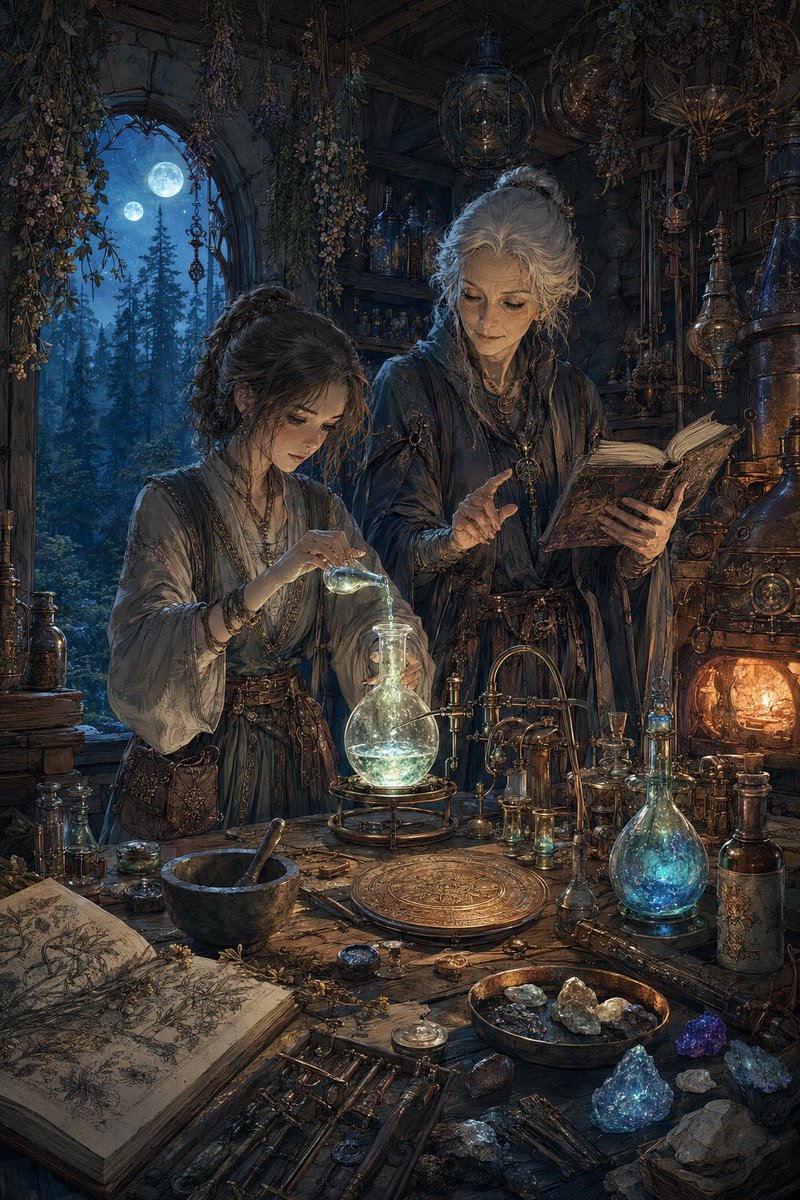
A detailed prompt for generating a dark fantasy alchemist laboratory scene with two robed figures, glowing potions, ancient books, and moonlit gothic atmosphere.
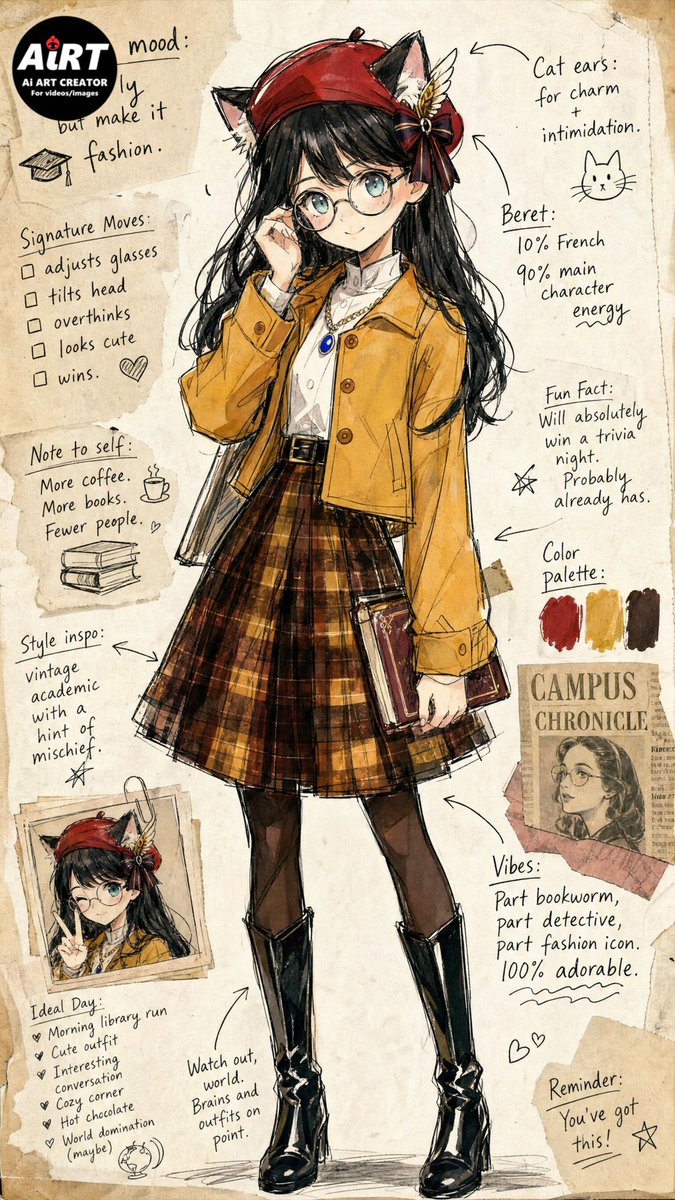
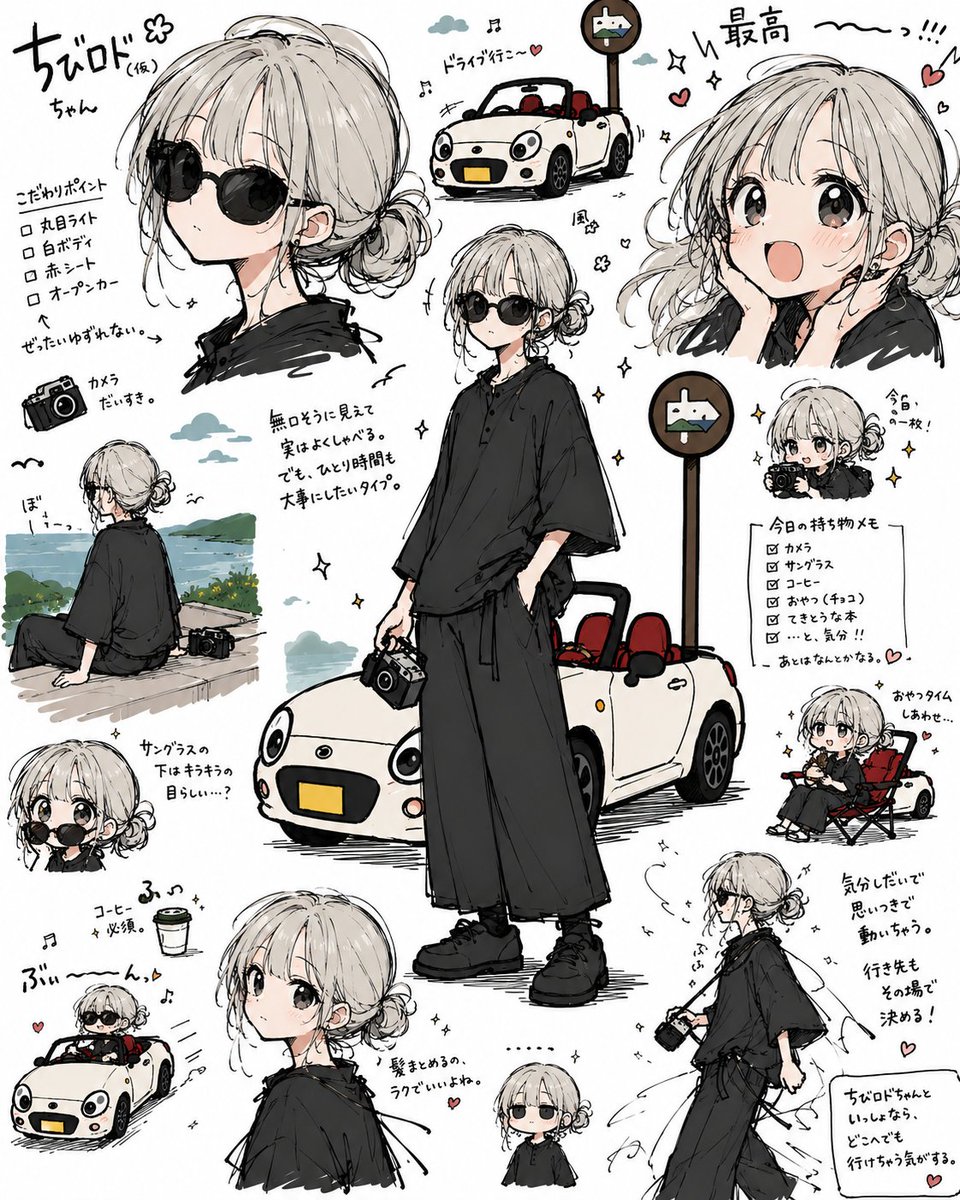
Creates a playful manga-style reference-sheet collage from a character-and-car image, useful for turning a single illustration into multiple cute travel diary poses.
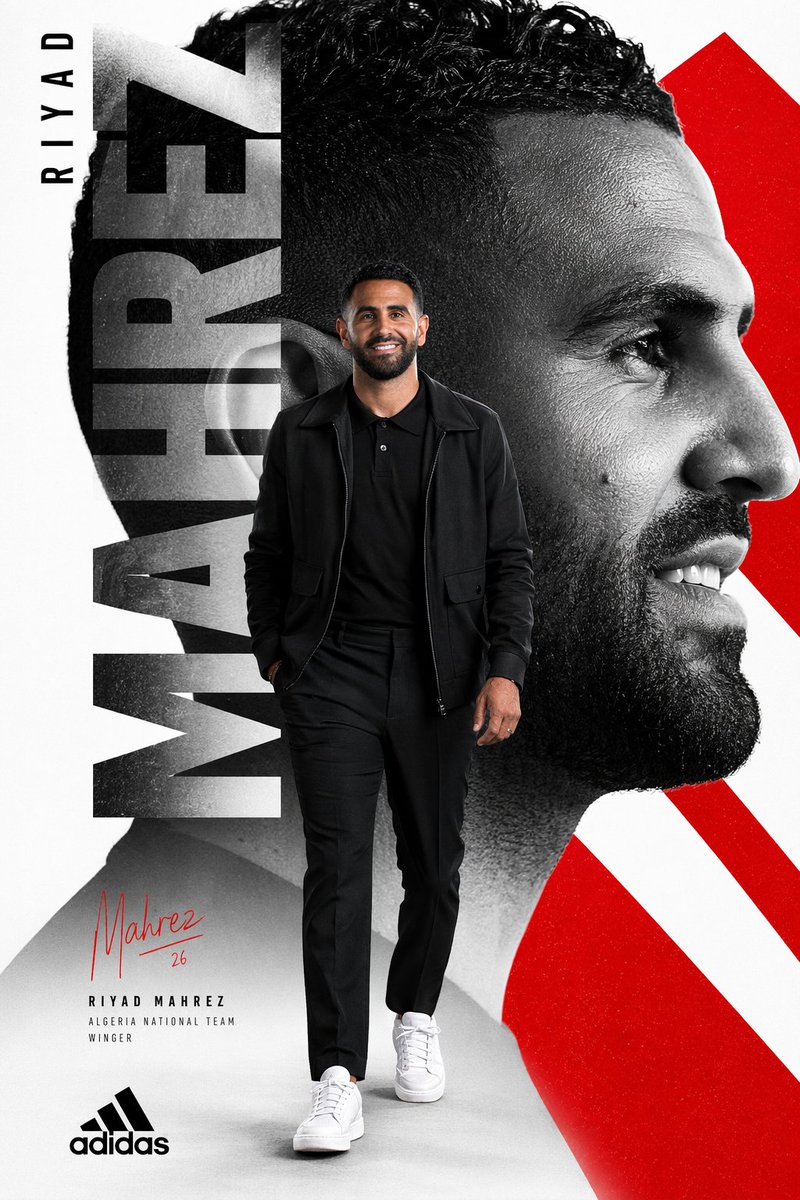
A bold Adidas-style football poster featuring a full-body athlete, oversized vertical typography, monochrome portrait collage, and red geometric accents.
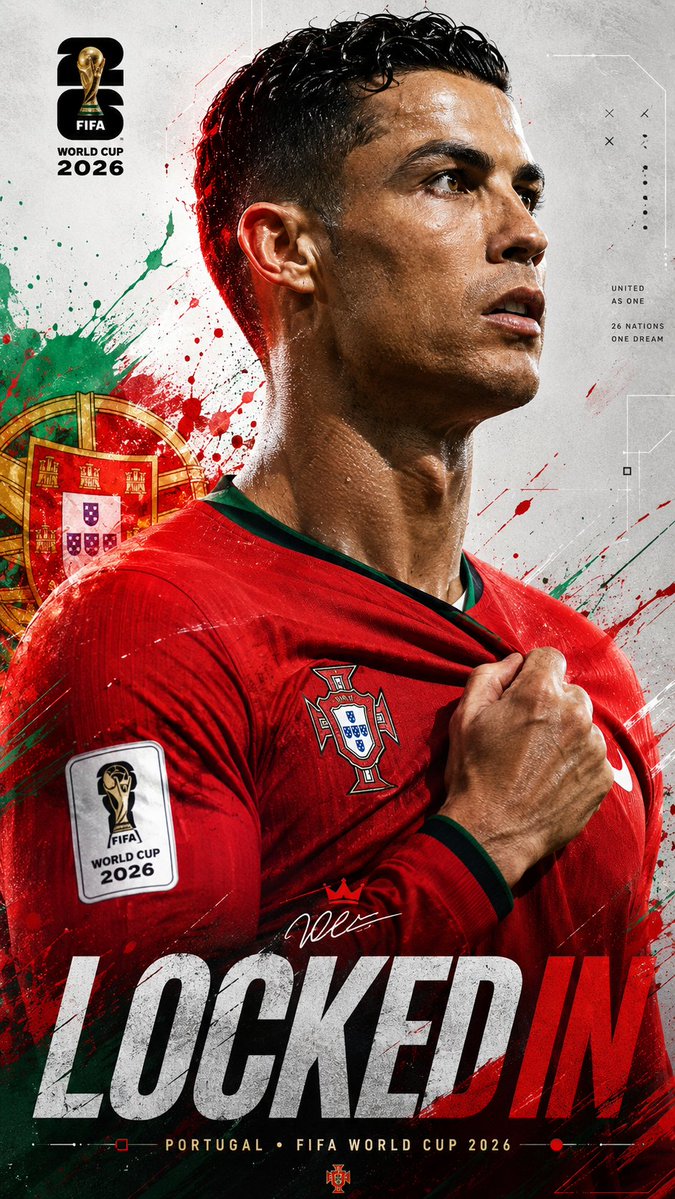
type: image_generation_prompt

{
  "title": "Universal FIFA World Cup 2026 Locked In Poster",
  "aspect_ratio": "9:16",
  "style": "ultra-realistic cinematic sports poster",
  "quality": "16K UHD premium realism",
  "subject": {
    "identity": "{argument name="player name" default="[PLAYER_NAME or uploaded player]"}",
    "pose": "powerful side-profile portrait with intense focus",
    "expression": "determined, locked-in, championship mentality",
    "gesture": "one hand gripping the national team jersey near the badge"
  },
  "wardrobe": {
    "kit": "{argument name="country" default="[COUNTRY_NAME]"} official home jersey",
    "details": "authentic textures, federation crest, official FIFA World Cup 2026 sleeve patch, realistic fabric folds and stitching"
  },
  "environment": {
    "background": "clean light grey textured sports poster canvas with futuristic geometric lines, subtle technical graphics and premium editorial composition",
    "effects": "dynamic paint splashes, energy streaks and particles inspired by the national colors of {argument name="national colors" default="[COUNTRY_NAME]"}",
    "national_elements": "subtle stars, symbols and graphic motifs inspired by the country's identity",
    "atmosphere": "high-energy tournament anticipation"
  },
  "lighting": {
    "type": "dramatic cinematic lighting",
    "rim_light": "colored rim lighting matching the country's flag",
    "highlights": "glossy skin reflections and realistic sweat details",
    "contrast": "strong sports-poster contrast"
  },
  "composition": {
    "camera_angle": "close-up side profile",
    "framing": "upper body portrait",
    "depth_of_field": "shallow",
    "focus": "face, badge and jersey grip"
  },
  "branding": {
    "tournament": "FIFA World Cup 2026",
    "logo": "official FIFA World Cup 2026 logo integrated elegantly",
    "color_palette": "official FIFA World Cup 2026 tournament colors combined with [COUNTRY_NAME] national colors",
    "headline": "\"LOCKED IN\" displayed in large modern typography",
    "subtitle": "[COUNTRY_NAME] • FIFA WORLD CUP 2026"
  },
  "mood": [
    "focused",
    "elite",
    "fearless",
    "national pride",
    "championship energy"
  ]
type: image_generation_prompt

{
  "title": "Universal FIFA World Cup 2026 Locked In Poster",
  "aspect_ratio": "9:16",
  "style": "ultra-realistic cinematic sports poster",
  "quality": "16K UHD premium realism",
  "subject": {
    "identity": "{argument name="player name" default="[PLAYER_NAME or uploaded player]"}",
    "pose": "powerful side-profile portrait with intense focus",
    "expression": "determined, locked-in, championship mentality",
    "gesture": "one hand gripping the national team jersey near the badge"
  },
  "wardrobe": {
    "kit": "{argument name="country" default="[COUNTRY_NAME]"} official home jersey",
    "details": "authentic textures, federation crest, official FIFA World Cup 2026 sleeve patch, realistic fabric folds and stitching"
  },
  "environment": {
    "background": "clean light grey textured sports poster canvas with futuristic geometric lines, subtle technical graphics and premium editorial composition",
    "effects": "dynamic paint splashes, energy streaks and particles inspired by the national colors of {argument name="national colors" default="[COUNTRY_NAME]"}",
    "national_elements": "subtle stars, symbols and graphic motifs inspired by the country's identity",
    "atmosphere": "high-energy tournament anticipation"
  },
  "lighting": {
    "type": "dramatic cinematic lighting",
    "rim_light": "colored rim lighting matching the country's flag",
    "highlights": "glossy skin reflections and realistic sweat details",
    "contrast": "strong sports-poster contrast"
  },
  "composition": {
    "camera_angle": "close-up side profile",
    "framing": "upper body portrait",
    "depth_of_field": "shallow",
    "focus": "face, badge and jersey grip"
  },
  "branding": {
    "tournament": "FIFA World Cup 2026",
    "logo": "official FIFA World Cup 2026 logo integrated elegantly",
    "color_palette": "official FIFA World Cup 2026 tournament colors combined with [COUNTRY_NAME] national colors",
    "headline": "\"LOCKED IN\" displayed in large modern typography",
    "subtitle": "[COUNTRY_NAME] • FIFA WORLD CUP 2026"
  },
  "mood": [
    "focused",
    "elite",
    "fearless",
    "national pride",
    "championship energy"
  ]
type: image_generation_prompt

{
  "title": "Universal FIFA World Cup 2026 Locked In Poster",
  "aspect_ratio": "9:16",
  "style": "ultra-realistic cinematic sports poster",
  "quality": "16K UHD premium realism",
  "subject": {
    "identity": "{argument name="player name" default="[PLAYER_NAME or uploaded player]"}",
    "pose": "powerful side-profile portrait with intense focus",
    "expression": "determined, locked-in, championship mentality",
    "gesture": "one hand gripping the national team jersey near the badge"
  },
  "wardrobe": {
    "kit": "{argument name="country" default="[COUNTRY_NAME]"} official home jersey",
    "details": "authentic textures, federation crest, official FIFA World Cup 2026 sleeve patch, realistic fabric folds and stitching"
  },
  "environment": {
    "background": "clean light grey textured sports poster canvas with futuristic geometric lines, subtle technical graphics and premium editorial composition",
    "effects": "dynamic paint splashes, energy streaks and particles inspired by the national colors of {argument name="national colors" default="[COUNTRY_NAME]"}",
    "national_elements": "subtle stars, symbols and graphic motifs inspired by the country's identity",
    "atmosphere": "high-energy tournament anticipation"
  },
  "lighting": {
    "type": "dramatic cinematic lighting",
    "rim_light": "colored rim lighting matching the country's flag",
    "highlights": "glossy skin reflections and realistic sweat details",
    "contrast": "strong sports-poster contrast"
  },
  "composition": {
    "camera_angle": "close-up side profile",
    "framing": "upper body portrait",
    "depth_of_field": "shallow",
    "focus": "face, badge and jersey grip"
  },
  "branding": {
    "tournament": "FIFA World Cup 2026",
    "logo": "official FIFA World Cup 2026 logo integrated elegantly",
    "color_palette": "official FIFA World Cup 2026 tournament colors combined with [COUNTRY_NAME] national colors",
    "headline": "\"LOCKED IN\" displayed in large modern typography",
    "subtitle": "[COUNTRY_NAME] • FIFA WORLD CUP 2026"
  },
  "mood": [
    "focused",
    "elite",
    "fearless",
    "national pride",
    "championship energy"
  ]
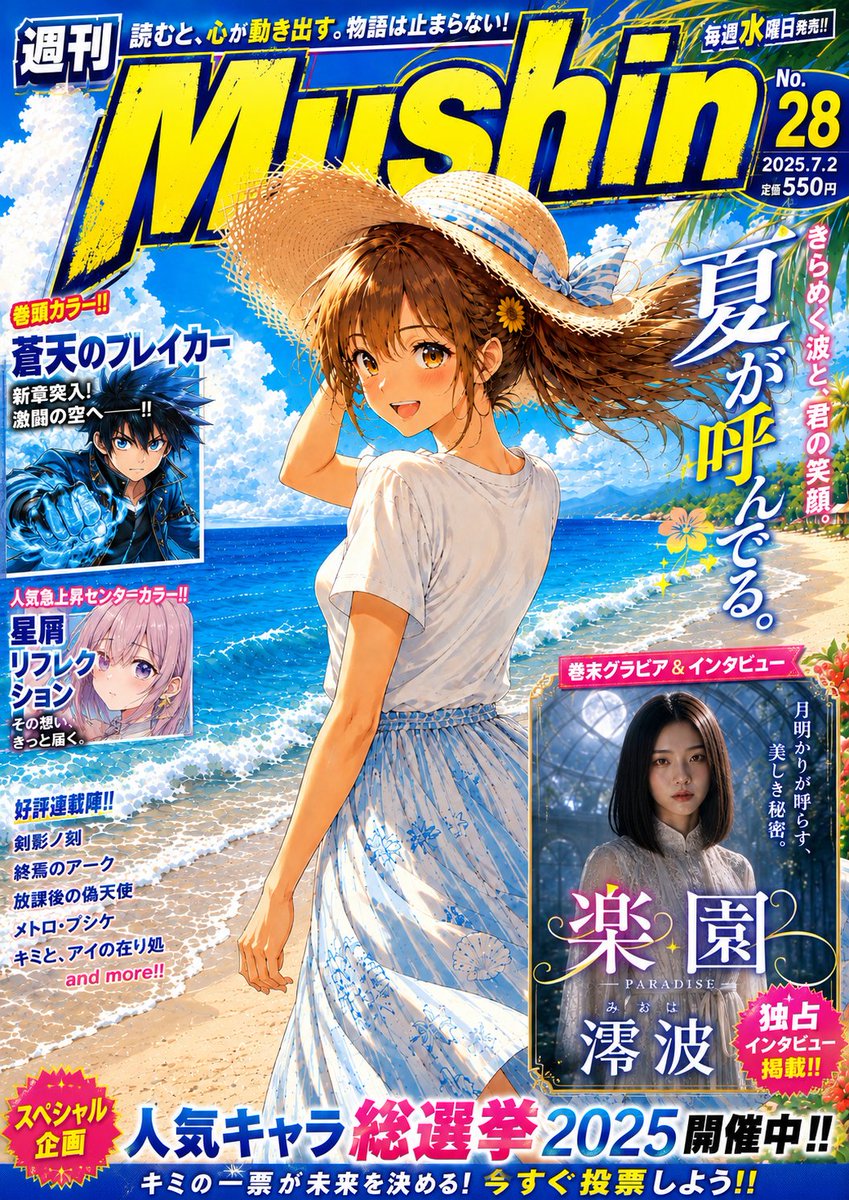
Generates a vibrant fictional Japanese weekly manga magazine cover with a beach heroine, bold masthead, feature panels, and dense shonen-style cover typography.
01. Writing prompts as a single flowing paragraph. GPT Image 2 was trained on structured prompts. A 200-word descriptive paragraph generates mediocre output; the same content organized into named sections (subject, style, layout, text) generates pro-grade work.
02. Describing the text you want instead of writing it. "A motivational quote about success" produces gibberish. "headline": "Mountains move when you do." produces clean, accurate typography. Always quote the exact string.
03. Forgetting to specify language for non-English output. GPT Image 2 reaches native-quality typography in Japanese, Chinese, and Korean — but only when you explicitly set the language. Otherwise it may default to romanized or AI-glitched glyphs.
04. Using generic style words. "Anime style," "watercolor," "cinematic" are too broad. Get specific: "1990s Sailor Moon-era shoujo manga," "Edward Hopper-inspired oil painting," "ARRI Alexa anamorphic film still." Specificity unlocks the model's deep style memory.
05. Trying to generate everything in one prompt when image-to-image would work better. If you need a character across multiple scenes, generate the character once, then use image-to-image for variations. GPT Image 2's consistency is its biggest competitive advantage — use it.
GPT Image 2 vs. Other Image Models
Feature
GPT Image 2
Nano Banana Pro
Midjourney v7
Text Rendering
Pixel-perfect, multilingual
Excellent (English)
Improved but error-prone
Cross-Image Consistency
Native, pixel-level
Strong
Limited
Multilingual Typography
Native (EN/JA/ZH/KO)
English-dominant
English-dominant
Commercial-Ready Output
✅ Ship-ready
✅ Ship-ready
Often needs polish
Layout / Infographic Design
Best-in-class
Strong
Weak
Photorealism
Excellent
Excellent
Industry-leading
Artistic Style Range
Excellent
Excellent
Industry-leading
Best For
Design, branding, multilingual, series
Editorial, mixed media
Artistic, photoreal hero shots
Frequently Asked Questions
Q: Is GPT Image 2 available to use? A: GPT Image 2 is available on Atlabs AI - you can generate images to test it out. Paid plans unlock higher resolution, batch generation, and commercial usage rights.
Q: Can I use GPT Image 2 for commercial projects? A: Yes, paid plan users on Atlabs AI have full commercial rights to their generated images.
Q: Does GPT Image 2 support image-to-image and editing? A: Yes. GPT Image 2's image-to-image mode is one of its strongest features — it maintains pixel-level character consistency across edits and variations, making it ideal for series work and brand assets.
Q: What languages does GPT Image 2 render well? A: Native-quality typography in English, Japanese, Chinese (Simplified & Traditional), and Korean. It also handles many other Latin-script languages well. Always specify the target language explicitly in your prompt.
Q: How is GPT Image 2 different from DALL-E? A: GPT Image 2 is OpenAI's next-generation image model, replacing the DALL-E lineage. It's substantially better at text rendering, character consistency, and layout-based design (posters, infographics, UIs) than any DALL-E model.
Ready to Create?
Generate design-quality images with GPT Image 2 - no Photoshop required.