

















End-to-end AI video platform
Spanish Video Translator
Break demographic barriers with One Click Video Localisation to 40+ languages.
4.8/5 on G2
4.9/5 on Capterra
How It Works: Video Localization
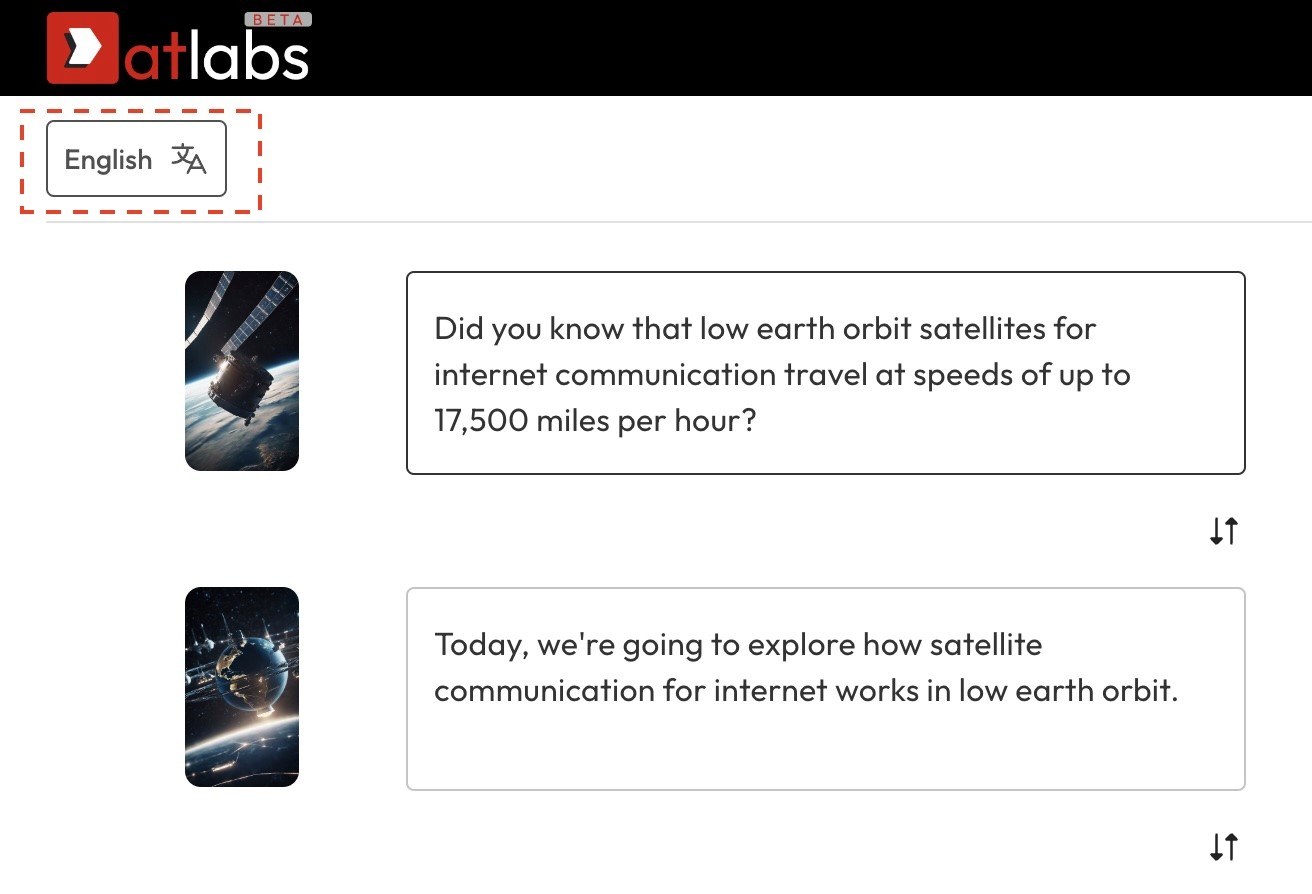
Open your video project
Click on the 'Translate' button located at the top left of your screen.
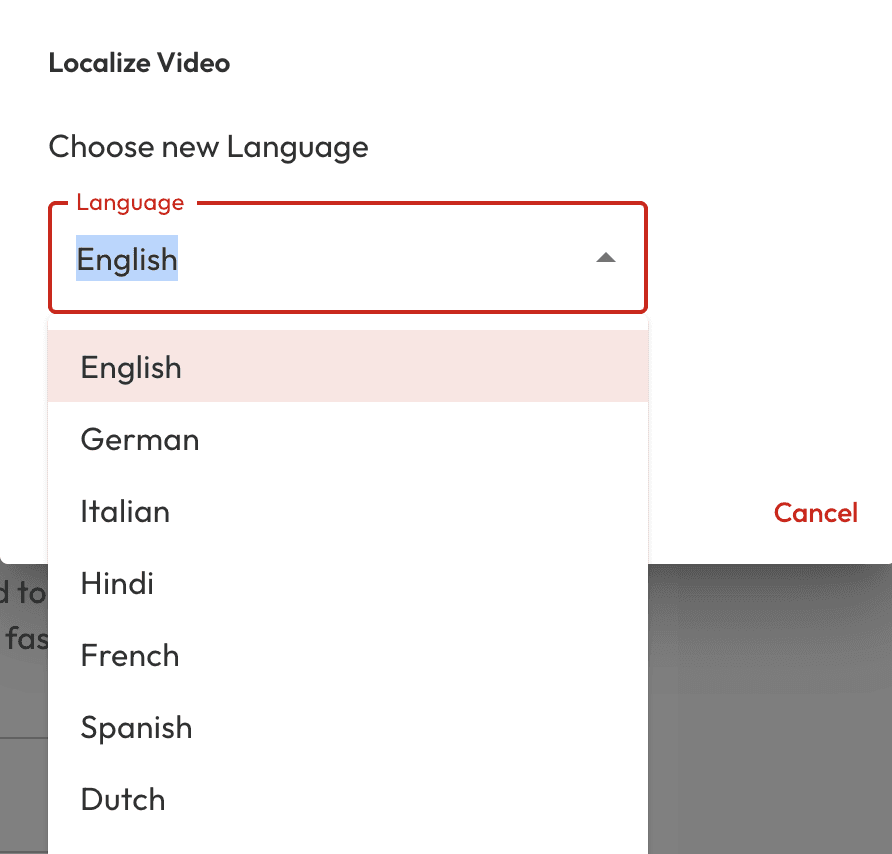
Select your target language
Choose the your desired output language from amongst 40+ language options.
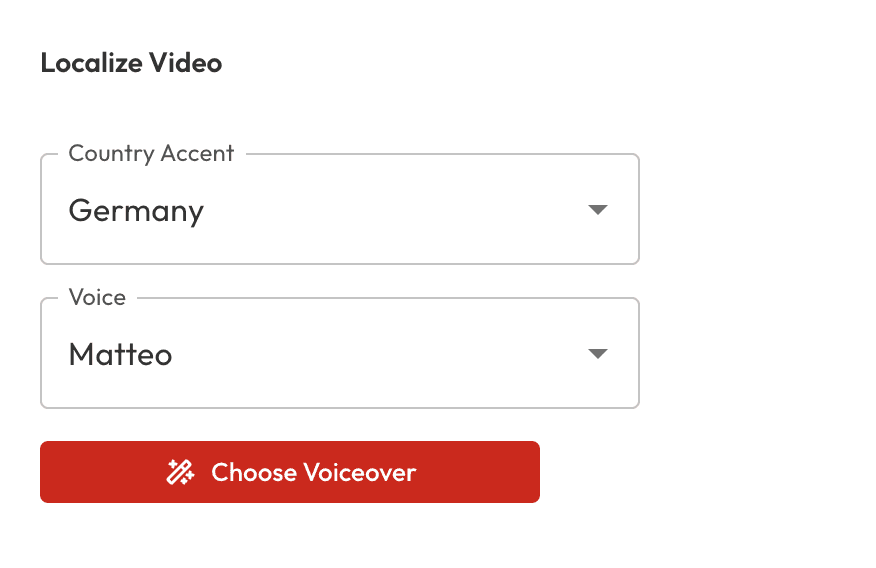
Translate & Customize
Choose your preferred speaker and accent style. Click 'Choose Voiceover' to proceed.
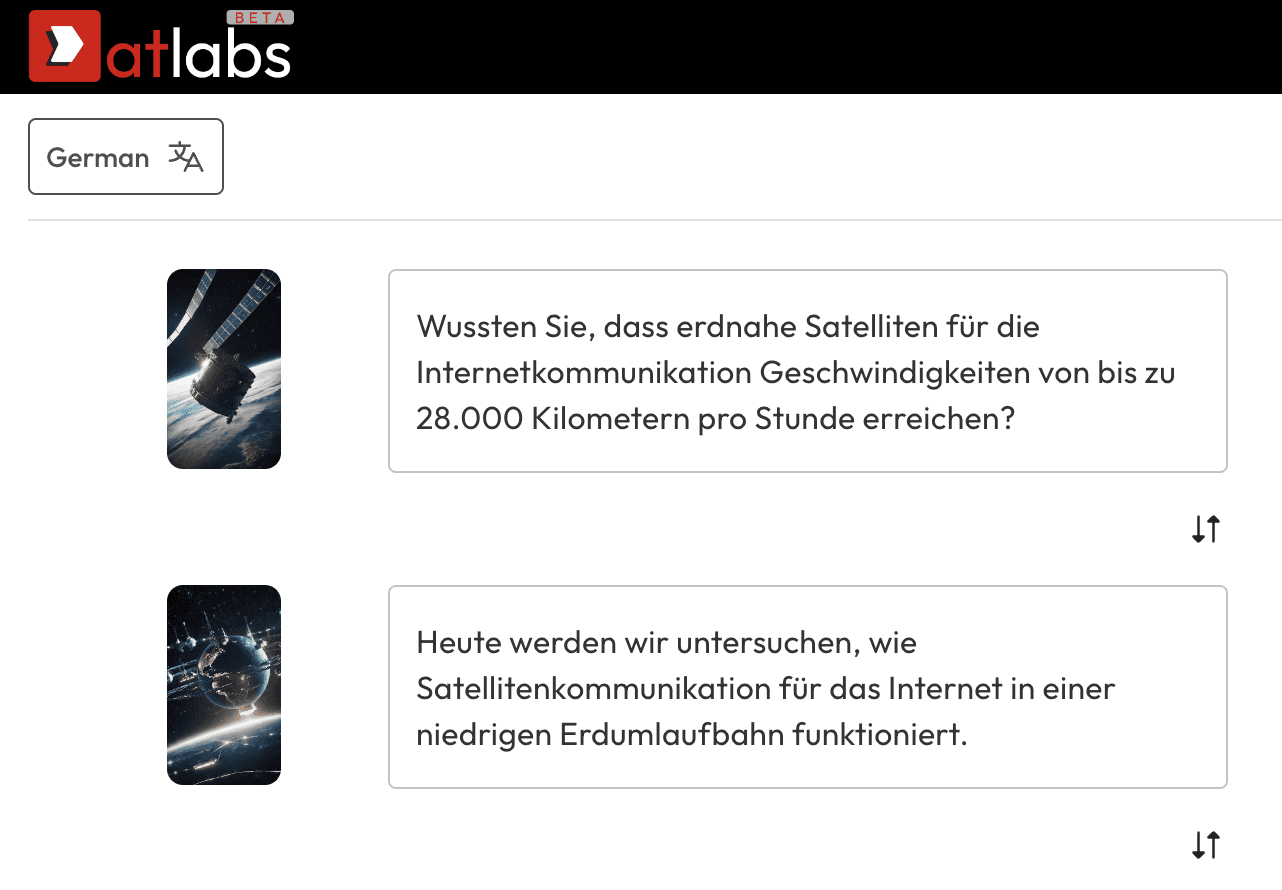
That's it, just export!
Your video should be localised in a few seconds. Make any tweaks if you feel the need, otherwise just click export.
Traduzca sus videos al español, instantáneamente.
Aproveche al máximo el potencial de sus videos al hacerlos accesibles para una audiencia hispanohablante con solo un clic. Ya sea para materiales educativos, anuncios, historias de ficción o cualquier otro contenido, Atlabs garantiza que su contenido trascienda las barreras del idioma y llegue a los espectadores de todas partes.
Desde doblajes fluidos hasta una sincronización y precisión de traducción impecables, Atlabs Video Localisation recibe elogios por hacer que el contenido sea verdaderamente global.
Why AI Video Translation is essential?
Improve SEO and online visibility, break down linguistic barriers.
Atlabs AI makes your videos accessible with subtitles and voiceovers in native languages globally and lets you create engaging video ads in a few mins.
Increase in Reach
Uncover and engage with communities worldwide that resonate with your brand.
Amplify Brand Authority
Position yourself as an international brand leader with content that speaks to global audiences.
Cost effective
Save on translation costs without sacrificing quality, perfect for scaling content across languages.
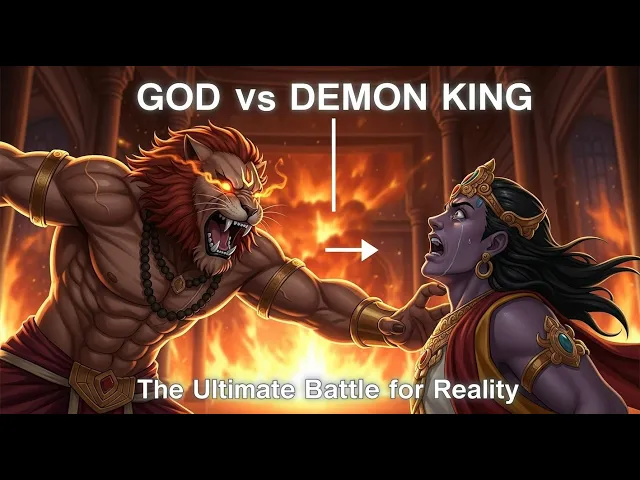
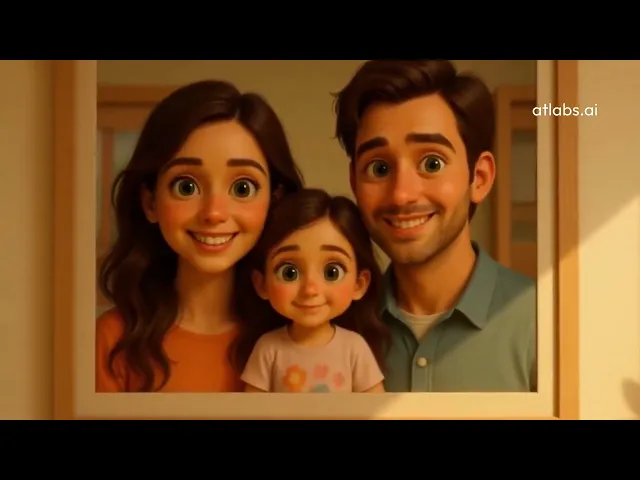
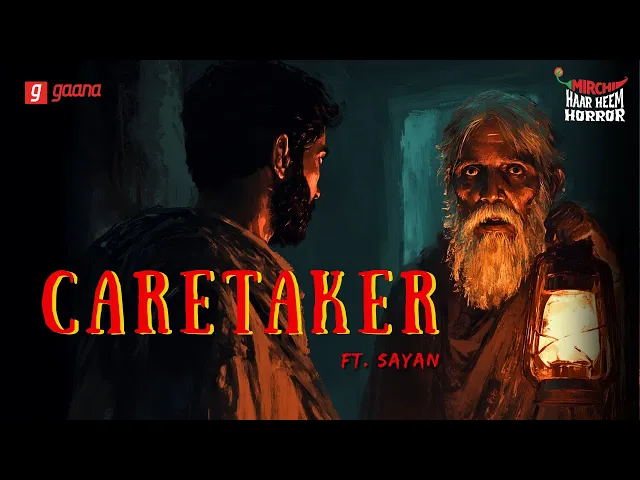
AI Video Templates
Visual storytelling, reimagined with AI


Got Questions?
Can I translate my video into multiple languages at once?
Yes, our platform allows you to translate your video into multiple languages simultaneously. Simply open the video project in multiple tabs and click 'Localise Video'.
How accurate are the video translations?
How do I add subtitles to my translated video?
How long does it take to translate a video?
Can I edit the translated subtitles for accuracy?