ACCESS 50+ MODELS ON ATLABS
Gemini Omni Flash: Google AI Model for Image Generation and Creative Editing
High-quality video generation with conversational control. It for precise creative edits like product swaps, style transfers, relighting, changing angles, and refining finished assets.
No credit card required. Get started in minutes.
Whether it’s for product photos, marketing creatives, portraits, or artistic projects, Atlabs AI Image Edit makes it simple to transform any image with precision, creativity, and speed.
Step by Step
How it Works


Select Your Model
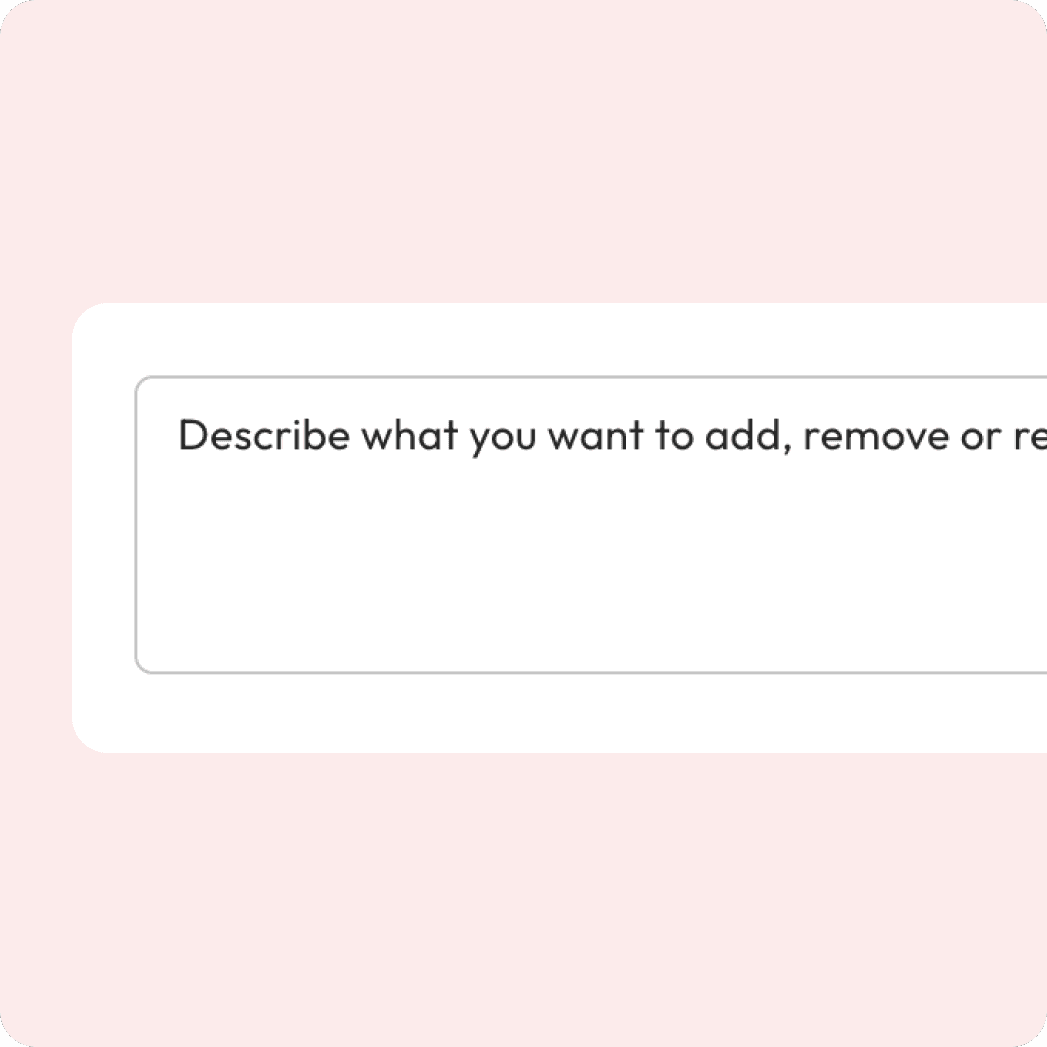
Enter your prompt
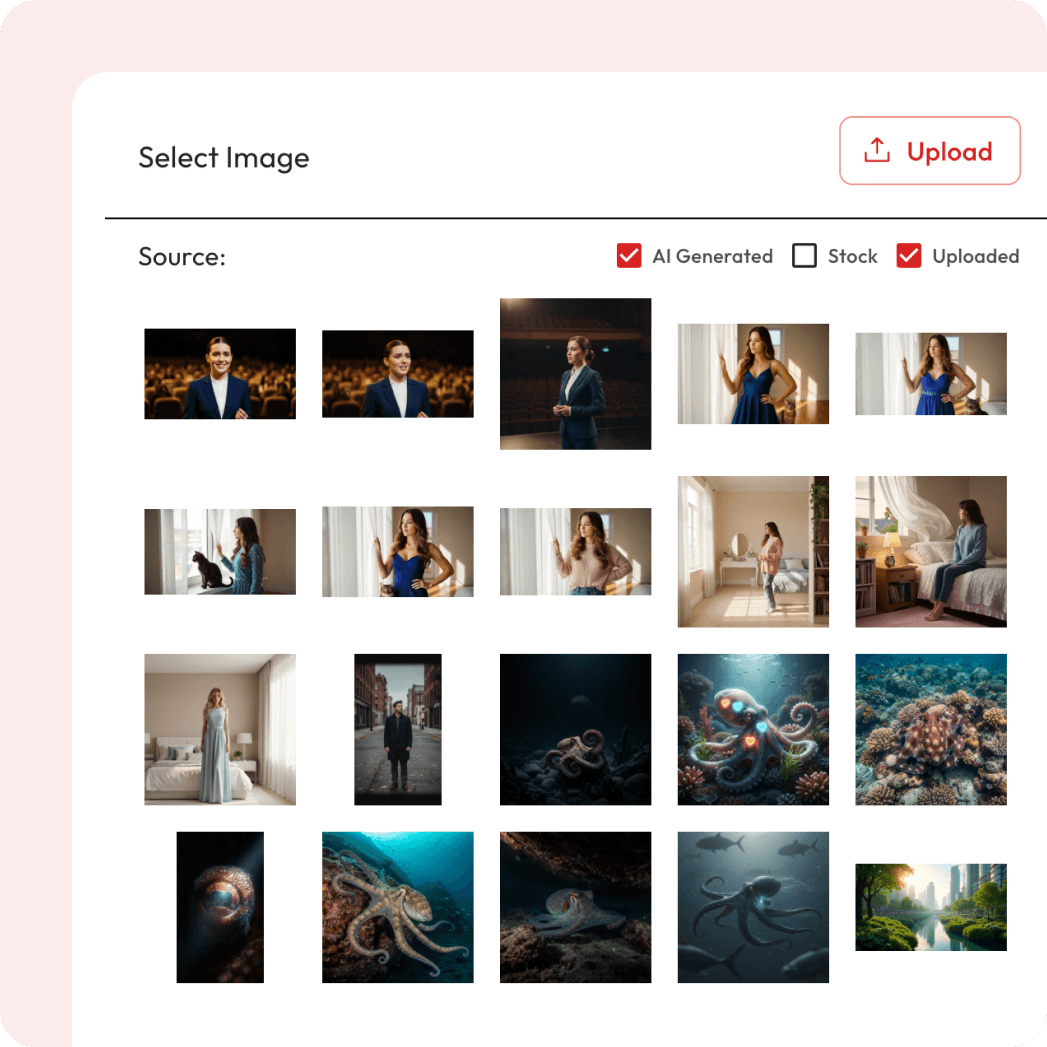
Attach Image
Export and Download
Powered by Atlabs
Gemini Omni Flash is a Google creative model entry for image generation and editing workflows on Atlabs. Use it to create, refine, and transform visuals with prompt-led control while keeping the page aligned with the image model experience. Gemini Omni Flash is Google’s public-preview model for high-quality video generation and conversational editing. It brings media generation into agentic workflows so users can create, remix, and refine video assets with natural language instead of switching between separate production tools. The model supports multimodal input across text, images, and video, with native audio generation, character and object consistency, real-world knowledge, scene simulation, and synchronized text or on-screen action. Best for Video generation, conversational video editing, product swaps, relighting, and dynamic style transfer. Creative agent workflows that combine text, image, video, and audio context.
Enhance, restyle, or transform your image in seconds
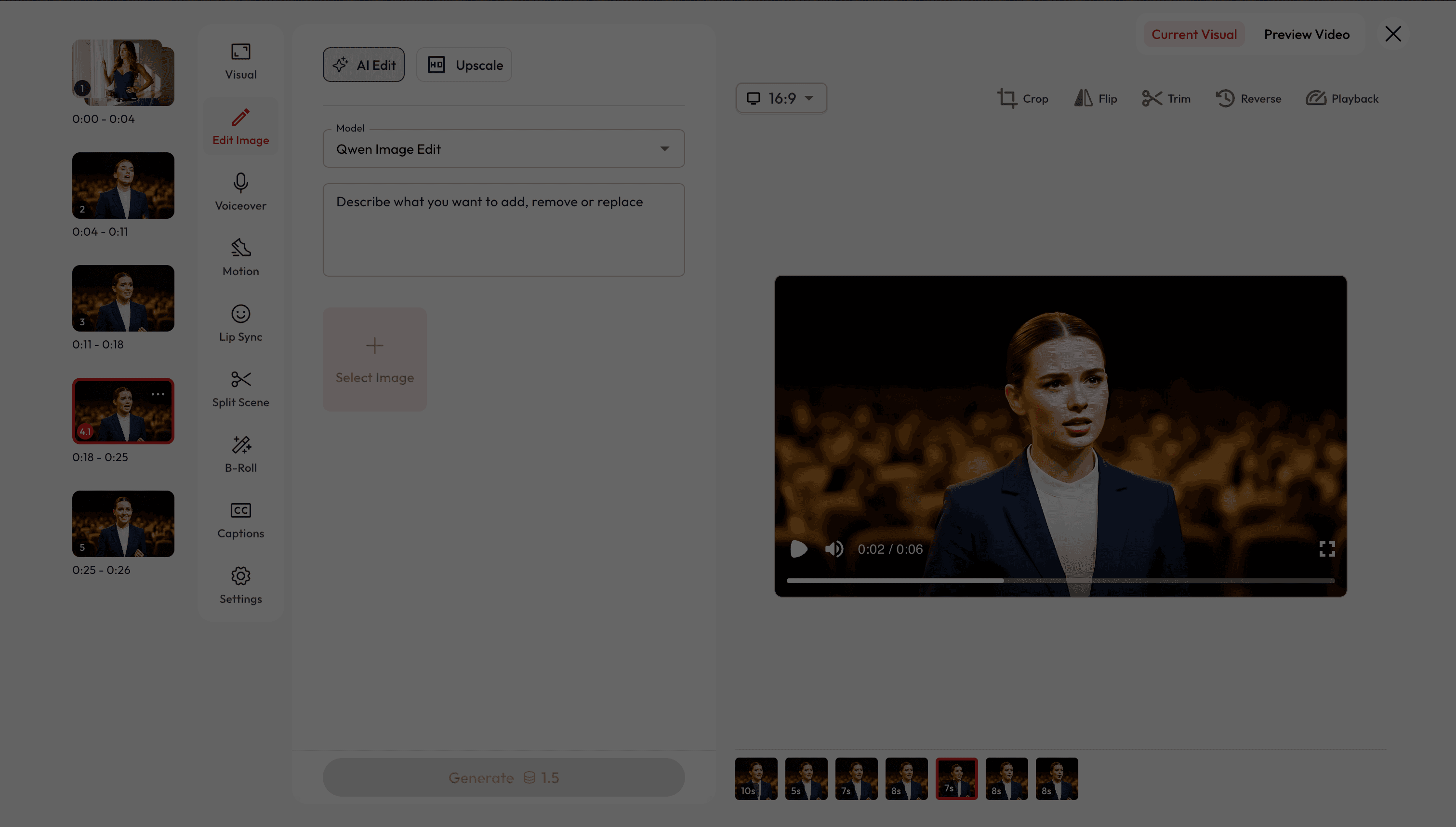
Two Ways to Edit Images.
Choose how you want to refine and transform your visuals.


Got Questions?
What is AI image editing?
AI image editing lets you enhance, restyle, or transform photos with simple text prompts — no advanced design skills required.
Is it free to use?
Yes! New users get free credits when they sign up, which you can use for a certain number of generations at no cost. Once your free credits run out, you can purchase more or subscribe for unlimited access.
Can I change outfits or styles in a photo?
Yes. You can swap clothing, adjust colors, or apply entirely new styles while keeping the photo realistic.
Can I preview before exporting?
You can view to your generated videos before final download.
Can I remove or add objects in an image?
Absolutely. You can remove unwanted elements, clean clutter, or add new objects like furniture, pets, or accessories.
Can I revert to previous video generations?
Yes, you can easily revert to any previous image/video generation and adjust settings as needed.
Will the edits look realistic?
Atlabs integrates top AI models trained for realism and detail, so edits blend naturally into the original image.
How fast are the edits generated?
Most edits are ready within seconds, depending on image size and complexity.
Can I use these edits for commercial projects?
Yes. You can use your generated images for marketing campaigns, e-commerce, ads, and professional projects.
Can I use reference images?
Yes. Some models allow you to upload a reference image to guide clothing style, color schemes, or maintain design consistency across edits.