
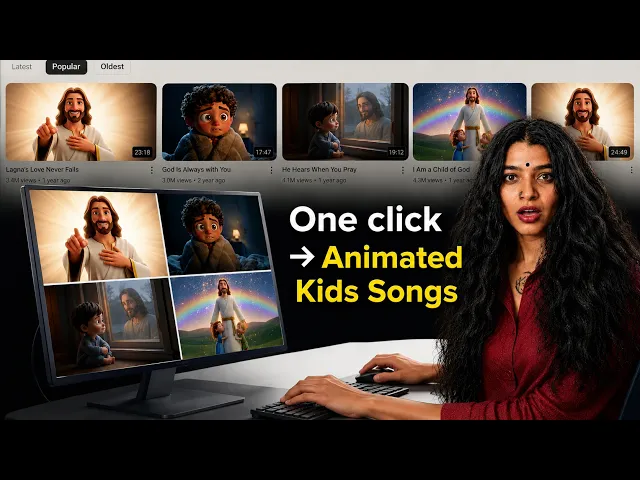
The best AI tool for animated Bible story videos in 2026 is Atlabs, because it turns a written scripture script into a fully animated story with consistent characters, warm narration, and 40 plus languages, all from one place. If you lead a childrens ministry, run a Sunday school, or grow a faith YouTube channel, you no longer need an animation studio or a big budget to bring a Bible story to life. We evaluated five of the highest ranking AI video tools on the qualities that matter most for scripture storytelling, and ranked them below so you can pick with confidence.
Quick comparison at a glance
Tool | Best for | Character consistency | Voiceover & languages | Max video length | Free plan | Paid from (2026) |
|---|---|---|---|---|---|---|
Atlabs | End to end animated Bible stories | Strong, reusable cast across scenes | 300+ voices, 40+ languages built in | Up to 15 min | Yes (25 sec, no card) | $19/mo ($15/mo yearly) |
Runway | Cinematic single shots | Good within a shot, weaker across scenes | No native voiceover | Around 10 sec per clip | Yes (125 one time credits) | $15/mo ($12/mo yearly) |
Pika | Short, playful social clips | Limited across scenes | Audio driven lip sync only | Around 4 to 6 sec per clip | Yes (watermarked, 480p) | $8/mo (yearly) |
Kling | High motion character clips | Strong within a clip | Native audio add on | Around 5 to 10 sec per clip | Yes (66 daily credits, watermark) | About $7 to $10/mo |
Google Veo | Photorealistic 8 sec scenes | Good within a clip | Native audio generation | 8 sec blocks | Limited free tier | $19.99/mo (Google AI Pro) |
1. Atlabs — Best overall for animated Bible story videos
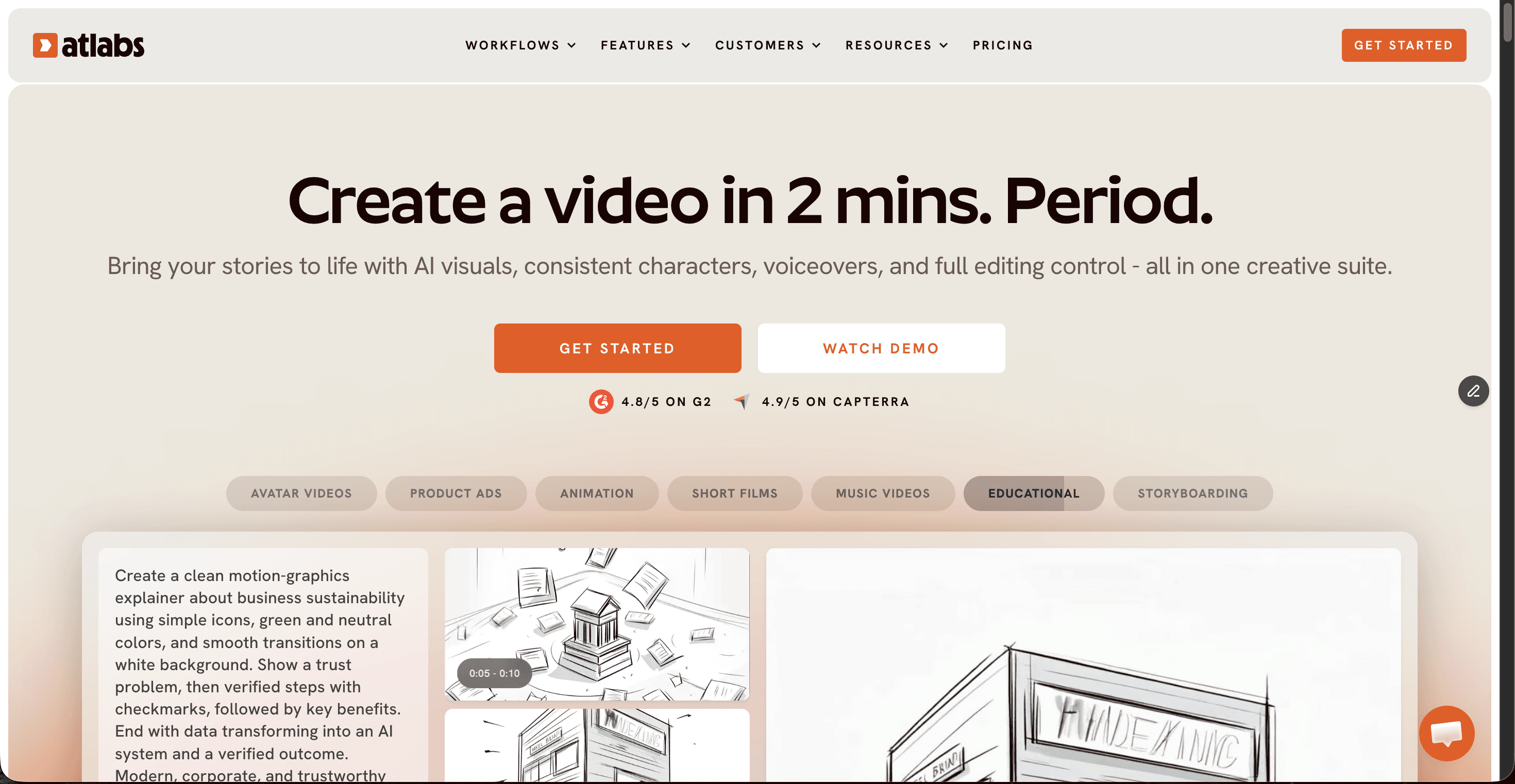
Price: Free plan (one 25 second video, no card). Paid plans from $19/mo on Lite, or $15/mo billed yearly, with Pro at $29 to $39/mo and Plus at $59 to $79/mo for longer videos and multi character stories.
Atlabs is built around whole stories rather than isolated clips, which is exactly what a Bible narrative needs. You start from a script, whether you write it yourself, paste a passage, or use the AI Script Writer, then set a visual style and cast your characters. A creative agent plans the production and keeps the same faces, clothing, and settings consistent from the first scene to the last, so Moses looks like Moses in every shot. It reaches across more than 100 AI models under one subscription, including Google Veo 3.1, Kling 3, and Seedance 2.0, and adds 300 plus narration voices in 40 plus languages with automatic subtitles. There is a dedicated religious video use case and warm, storybook friendly styles that suit gentle scripture retellings for children. Because everything from script to voiceover to export lives in one place, a ministry volunteer can finish a watchable animated story in an afternoon.
Pros
Keeps characters and settings consistent across an entire multi scene story
Script to finished video in one workflow, no editing skills required
300 plus voices and 40 plus languages for narration and outreach
Warm, child friendly animation styles and a dedicated religious video generator
Access to Veo, Kling, and Seedance models on a single plan
Generous free plan and clear pricing that starts at $19/mo
Cons
Full story features like multi character casts sit on higher tiers
Very long films still take render time, as with any AI video tool
Verdict: For faith creators, childrens ministries, and Sunday school teachers who want a complete animated Bible story rather than a handful of clips, Atlabs is the clear first pick. It is the only tool here that carries a story from script to narrated, subtitled export without stitching separate apps together. For Islamic content, we ran a similar comparison of the best AI tools for Ramadan videos.
2. Google Veo — Best for photorealistic single scenes
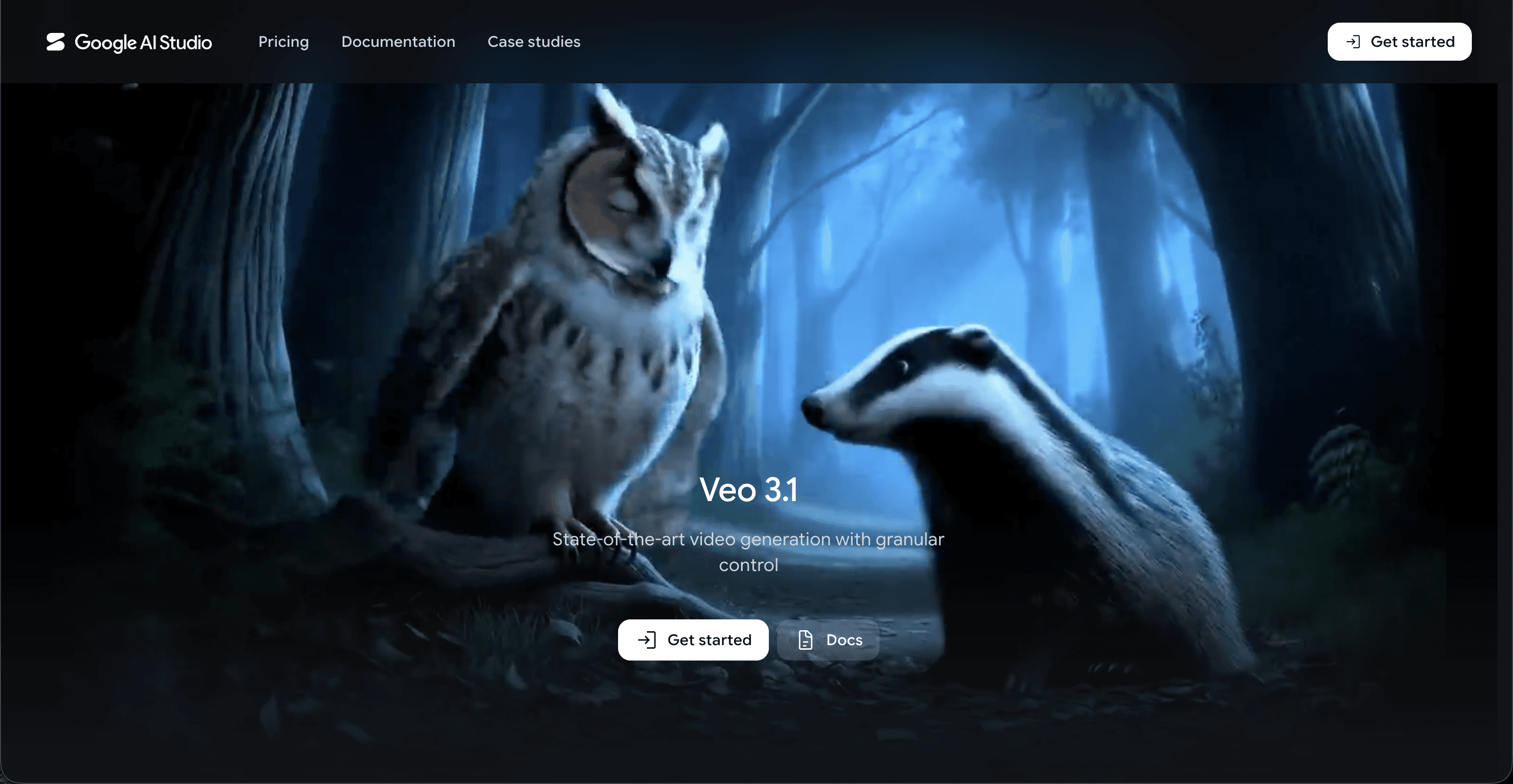
Price: Limited free tier through Google AI Studio and Gemini. Paid access via Google AI Pro at $19.99/mo for Veo 3.1 Fast, with full quality and 4K on Google AI Ultra at about $249.99/mo.
Google Veo produces some of the most lifelike eight second scenes available in 2026, with native audio and strong lighting and physics. For a single establishing shot, a sweeping desert at dawn or calm water at sunset, the output can look remarkable. The catch for Bible storytelling is that Veo thinks in short blocks rather than continuous narratives, and the full quality tier is priced for studios. You also work inside Googles broader AI plans rather than a purpose built story tool, so assembling a full animated story means generating scenes and editing them together yourself.
Pros
Best in class realism and native audio on individual scenes
Entry access is affordable at $19.99/mo through Google AI Pro
Excellent for atmospheric establishing shots
Cons
Generates short blocks, not continuous multi scene stories
Character consistency across separate generations is hard to control
Full quality and 4K sit behind the $249.99/mo Ultra tier
Verdict: Reach for Veo when you want one stunning, realistic scene to anchor a story. For a full animated Bible narrative with recurring characters, you will still need a story first tool to tie it together.
3. Kling — Best for expressive character motion
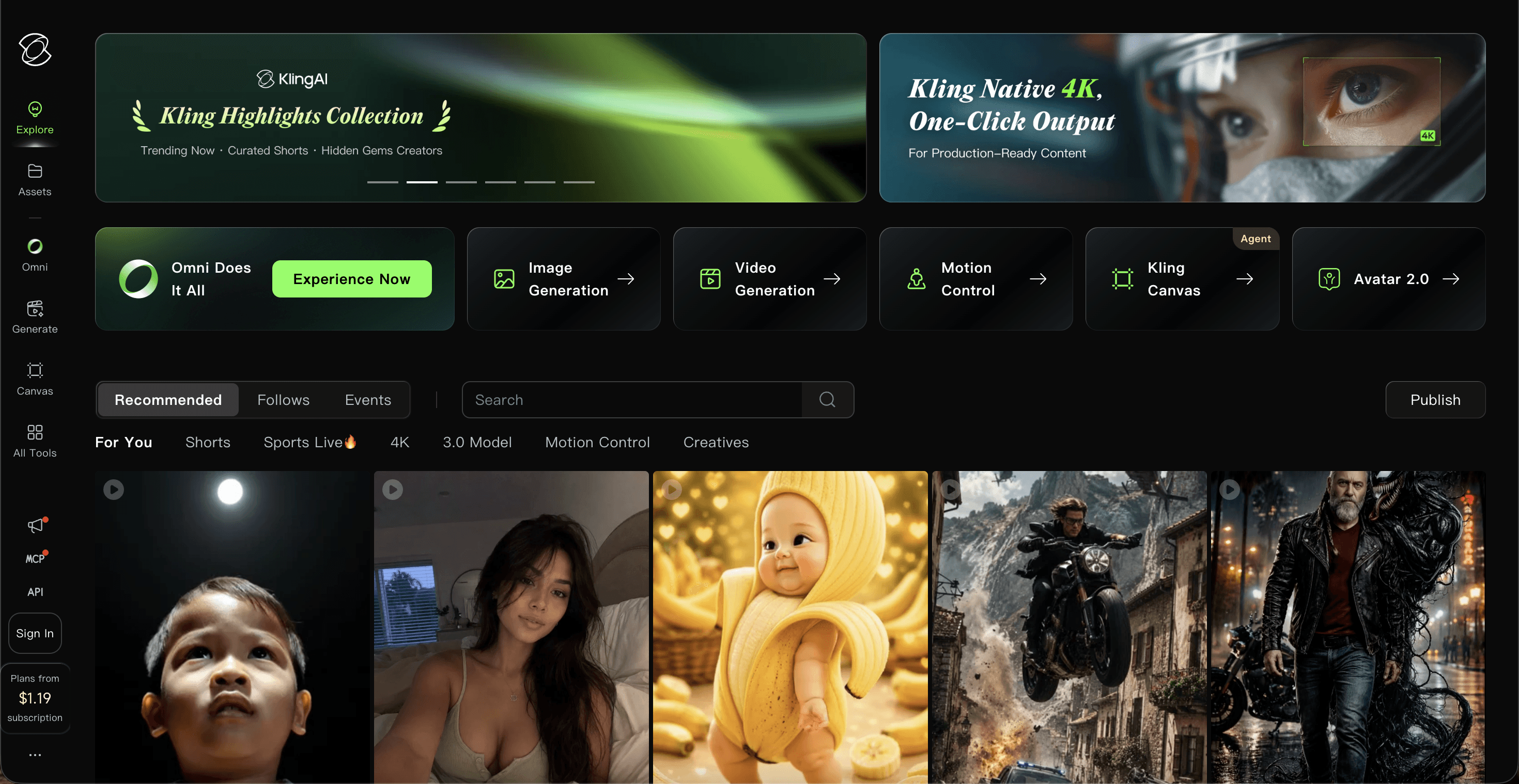
Price: Free tier with 66 daily credits, watermarked and limited to short clips. Paid plans from about $7 to $10/mo on Standard, rising to $37/mo on Pro and higher for heavier use.
Kling, built by Kuaishou, is known for fluid, high motion clips and convincing character movement, which helps a scene feel alive when a figure walks, gestures, or reacts. Its character binding keeps a face and outfit stable inside a single clip, and a native audio option adds sound. For Bible stories, Kling shines on individual moments of action or emotion. The limits are length and continuity, since clips run only a handful of seconds and holding one character identical across many separate clips takes patience and careful prompting.
Pros
Smooth, expressive motion and strong physics
Reliable character look within a single clip
Generous daily free credits for testing
Cons
Short clip lengths make long stories laborious
Consistency across many clips is difficult
Pricing and credits have shifted often through 2026
Verdict: Kling is a strong choice for a dramatic single moment in a scripture scene. For a complete story, the short clips and cross scene continuity make it a supporting tool rather than the backbone.
4. Runway — Best for cinematic control
Price: Free plan with 125 one time credits. Paid from $15/mo on Standard, or $12/mo billed yearly, with Pro at $35/mo and Unlimited at $95/mo.
Runway is the filmmakers toolkit, with precise camera controls and its Motion Brush for painting movement onto specific parts of a frame. If you have an editing background and want deliberate, cinematic shots, Runway rewards that skill. For Bible story animation, though, it is clip focused and does not include narration, so you build a story shot by shot and add voiceover elsewhere. That control is powerful, yet it asks more of the creator than a story first platform does.
Pros
Fine grained camera and motion control
High quality output with a polished editing interface
Low cost entry at $12/mo billed yearly
Cons
No built in voiceover or narration
Clip based, so multi scene stories take manual assembly
Credits burn quickly on longer or higher resolution renders
Verdict: Pick Runway if you have editing experience and want cinematic control over each shot. For a narrated, character driven Bible story made without editing, it asks for more hands on work than most ministry teams want.
5. Pika — Best for quick, playful social clips
Price: Free plan with a monthly credit allowance, watermarked and capped at 480p. Paid from $8/mo on Standard (billed yearly), with Pro at $28/mo and Fancy at $76/mo.
Pika is the budget friendly, fast option, popular for short and lively social clips and creative effects. If you want a quick, cheerful ten second moment from a Bible verse to share on Instagram or a church story channel, Pika delivers it cheaply and quickly. Its limits show up in length and continuity, with very short maximum clips and a lighter grip on keeping a character identical scene to scene, so it fits snippets more than full retellings.
Pros
Lowest paid entry at $8/mo and very fast
Fun effects that suit short, shareable clips
Easy for beginners to pick up
Cons
Very short clips, not suited to full stories
Free tier is watermarked and limited to 480p
Weaker character consistency across scenes
Verdict: Pika is great for a quick, playful scripture snippet on a tight budget. For a complete animated Bible story with a consistent cast, it works best as a companion for short clips.
Scorecard: how the 5 tools rank
Tool | Story & character consistency | Ease of use | Animation quality | Voiceover & languages | Value for money | Total /50 |
|---|---|---|---|---|---|---|
Atlabs | 9 | 10 | 9 | 10 | 9 | 47 |
Google Veo | 8 | 7 | 9 | 8 | 6 | 38 |
Kling | 8 | 7 | 9 | 6 | 7 | 37 |
Runway | 8 | 7 | 9 | 4 | 6 | 34 |
Pika | 6 | 8 | 7 | 5 | 8 | 34 |
Scores reflect suitability for animated Bible story videos specifically, not general video work.
How we picked
We judged each tool on the five things that decide whether an animated Bible story actually works for a faith audience. First, story and character consistency, because a narrative falls apart if a character changes face between scenes. Second, ease of use, since most ministry and Sunday school teams are not video editors. Third, animation quality and how warm and watchable the result feels for children. Fourth, voiceover and language reach, which lets a story travel to a wider congregation. Fifth, value for money against the real 2026 prices listed above. Atlabs led because it is the only option that covers all five in a single workflow.
Atlabs Tutorial: Make Your First Animated Bible Story
New to AI animation? The Atlabs tutorial library walks you through the Animated Video workflow step by step, from pasting your scripture script to casting characters and exporting a narrated, subtitled story. It is the fastest way to go from a blank page to your first finished Bible story video.
Frequently asked questions
What is the best AI tool for animated Bible story videos?
Atlabs is the best overall in 2026 because it turns a scripture script into a full animated story with consistent characters, narration in 40 plus languages, and subtitles, all in one workflow. Tools like Google Veo, Kling, Runway, and Pika are strong for individual clips but are not built to carry a whole story.
Can I make animated Bible videos for free?
Yes. Atlabs has a free plan that lets you create a short video with no card, and Runway, Pika, Kling, and Google Veo all offer free tiers or credits. Free tiers usually add watermarks or limit length and resolution, so a low cost paid plan is worth it once you publish regularly.
Do these tools need any animation or editing skills?
Atlabs is designed for people with no editing background, since a creative agent plans the story and keeps everything consistent for you. Runway and Kling reward some editing experience, while Pika is beginner friendly for short clips.
Is Google Veo better than Atlabs for Bible stories?
Google Veo produces more photorealistic single scenes, so it is excellent for one striking establishing shot. For a complete animated Bible story with recurring characters and narration, Atlabs is the better fit because it keeps a full narrative consistent from start to finish.
The bottom line
Bible stories were made to be told and retold. With the right AI tool, your church, classroom, or channel can bring them to life in a single afternoon. Start with Atlabs for a complete, narrated animated story, and keep the others in mind for the specific shots they do best.








