
The best AI tool for animated explainer videos in 2026 is Atlabs, because it is the only platform on this list that carries a full script through to a finished narrated video with the same characters in every scene and 100% scene level editing control. We tested five of the most talked about AI video tools against the things that actually decide whether an explainer gets published: animation style depth, character consistency, full video assembly versus single clips, and how much editing you can do after generation.
Here is the short version. Synthesia is good for avatar led corporate training videos. Higgsfield is good for sampling many models for short clips. Kling is good for raw motion realism inside a single clip. Runway is good for frame level control on one hero shot. Atlabs is best for studio-quality animated explainers with a consistent cast and 100% editing control.
The distinction that matters most: four of these tools generate clips, and one of them generates explainers. If you need a finished 90-second animated explainer with narration, consistent characters and a specific art style, that difference decides everything.
→ Make Your First Animated Explainer Video Free
What Actually Matters in an Animated Explainer Tool
Most comparison guides rank AI video tools on raw output quality, which is the wrong test for explainers. An explainer is not one beautiful shot. It is 12 to 30 scenes that have to feel like they belong to the same video, with narration that flows, characters who do not change faces between scene 3 and scene 9, and an art style that matches the subject.
So the criteria here are practical. Can the tool take a script and produce the whole video, or does it hand you clips to assemble yourself? How many animation styles does it offer, and are they suited to explainer work rather than cinematic realism? Will the same character survive across every scene, and across every future video in a series? And when one scene lands wrong, can you fix that scene alone, or do you regenerate everything?
1. Atlabs: Best for Studio-Quality Animated Explainers with a Consistent Cast
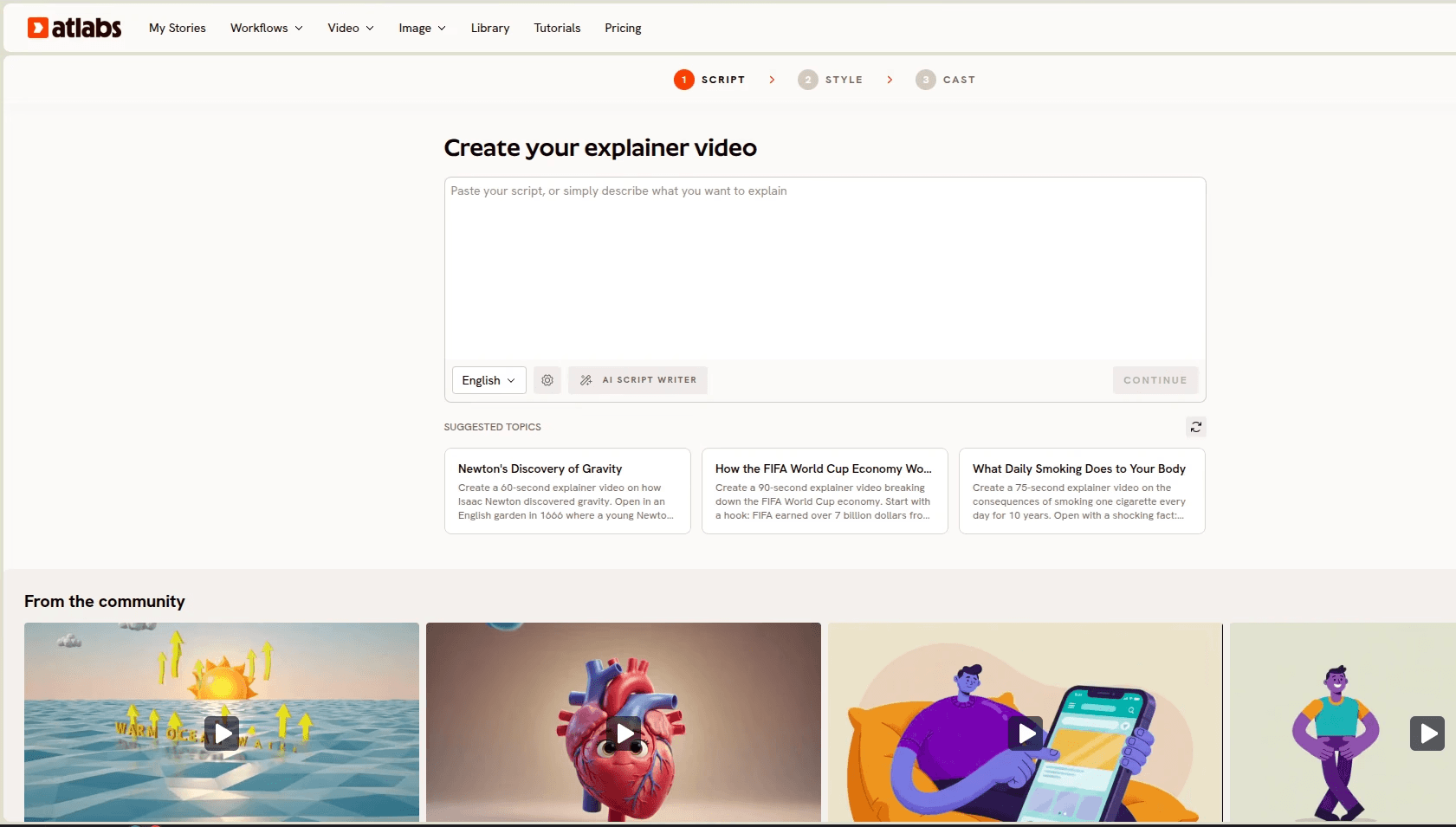
Atlabs is built end-to-end for explainer video creation, which is why it tops this list. The Animated Video workflow runs in three labeled stages, Script, Style and Cast, and produces a complete narrated animated video in one click. You can paste a finished script or start from just an idea and let the AI Script Writer draft it.
It suits educators, B2B marketing teams and creators with a persistent need for educational, marketing and training content. It is especially strong for multi-episodic work where characters, styles and animation need to stay on brand and visually identical across every scene and every subsequent video. It works for business explainers, process walkthroughs, onboarding videos, concept breakdowns, and science and history overviews. No editing or technical experience required.
The 30+ animation style library is the part that separates it from general video models. Whiteboard Doodle handles process explainers, flat vector styles like Corporate Vector 2D and Corporate Memphis fit fintech and healthcare, Paper Cutout and 3D Cartoon suit education and kids content, Inked Graphic Novel and Ukiyo-e work for history topics, and Claymation delivers premium storytelling. You can also train a custom style, and every future video inherits it, which is how teams keep a series on brand without a style guide document nobody reads.
Consistent Cast handles the character problem directly. Lock a narrator, character, object or location once, and the same face and outfit appears in every scene and in every future release. Then there is 100% scene level editing control: regenerate one scene without re-rendering the video. Think Canva for video. That single capability is the difference between a 10-minute revision and a 40-minute re-render, and it is the part competitors do not replicate.
The Global Release Kit closes the loop. Translate into 40+ languages with matching accents and subtitles, reframe to 9:16 for Shorts, generate thumbnails in one click, and produce videos up to 15 minutes long, which is enough for full training modules rather than teasers.
Pros
✓ Complete script to finished narrated video in one click
✓ 30+ explainer-focused animation styles plus custom style training
✓ Consistent Cast keeps characters identical across scenes and future videos
✓ 100% scene level editing, regenerate one scene without re-rendering
✓ 40+ language translation with matching accents and subtitles
✓ Free tier with one complete video up to 25 seconds, no credit card
Cons
✗ Web based, so no offline editing
Pricing starts free, with paid plans from $15 per month. Trustpilot rating: 4.5/5.
Verdict: if you are looking to create high-quality explainers without hiring a studio or freelancer, while making sure the brand, characters, mascots and styles stay consistent, this is the tool built for that job, from script to finished release. Having the Atlabs AI Explainer Video Agent and the editing suite in one place is what makes a full explainer realistic in a single sitting. If you are switching from Synthesia, see the best Synthesia alternatives for animated explainers.
→ Try the Atlabs Animated Explainer Workflow
2. Synthesia
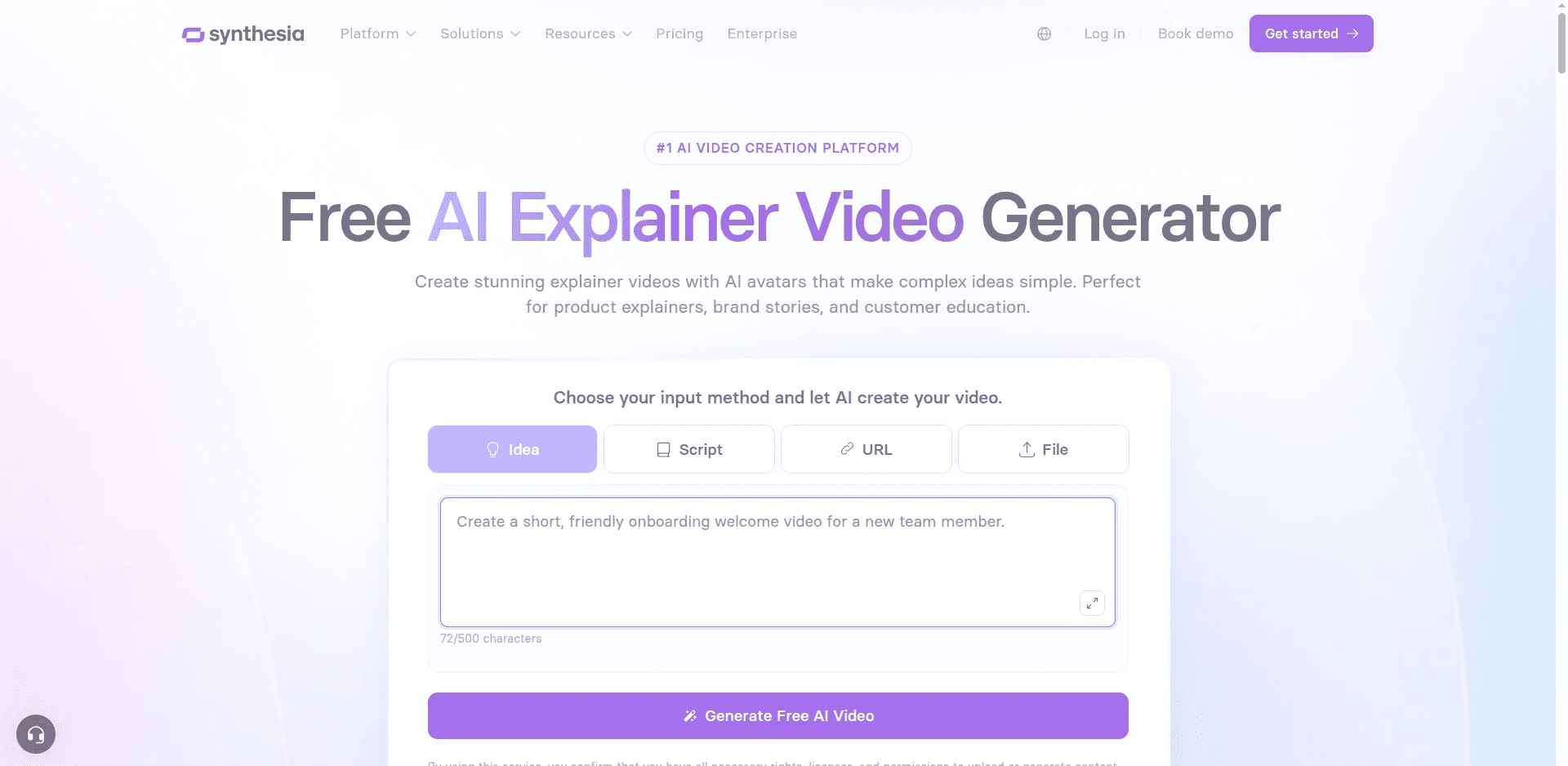
Synthesia is the most established name in AI presenter video, and it does one thing very well: put a realistic human avatar on screen delivering your script in any of 140+ languages. For compliance training, HR onboarding and internal comms where a talking head is the expected format, it is a strong default, and features like SCORM export on higher tiers show how seriously it takes the L&D market.
The limitation for animated explainers is fundamental. Synthesia is an avatar and slide platform, not an animation platform. If your explainer needs a paper cutout classroom, a whiteboard process diagram or a claymation product story, that visual language does not exist here. Output is a presenter beside supporting graphics, which is a different genre from an animated explainer. Seat-based pricing also adds up quickly, since minutes do not pool across a team.
Pros
✓ Very strong realistic avatars and voice quality
✓ 140+ languages, well suited to global compliance training
✓ Mature enterprise features including SCORM export
Cons
✗ No real animated style library, avatar plus slides is the format
✗ Per-seat pricing with non-pooling minute caps
✗ Not built for character-driven or illustrated storytelling
Pricing runs from a limited free plan to roughly $29 per month for Starter and $89 per month for Creator, with custom enterprise pricing above that.
Verdict: pick Synthesia when a human presenter is the point. Pick something else when the animation is the point.
3. Higgsfield
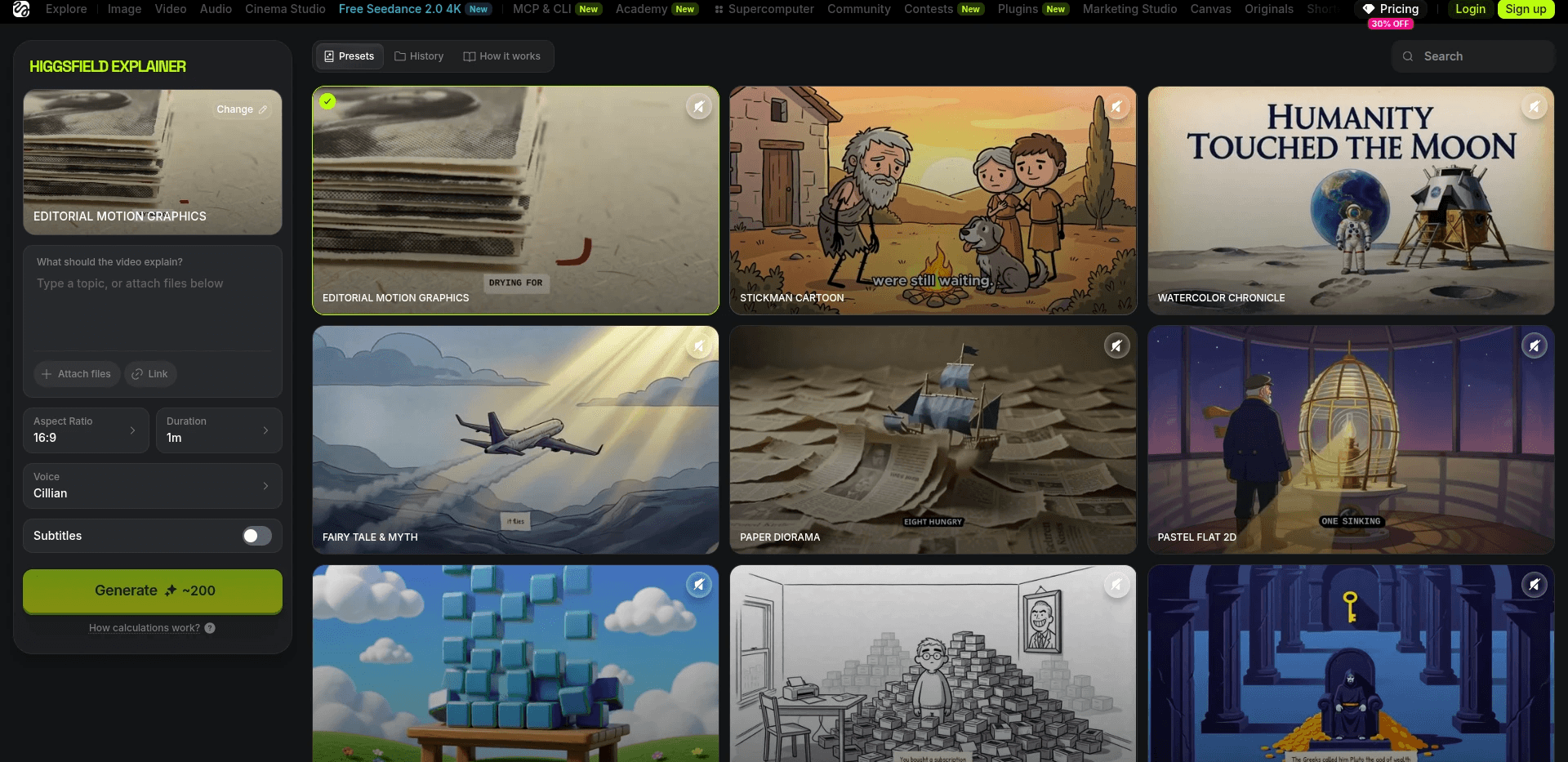
Higgsfield's appeal is breadth. It aggregates a large roster of frontier video models under one subscription, so you can run the same prompt through several engines and compare which one nails the look you want. For creators experimenting with aesthetics or building a moodboard of short clips, that model buffet is genuinely useful and beats managing separate accounts.
For explainer production, breadth is not the bottleneck. Higgsfield generates short individual clips, so a 90-second explainer means prompting, generating, matching and assembling dozens of pieces yourself, then finding narration and stitching elsewhere. There is no script step, no narrator casting and no scene level regeneration inside a single video. Credit costs also vary sharply by model, so a project's cost is hard to predict before you start.
Pros
✓ Access to many frontier models under one subscription
✓ Excellent for style testing and quick visual experiments
✓ Unlimited windows on some models at higher tiers
Cons
✗ Clip generator, no full explainer assembly or narration flow
✗ Credit consumption varies widely between models
✗ No consistent cast system across a full video
Pricing starts around $15 per month on annual billing and rises through mid and top tiers, though plans and credit allocations change frequently.
Verdict: a strong sampler for short clips and style exploration, not a place to build a finished explainer.
→ See What a Complete Explainer Workflow Looks Like
4. Kling
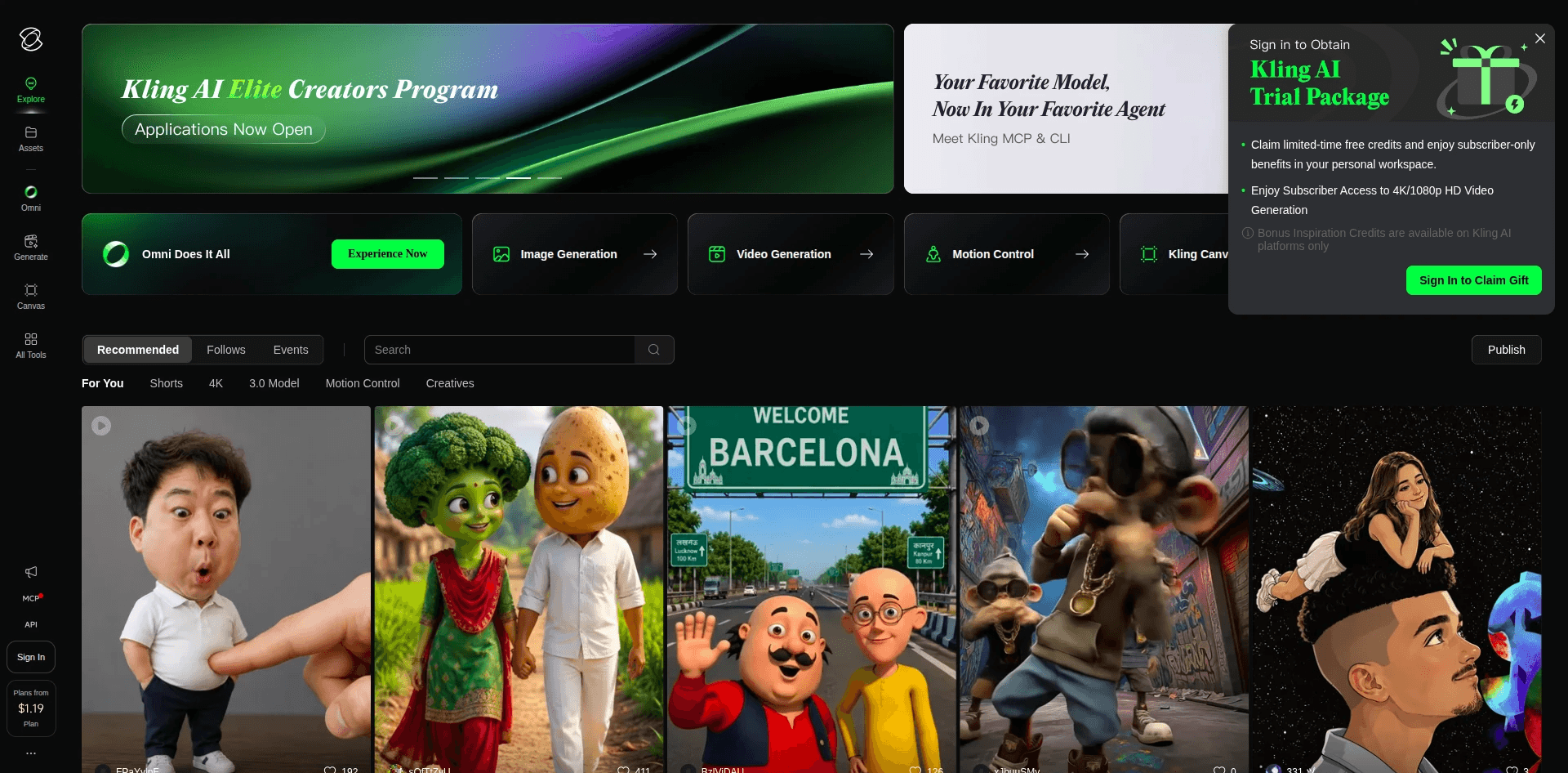
Kling has the best motion physics in the category. Movement looks weighted and natural, camera moves feel intentional rather than drifting, and Kling 3.0 pushes cinematic realism further than most competitors manage. Inside a single clip, the quality is excellent, and entry pricing is among the friendliest on this list.
The catch for explainers is the same structural one. Kling is a clip generator with no script stage, no narrator, and no mechanism to hold a character consistent across a 20-scene video. Its aesthetic strength is also realism, which pulls against the illustrated and animated look most explainers need. Free tier queues can be slow, and credits expire monthly.
Pros
✓ Smoothest motion physics among the major models
✓ Affordable entry tier
✓ Native audio on recent model versions
Cons
✗ Clip by clip only, no explainer assembly
✗ Realism-first, thin on animated explainer styles
✗ No consistent cast across scenes
Verdict: reach for Kling when you want one motion-heavy shot to sit inside a larger project, not when you need the whole explainer built.
5. Runway
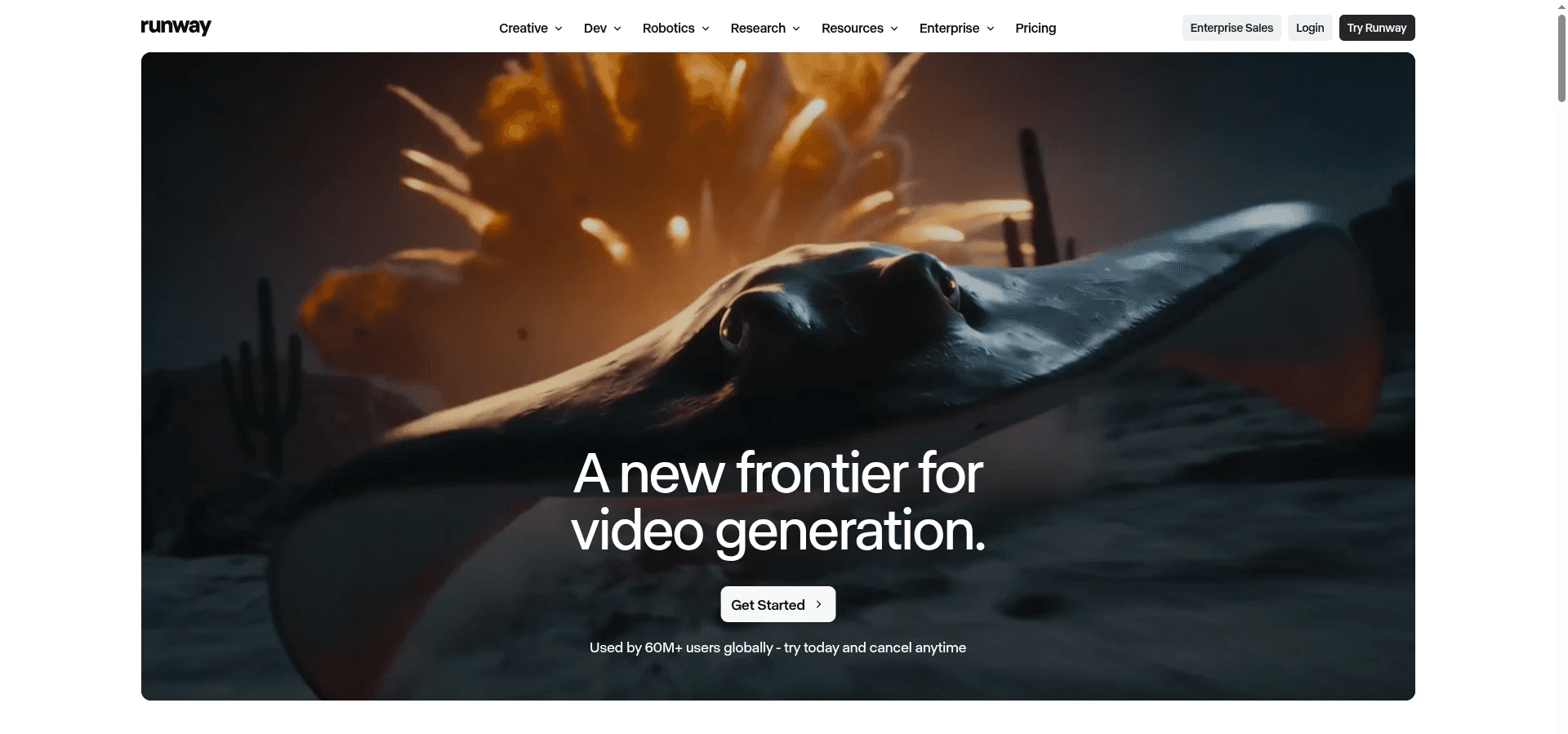
Runway is the most mature creative tool here, and its appeal for professionals is precision. The editing suite, the control over motion and framing, and the general polish of its flagship model make it a genuine post-production environment rather than a prompt box. For a hero shot that has to be exactly right, few tools give you as much granular say.
That precision comes at the cost of throughput. Runway works one clip at a time, so an explainer becomes a manual assembly job across dozens of generations, and flagship credits move quickly. Character consistency is partial, handled through reference images rather than a locked cast, so it drifts across long sequences. Like Kling, the house aesthetic leans cinematic rather than animated.
Pros
✓ Deep frame level and motion control
✓ Mature editing and post-production toolset
✓ Access to multiple models inside one subscription
Cons
✗ No full explainer workflow, every clip is manual
✗ Flagship credits deplete fast on lower plans
✗ Character consistency is partial and drifts over long videos
Verdict: excellent for the one shot in your explainer that has to be perfect, impractical as the home for the whole video.
Watch the Full Atlabs Explainer Video Tutorial
Want to see the complete process before you pick a tool? This tutorial walks through the entire Animated Video workflow on screen: pasting the script, choosing an aspect ratio and animation style, casting the narrator and characters, and finalising the video. Ten minutes of watching saves an hour of guessing.
→ Watch the Tutorial, Then Build Yours Free
How the 5 Tools Rank for Animated Explainers
Scoring each tool out of 10 across the five criteria that decide whether an animated explainer actually gets finished (animation style depth, full video assembly from a script, character consistency, editing control after generation, and ease of use for a non-animator), Atlabs lands first at 49 out of 50, carried by its style library, Consistent Cast and scene level regeneration. Synthesia takes second at 33, strong on ease of use and language coverage but weak on animation depth. Runway follows at 32 on the strength of its editing control, Kling at 31 for motion quality, and Higgsfield at 30 for model breadth offset by the absence of any assembly workflow.
The pattern behind those numbers is consistent: the tools built as clip generators all lose the same points, on assembly, consistency and post-generation editing, because they were never designed to produce a finished explainer.
How We Picked These 5 Tools
We compared each platform on four criteria weighted for explainer production: whether it can carry a full script rather than a single clip, the depth of its animation style range for explainer work specifically, how reliably characters stay consistent from scene to scene and across a series, and how much editing control you retain after generation. Pricing was checked against current published plan pages in August 2026, and tools focused purely on photoreal live action with no path to animated explainers were excluded.
→ Start Your Explainer Video on the Free Plan
FAQ
What is the best AI tool for animated explainer videos in 2026? Atlabs, because its Animated Video workflow turns a script into a complete narrated animated video with 30+ explainer-focused styles, a consistent cast across every scene, and scene level editing. Synthesia leads for avatar led corporate training, while Higgsfield, Kling and Runway produce individual clips that you assemble yourself.
Can AI keep the same character in every scene of an explainer video? Yes, on Atlabs. Consistent Cast locks a narrator, character, object or location once, and the same face and outfit appears in every scene and in every future video in the series. Runway and Kling offer partial consistency through reference images, which tends to drift across longer sequences.
Do I need animation skills to make an animated explainer video with AI? No. On Atlabs you supply the script and make three creative choices, and the platform handles animation, narration, syncing and rendering. Clip based tools like Runway, Kling and Higgsfield require more hands-on work because you assemble and narrate the finished video yourself.
How much do AI animated explainer video tools cost in 2026? Atlabs starts free and paid plans begin at $15 per month. Higgsfield starts around $15 per month on annual billing, Synthesia around $29 per month, with Kling and Runway both offering low-cost entry tiers alongside free credits. Most platforms run on credits, so heavier production months cost more.
Can I fix one scene without regenerating the whole explainer video? Yes, on Atlabs. 100% scene level editing control means you regenerate a single scene while the rest of the video stays untouched. This is the clearest workflow advantage over clip-based generators, where a change means regenerating and re-assembling manually.
Which AI tool is best for multilingual explainer videos? Atlabs translates into 40+ languages with matching accents and subtitles from the same production, and Synthesia covers 140+ languages for avatar led delivery. For animated explainers specifically, Atlabs keeps the animation and cast intact across every language version.
Get Started
Your explainer already exists as a script, or as an idea you have explained out loud a dozen times. The distance between that and a finished animated video with narration, consistent characters and your brand's style is three steps and about ten minutes.
→ Open the Atlabs Animated Video Workflow and Build Your Explainer Free








