TL;DR
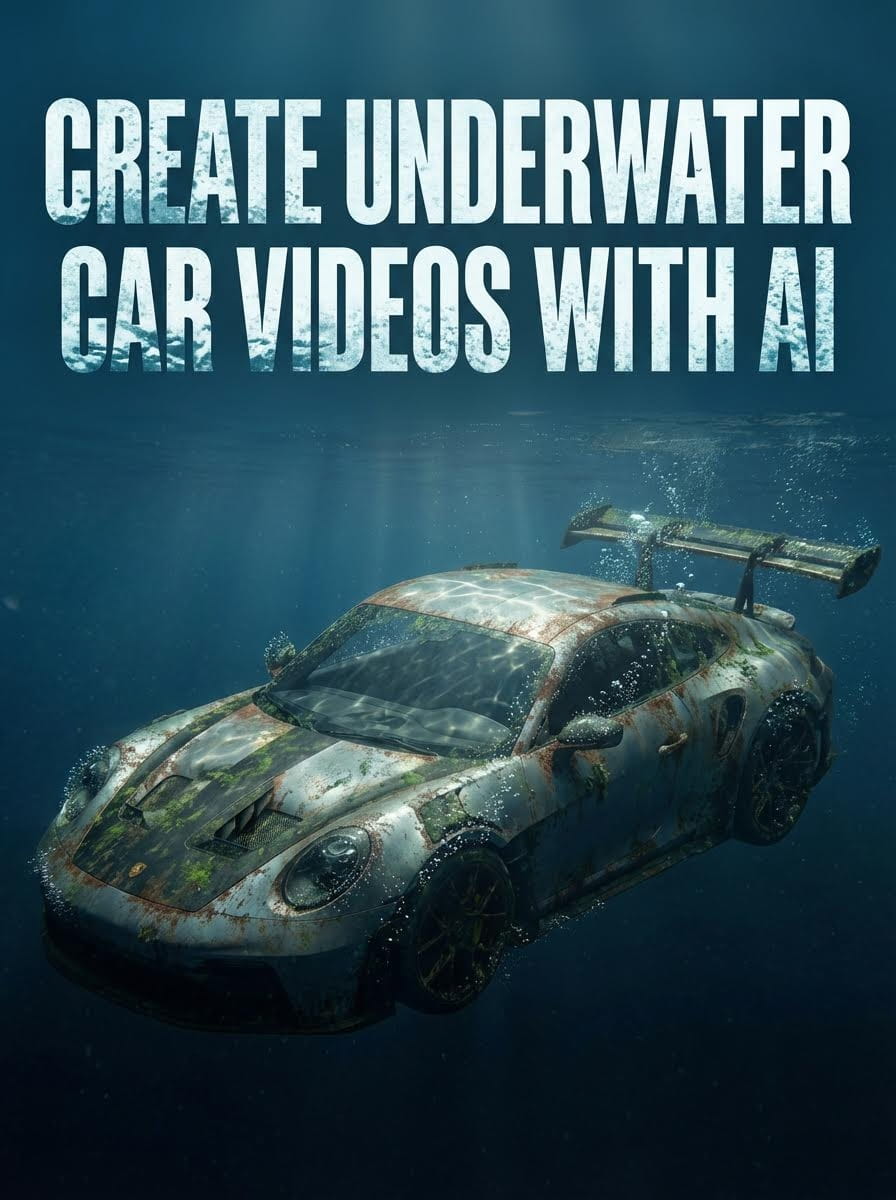
The Goal: Create ultra-realistic video of a luxury car submerged underwater
The Tools: Atlabs AI (Nano Banana Pro + Kling 01)
The Process: Generate photorealistic base image → Animate with slow-motion → Add sound design
Time: 15-20 minutes
Start Creating Underwater Videos on Atlabs AI
The Problem & The Solution
The Problem: Underwater Filming Is Impossible
Filming a car underwater traditionally requires:
Waterproof camera enclosure ($5,000-15,000)
Massive pool or ocean access
Crane to submerge vehicle
Sacrificing a luxury car to rust and water damage
Weeks of CGI rendering (alternative route)
Expert 3D modeling skills
Total cost: $50,000-200,000+ per shoot
Total time: Weeks of planning and execution
Risk: Destroying expensive vehicles
The Solution: Atlabs AI Creates It Instantly
Recreate this viral concept safely and instantly using Atlabs AI.
By combining precise camera settings (Arri Alexa 35 prompt) with Nano Banana Pro and Kling 2.6 models, you generate Hollywood-grade underwater cinematography from a text prompt.
Total cost: Atlabs subscription
Total time: 15-20 minutes
Risk: Zero
The Complete Workflow
Step 1: Set Up Your Virtual Film Set
To get that cinematic look, we're not using default settings. We're setting up a virtual film set in Atlabs AI.
Navigate to: Atlabs AI → Text to Image → Cinema Studio
Prompt Details:
Camera Preset: Arri Alexa 35
Lens: Arri Signature Prime
Focal Length: 24mm (wide angle for full car visibility)
Why Arri Alexa 35?
Testing shows this preset delivers the most realistic lighting and texture on the first try, saving you credits and iteration time.
Why 24mm focal length?
Wide enough to capture full car body while maintaining cinematic depth and perspective distortion.
Try it on Atlabs AI
Step 2: The Exact Image Generation Prompt
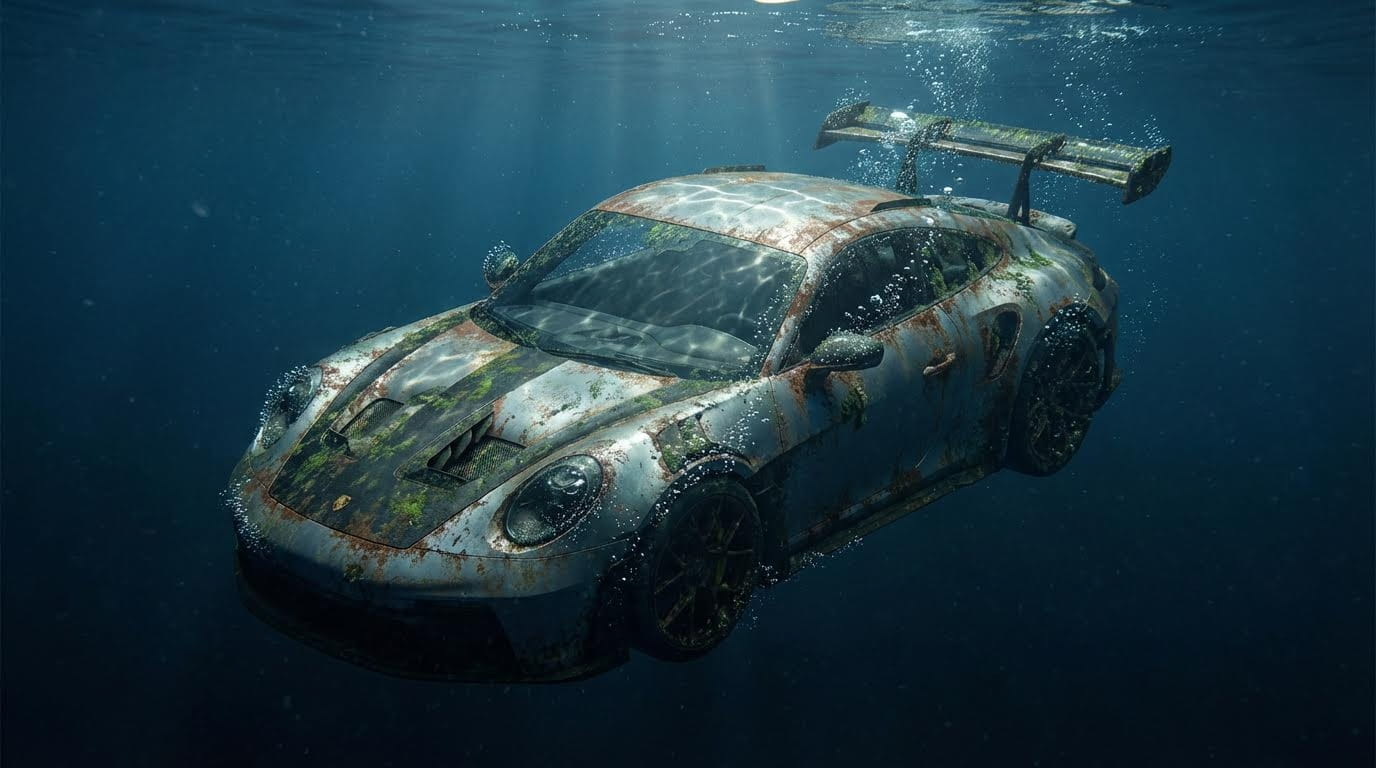
The secret to the viral look is prompt detail. Describe lighting, rust, physics, and atmosphere.
Copy This Exact Prompt:
Customize for Your Car:
Replace "Porsche 911 GT3 RS" with your car model
Adjust "front bumper tilted downwards" for different angles
Change "dark blue tone" to "green murky water" or "crystal clear tropical water"
Step 3: Reference Images (Optional but Powerful)
For specific angles or exact positioning:
Process:
Find a photo of your target car online
Take a screenshot showing desired angle
Upload as reference image to Nano Banana Pro
Add to your prompt: "
Use reference image for car positioning and angle"
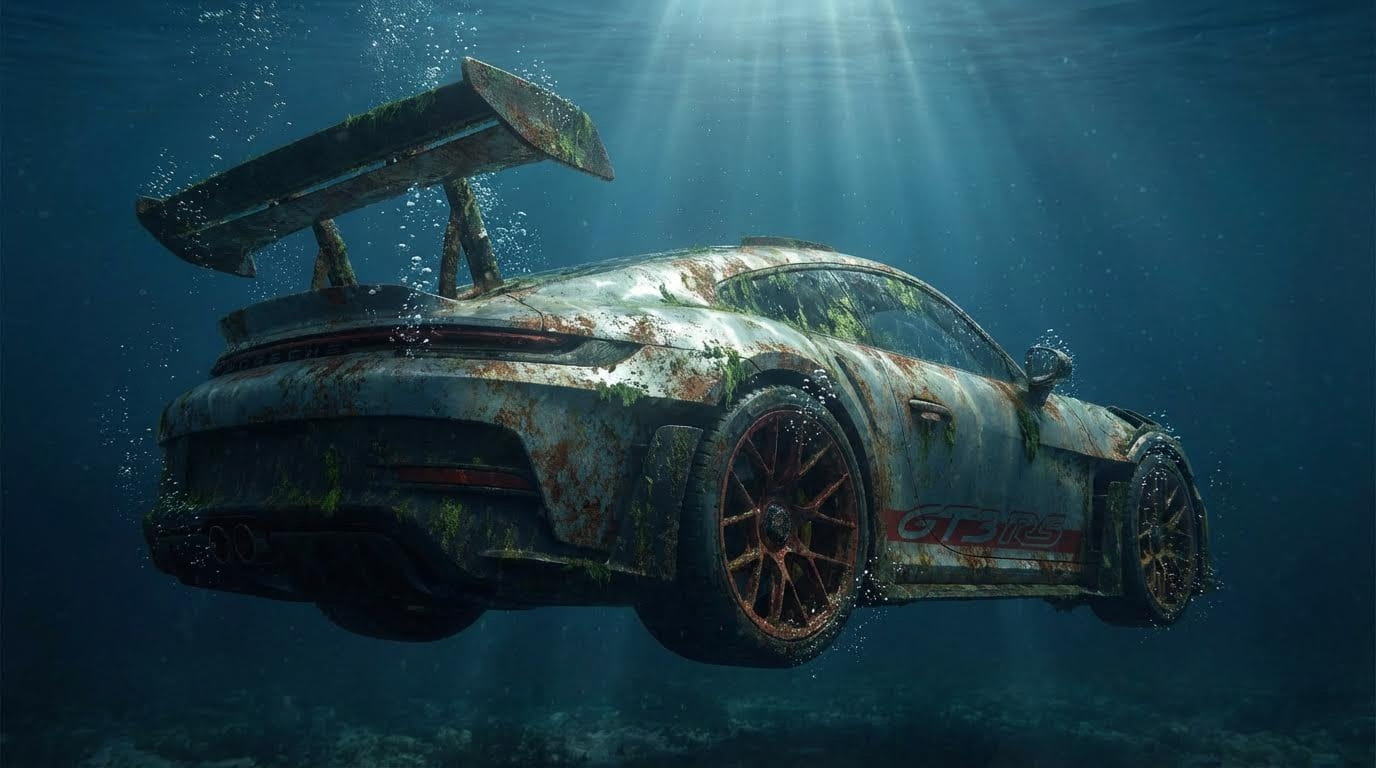
Example angles:
Close-up of front grill and emblem
Side profile showing full body
Rear view with taillights
Engine bay detail shot
Why this works: Tells AI exactly how to position the car, ensuring consistent angle across multiple generations.
Step 4: Batch Generation & Selection
Settings:
Model: Nano Banana Pro
Aspect Ratio: 16:9 (cinematic)
Batch Size: 4 (generates 4 variations)
Click Generate
Review Process:
Compare all 4 results
Look for:
Realistic water physics
Proper bubble placement
Accurate rust texture
Natural light beams
Correct car positioning
Select the best result
If you want angle variations:
Click Edit on your chosen image and modify the prompt:
Perfect, now create me another angle as seen on the reference image, a close up of the Porsche emblem and front grill.
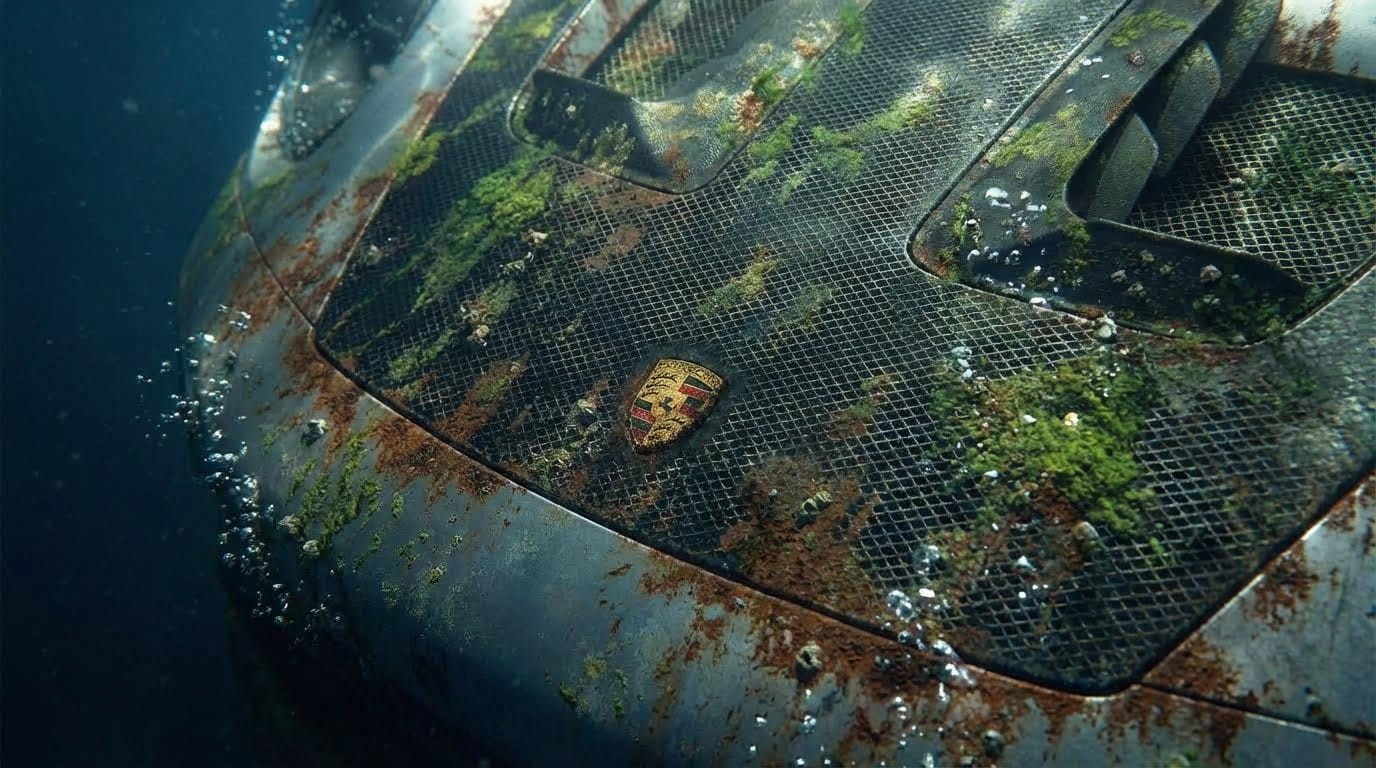
Generate additional angles for multi-shot video sequences.
Generate Underwater Car Images on Atlabs AI
Step 5: Upscaling for Crystal Clarity
To make the video look like it was shot in 8K, upscale the source image before animating.
Process:
Select your best result
Click Upscale x2 (4K Resolution)
Wait 30-60 seconds
Download the upscaled image
Why upscale first?
Kling 01 video generation uses your image as base
Higher resolution input = sharper final video
Reveals fine details: rust texture, plankton, bubble clarity
Professional quality output
Quality check: Zoom to 200%. You should see:
Individual rust spots
Tiny plankton organisms
Sharp car panel edges
Detailed light caustics
Step 6: Animate with Kling 2.6
Now turn the still image into mesmerizing slow-motion video.
Navigate to: Atlabs AI → Image to Video → Kling 2.6
Upload: Drag your upscaled image into Video creation tab
Copy This Animation Prompt:
Camera Movement:
360° Orbit - Creates immersive 360° reveal of the submerged car
If movement feels too fast:
Add to your prompt: "Extreme slow motion orbit movement, almost not moving"
Step 7: Generation Settings
Important Settings:
✓ Slow Motion: Toggle ON (critical for underwater realism)
✓ Sound: Toggle OFF (save credits, add custom sound later)
✓ Duration: 5-10 seconds
✓ Variations: Generate 2 versions to compare bubble physics
Click Generate
Wait 2-5 minutes
Review both versions:
Which has more natural bubble movement?
Which has smoother light shimmer?
Which maintains car detail during orbit?
Download the winner
Create Underwater Animation on Atlabs AI
Step 8: Sound Design (The Secret Sauce)
Visuals are only 50% of the experience. Sound sells the underwater effect.
Essential Sound Layers
Layer 1: Underwater Ambience
Source: "Underwater Submarine" or "Deep Ocean" sound effect
Platforms: Epidemic Sound, Artlist, Freesound
Effect: Creates immersive submerged atmosphere
Layer 2: Powerful Braams
Source: Cinematic rumble/impact sounds
Effect: Gives car weight and presence
Use sparingly at reveal moments
Layer 3: Bubble Sounds
Source: Air bubble SFX, water fizz
Effect: Matches visual bubbles rising
Layer subtly in background
Advanced Techniques
Multiple Angles for Dynamic Sequences
Create a complete underwater scene with multiple shots:
Shot 1: Wide Establishing
Camera: Static or slow zoom out
Shot 2: Close-Up Detail
Camera: Slow zoom in
Shot 3: Side Profile
Camera: Slow pan left to right
Shot 4: Underneath Angle
Camera: Tilt up slowly
Edit these together for a 30-second cinematic sequence.
Water Color Variations
Tropical Clear Water:
...crystal clear turquoise water, bright sunlight penetrating, white sandy bottom visible below car, vibrant blue tones...
Murky River:
...murky green-brown water, low visibility, sediment floating, minimal light penetration, mysterious atmosphere...
Deep Ocean Abyss:
...pitch black water fading to darkness, single focused light beam on car, deep blue-black tones, isolated feeling...
Shipwreck Scene:
...surrounded by coral and marine life, small fish swimming around car, reef growing on surfaces, vibrant underwater ecosystem...
Adding Marine Life
Enhance realism with underwater creatures:
...small tropical fish swimming around the car, jellyfish floating past in background, sea turtle investigating the vehicle, gentle marine movement...
Pro Tip: Add marine life subtly. Too many elements can distract from the main subject.
Common Mistakes to Avoid
Mistake #1: Generic Prompts
❌ Wrong: "Car underwater"
✅ Right: Detailed prompt with water color, rust, bubbles, light beams, plankton
Impact: Generic = boring, unrealistic results
Mistake #2: Skipping Upscale
❌ Wrong: Animating original low-res image
✅ Right: Upscale to 4K before video generation
Impact: Blurry, unprofessional final video
Mistake #3: Fast Motion
❌ Wrong: Normal speed animation
✅ Right: "Extreme slow motion, slowed down to 10%"
Impact: Underwater physics require slow motion to feel realistic
Mistake #4: No Sound Design
❌ Wrong: Silent video or generic music
✅ Right: Layered underwater ambience + braams + bubbles
Impact: Sound = 50% of immersion. Silent videos feel incomplete.
Troubleshooting Guide
Problem: Car looks fake or plastic
Solution: Add to prompt: "Ultra realistic rust texture, weathered paint, barnacles, realistic material degradation"
Problem: Water looks like sky
Solution: Specify: "Dark blue ocean water, not sky, underwater environment, visible water particles"
Problem: Bubbles too large or unrealistic
Solution: "Tiny air bubbles, micro bubbles, realistic bubble size and distribution"
Problem: Light beams too bright
Solution: "Subtle sunbeam, soft light penetration, gentle shimmer, not harsh spotlight"
Problem: Movement too fast
Solution: Add to animation prompt: "Extreme slow motion 10% speed, almost frozen movement"
Ready to Submerge Your Dream Car?
No water damage. No expensive equipment. Just Atlabs AI.
What You Get with Atlabs AI
✓ Nano Banana Pro for photorealistic images
✓ Kling 01 for smooth slow-motion underwater animation
✓ 4K upscaling for professional quality
✓ Cinema Studio for precise camera control
✓ Unlimited iterations to perfect your underwater scene
The results:
Viral-worthy content
Professional VFX quality
Zero real-world risk
15-20 minute creation time
Create Your Underwater Car Video on Atlabs AI – Start Free
Quick Workflow Summary
Step 1: Set camera to Arri Alexa 35, 24mm lens in Cinema Studio
Step 2: Generate image with detailed underwater prompt
Step 3: Optional: Use reference images for specific angles
Step 4: Generate 4 variations, select best
Step 5: Upscale to 4K resolution
Step 6: Animate with Kling 01 using extreme slow motion prompt
Step 7: Add Orbit camera movement
Step 8: Layer underwater sound design
Total Time: 15-20 minutes








